
Remotion Skills
3/5 out of 5. Read the verdictDark indigo films with springy counters, numbered tap markers and the app’s Today card. For React developers making videos.
Made by 
Every video skill gets the same brief: a 20-second launch film for BentoMoney, our own iPhone app, from its real screens. One skill per clean project. How we test
Our verdict
3/5 out of 5
Passed the cut
Remotion Skills has a good plan: the number rolls through bills, savings and ÷ 30 days on the beat, the card flies into the real screenshot, and numbered markers show each tap. Heavy blur between shots makes it harder to follow, and the look stays close to the no-skill film.
Pick it for
- React developers already on Remotion
- beat-synced product videos
- teams that want to edit the video as code
Skip it for
- a look of its own
- companies over three people without a Remotion license
Observations
- heavy blur transitions make the text hard to read at each cut
- close to the no-skill film in look and layout
- Remotion needs a paid license for companies over three people
Install
1 Run in your terminal
npx skills add remotion-dev/skills2 Or paste a prompt into Claude Code, Codex, Cursor or Gemini
It tells your tool to install this from its source repository.
Adds twelve Remotion skills to the project; we named remotion-best-practices in the prompt. Remotion is free for individuals and companies of up to three people.
Taken from the project README. Check the source (opens in a new tab) for the latest instructions.
Details
Made by
RemotionOrg
Make videos programmatically
- GitHub @remotion-dev (opens in a new tab)
- remotion.dev (opens in a new tab)
- X @remotion (opens in a new tab)
Is this you? Claim it
- Type
- Skill
- GitHub stars
- 5,617
- Updated
- Unknown
- License
- Not listed
- Best for
- Motion and video
Test runOpus 5.5Claude Code 2.1.309Oct 22, 2026medium effortmade in 22 min93 turnsabout $3.53 at API pricescommit 039e8a2
All attempts: 2 runs, about $5.27 and 29 min, counting a first round, redone so every skill ran on the same ffmpeg build ($1.74). Only the final run's film is shown.
Made this skill?Put your score on your README, and claim this page for a link to your site. 
1. Put your score on your README
[](https://skillsfordesign.com/s/remotion-skills/) The badge links here. If a retest changes the score, it updates by itself.
2. Claim this page
Get a free backlink to your site.
- A followed link, not nofollow. From the page about your skill, on a site about design skills, to your portfolio, product or studio. Search engines count it.
- Your name on the page. Credited as the maker, right under the description, where every visitor sees it.
- Free. Usually live within a few days.
How it will look
Thanks, we have it.
We'll check the repo and email you when your name is on the listing.
Similar
Same film, other video skills
Video Shotcraft
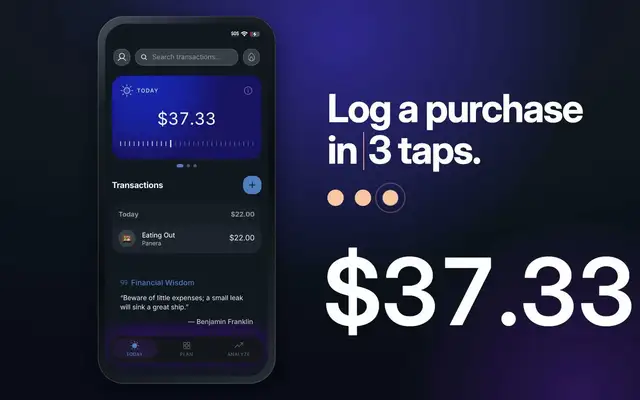
Video Shotcraft keeps one number on screen from $3,200 to $15.33, labels it honestly as income, and syncs the three taps to the real recording with progress dots. It was the most expensive run, about $8.60, partly because a reviewer agent checked its work.
Motion Video Kit
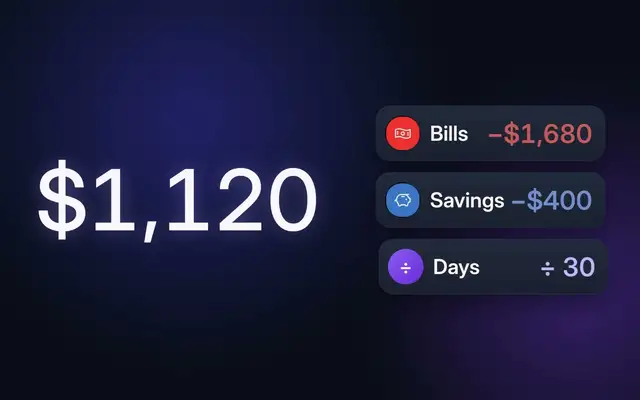
Motion Video Kit explains the math most clearly: chips for bills, savings and ÷ 30 days stack beside the number as it falls to $37.33, and the purchase is typed in close-up. It took the longest, 44 minutes, because two critic agents sent it back for fixes.
updated 3d ago
AI Promo Video Maker
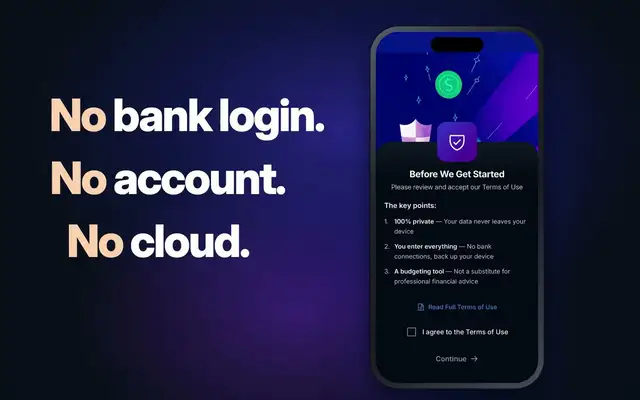
AI Promo Video Maker rolls the number down like a counter, puts ÷ 30 days in a pill, and is the only film to use the app’s own privacy screen for the "no bank login" shot. It was one of the fastest runs: 14 minutes, about $3.80.
Brand Motion Design
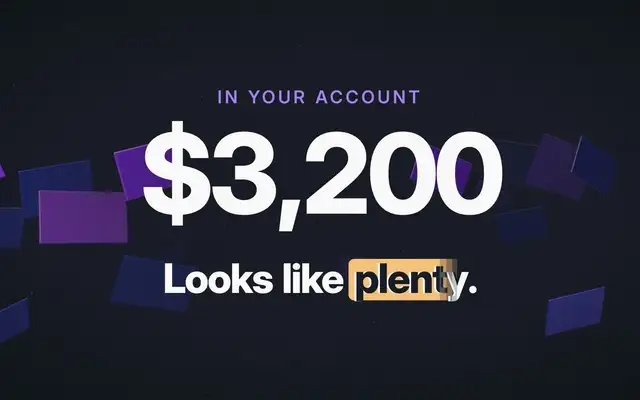
Brand Motion Design made the most striking film in the batch: floating 3D shards, digits that scramble into place and a glitch cut to a light privacy card. It looks like a professional showreel. Watch the numbers: mid-scramble frames flash amounts the app never had, and the App Store badge is small.
Also good for these
Claude Motion Design
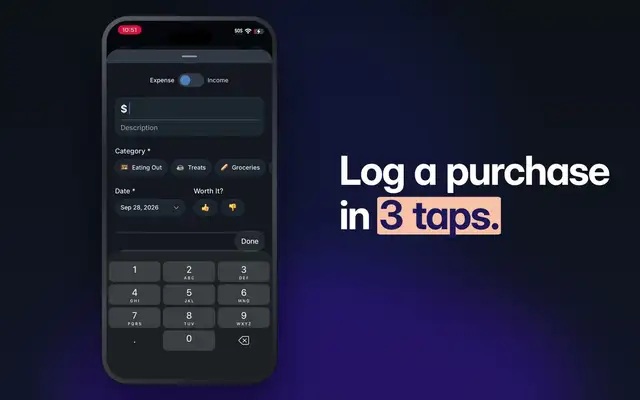
Claude Motion Design builds the film from plain HTML, with digit-scramble counters and heavy blur between shots. The story is complete and every number is right, but it looks much like the no-skill film, and the blurs hide the text for a beat at each cut.
GPT Taste (Taste Skill)
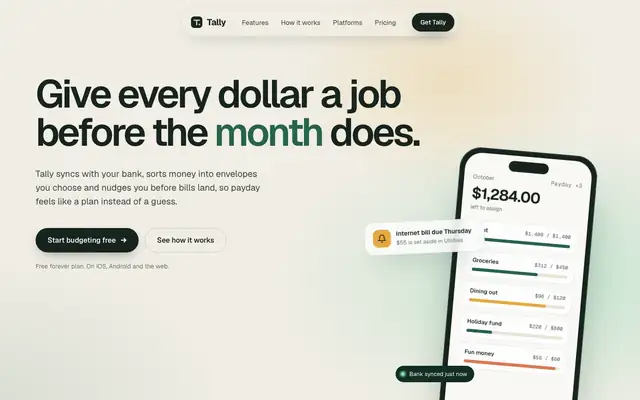
GPT Taste builds a soft, polished Tally in Geist on warm paper, with mint and amber gradients, a dark green band and a huge 'tally' wordmark in the footer. The dashboard is a clean moss-green layout. Pick it for a well-finished startup page, though the green comes straight from the default.
updated today
Apple Design (Emil Kowalski)
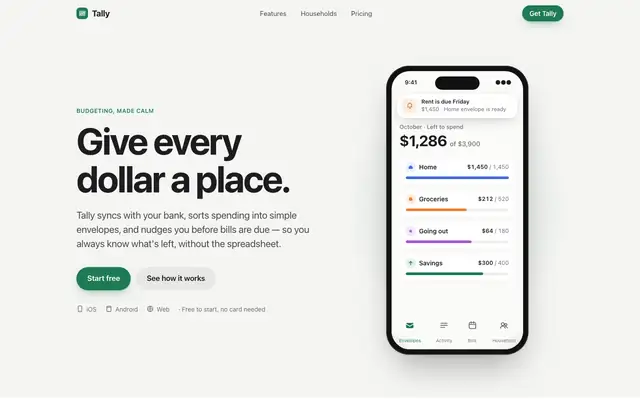
Emil Kowalski's Apple design skill goes for the iOS feel: the system font, an off-white canvas, a green accent and a drag-to-move-money demo that behaves like a native control. The dashboard switches to Inter with Apple's system colors. Pick it if motion and touch feel matter more than a bold look.
updated 6d ago
Motion Web
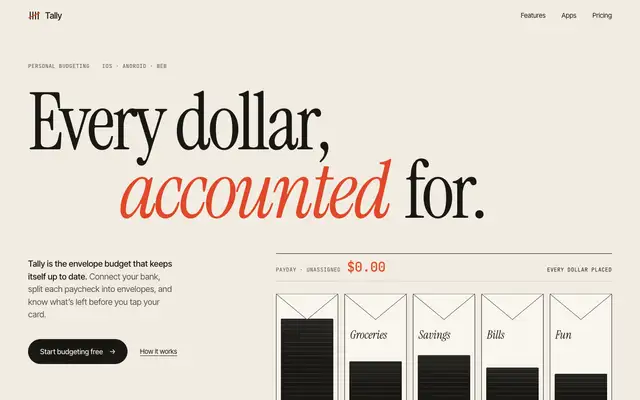
Motion Web gives Tally an editorial landing page: paper #f1ece1, a huge Instrument Serif headline with 'accounted' in vermilion italic, JetBrains Mono labels, line-drawn envelopes that fill with a sample paycheck, and a big 'iOS / Android' type band. The dashboard does not follow; it falls back to a green sidebar, Fraunces numbers and cream cards close to the default. Pick it for a motion-led landing page, and plan to restyle the app screens.
updated 32d ago