



Immersive (Awesome Design Skills)
3/5 out of 5. Read the verdictAn interactive, exhibit-style interface that mixes storytelling, animation and game elements. From bergside's Awesome Design Skills.
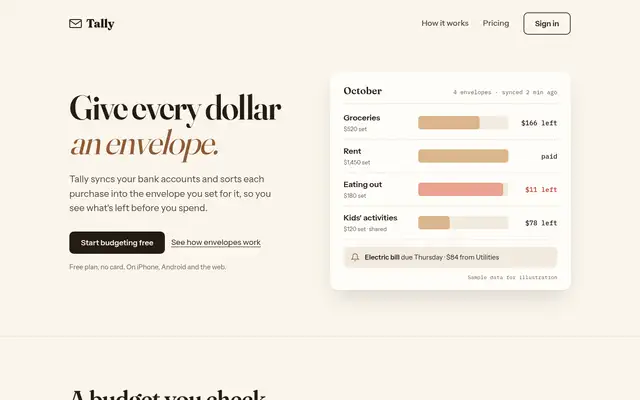
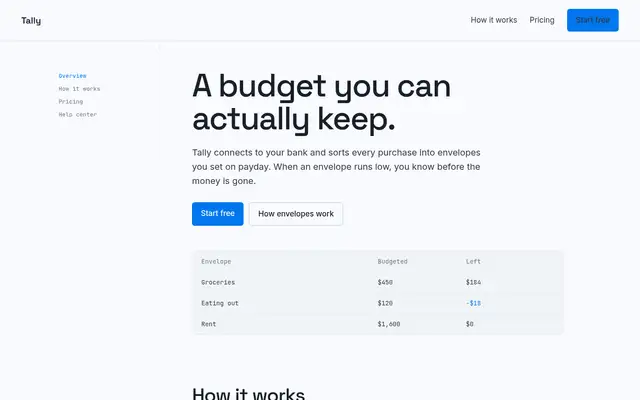
First screen only. Switch to side by side to read the full pages.
Scroll either page; the other follows.Full Immersive (Awesome Design Skills) pageFull baseline
Every skill gets the same Tally brief, alone in a clean project. How we test
Our verdict
3/5 out of 5
Passed the cut
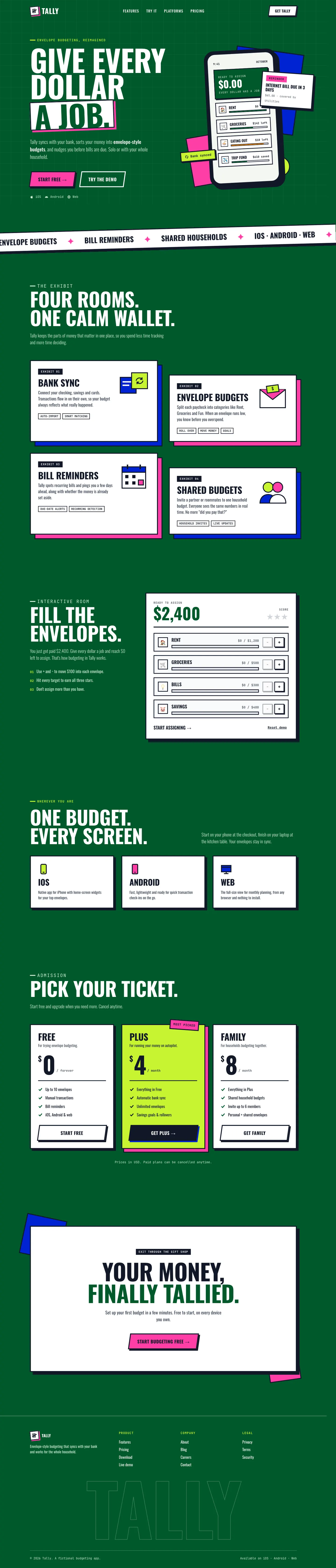
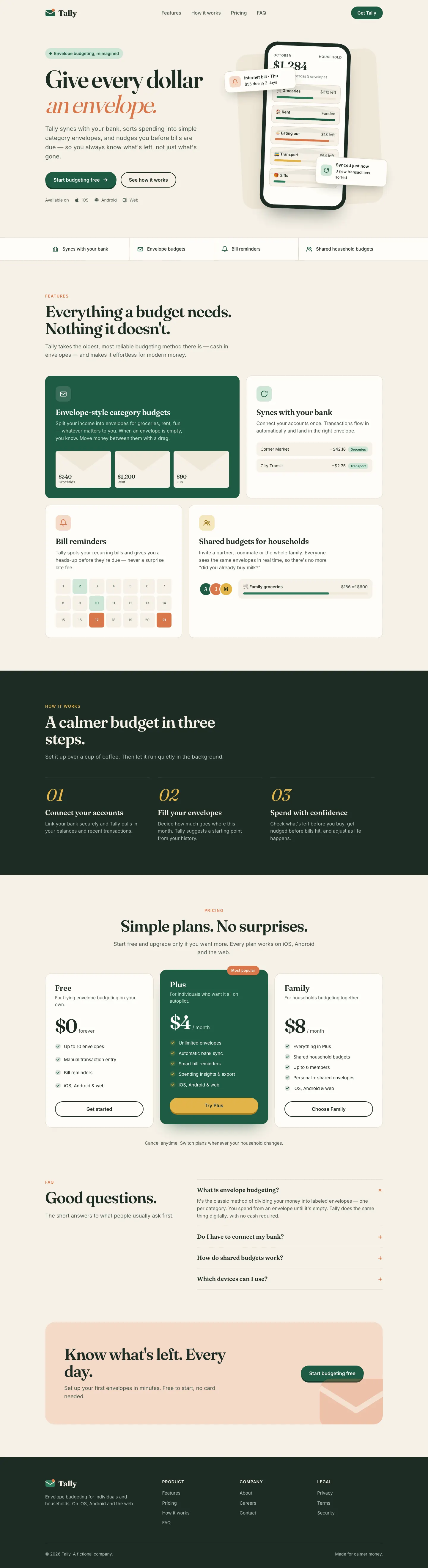
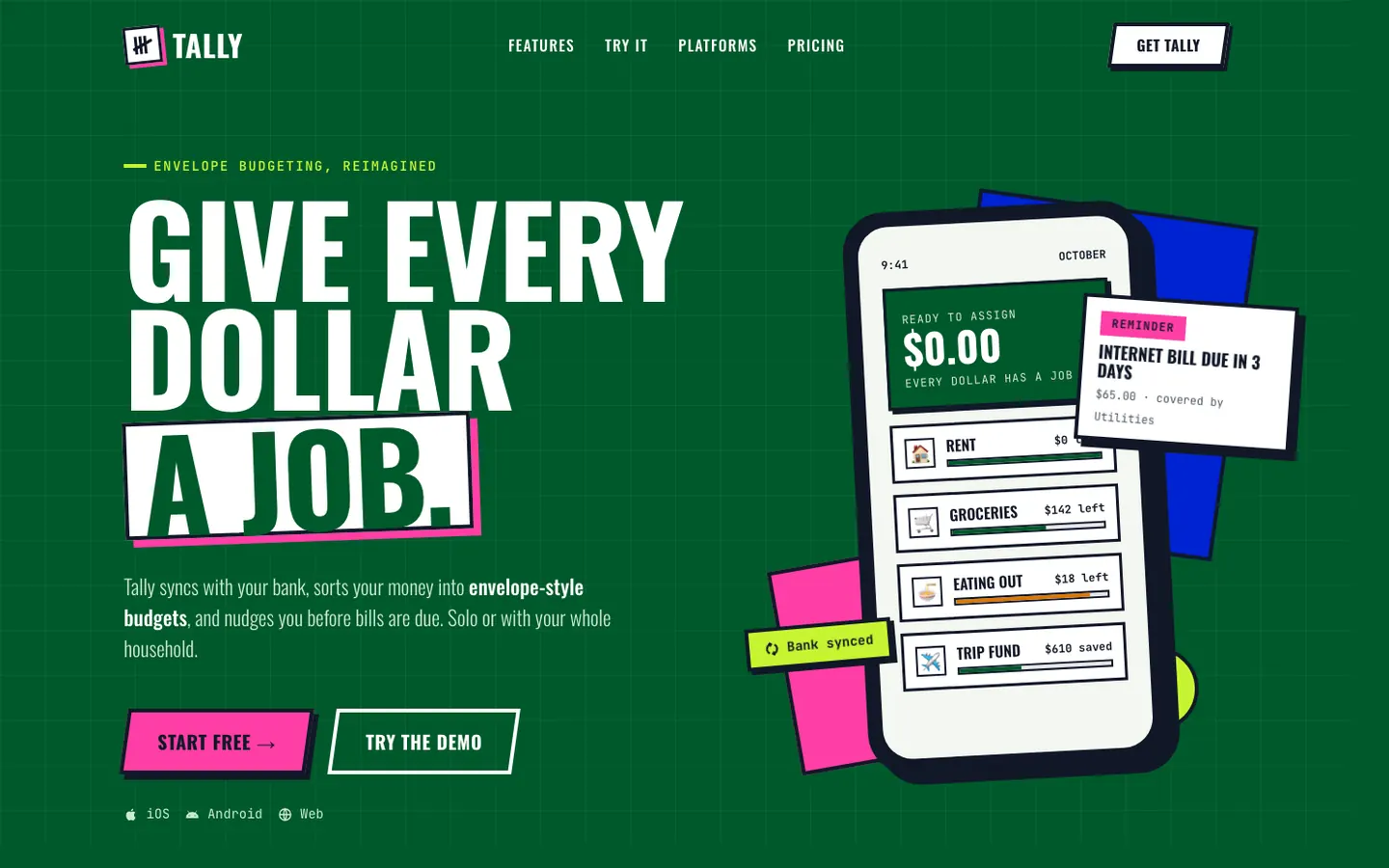
Immersive sets Tally on one deep-green canvas like a museum exhibit: white cards with thick black borders and hard shadows, cobalt and hot-pink blocks, condensed Oswald headlines and slanted arcade buttons. Features are "Exhibit 01-04" and pricing is "Pick your ticket". The dashboard keeps the same look. It is loud and distinct, but both mobile pages scroll sideways, the dashboard only a little. Pick it for playful, story-led brands.
Pick it for
- playful consumer brands
- campaign and event pages
- museum and culture sites
- gamified products
Skip it for
- serious finance or B2B
- calm brands
- dense data tools
Typography
Colors
Observations
- the exhibit and ticket copy is a gimmick that may not suit a budgeting app
- landing mobile: 431 px wide on a 390 px screen, so it scrolls sideways
- dashboard mobile: 392 px wide on a 390 px screen, so it scrolls sideways a little
Install
1 Run in your terminal
npx degit bergside/awesome-design-skills/skills/immersive#main .claude/skills/immersive2 Or paste a prompt into Claude Code, Codex, Cursor or Gemini
It tells your tool to install this from its source repository.
This install is for Claude Code only; for other agents use Copy prompt or copy the skill folder.
Copies just this skill's folder into your project's .claude/skills.
Check the source for the latest instructions.
We tested the immersive skill from this repo.
Details
- Type
- Skill
- GitHub stars
- 3,255*
- Updated
- 4mo ago
- License
- MIT
- Best for
- Visual directionLanding pages
Test runOpus 5.5Claude Code 2.1.303Oct 18, 2026generated in 6 minabout $1.24 at API pricescommit f631a09
* Stars are for the whole bergside/awesome-design-skills repository.
Made this skill?Put your score on your README, and claim this page for a link to your site. 
1. Put your score on your README
[](https://skillsfordesign.com/s/awesome-design-skills-immersive/) The badge links here. If a retest changes the score, it updates by itself.
2. Claim this page
Get a free backlink to your site.
- A followed link, not nofollow. From the page about your skill, on a site about design skills, to your portfolio, product or studio. Search engines count it.
- Your name on the page. Credited as the maker, right under the description, where every visitor sees it.
- Free. Live within a few days.
How it will look
Thanks, we have it.
We'll check the repo and email you when your name is on the listing.
Similar
Same brief, other skills
Impeccable
Impeccable drops the cream-and-serif default for a loud navy, orange and primary-color landing page set in heavy Archivo, then builds a calmer pine-and-lime dashboard. Pick it if you want a product page with real energy that still holds up on a dense screen.
updated 1d ago
Hallmark
Hallmark turns Tally into a cheerful yellow-and-pastel brand in Plus Jakarta Sans with big ghost numerals, and the dashboard matches it. The most consistent result in the set, but it took about 12 minutes per brief.
updated 2mo ago
3D Metal Material (Meng To)
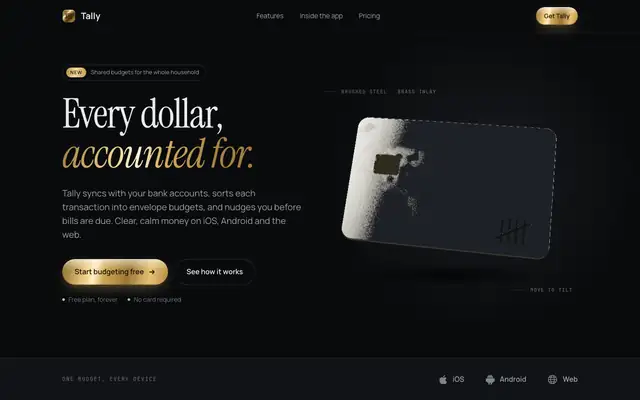
3D Metal Material gives Tally a dark studio look: Instrument Serif headlines with brass accents and a slowly tilting brushed-steel card in the hero, drawn live with WebGL. The dashboard puts the $640 on a machined steel plate and uses steel, brass and copper finishes on the bars and buttons. It feels premium and is consistent across both pages. Pick it when you want one rich 3D centerpiece on a dark product page.
updated today
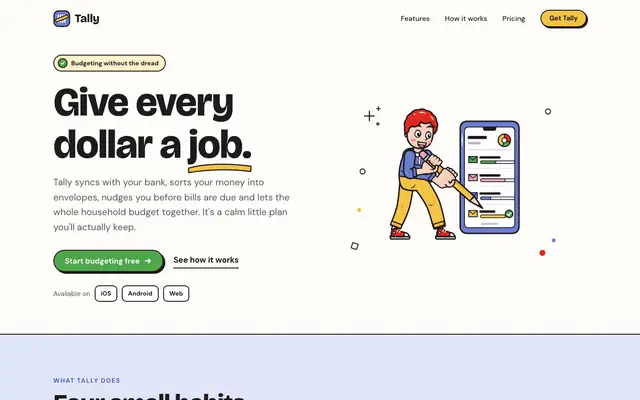
Illustration: Outlined Cartoon (Meng To)
The Outlined Cartoon skill draws its own SVG people and objects, with thick black outlines and flat yellow, periwinkle, red and green fills, and builds the whole page around them: chunky Bricolage Grotesque, hard offset shadows and sticker-like cards. The dashboard keeps the cartoon, down to a little character in the summary card. Pick it if you want a friendly, playful product that looks hand-made.
updated today
Also for these tasks
Artistic (Awesome Design Skills)
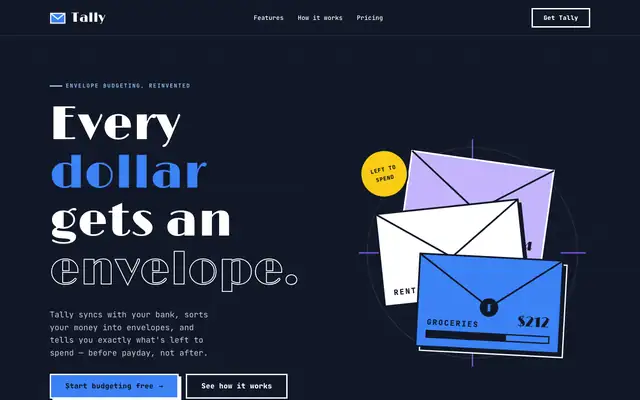
Artistic sets Tally as an Art Deco poster: Limelight display type, JetBrains Mono body text, navy and white sections and solid blue and violet blocks with hard offset shadows. The dashboard keeps the dark sidebar, thick outlines and big colored summary blocks. It has a real point of view, but the mobile dashboard scrolls sideways. Pick it for expressive, poster-like brands.
updated 4mo ago
Apple Design (Emil Kowalski)
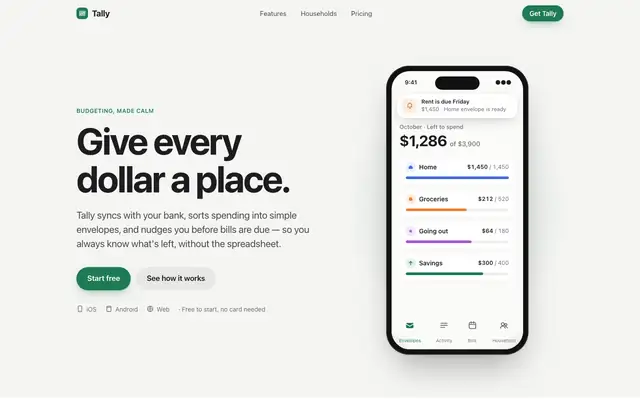
Emil Kowalski's Apple design skill goes for the iOS feel: the system font, an off-white canvas, a green accent and a drag-to-move-money demo that behaves like a native control. The dashboard switches to Inter with Apple's system colors. Pick it if motion and touch feel matter more than a bold look.
updated 6d ago
emilkowalski/skills
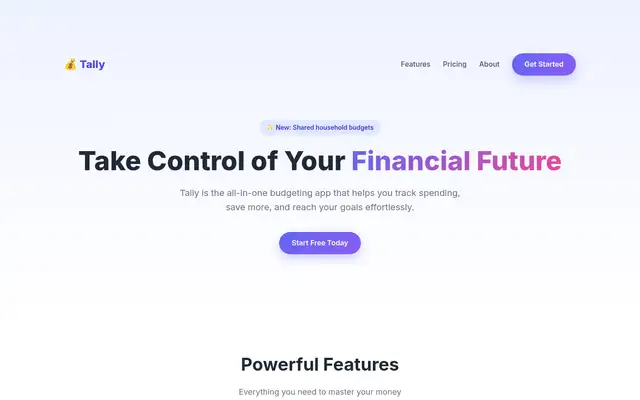
Emil's design-eng skill keeps a cream-and-forest landing page in Instrument Serif with a tilted phone, and builds a clean near-white Geist dashboard. The landing page repeats the baseline's hero overlap.
updated 6d ago
Bold (Awesome Design Skills)
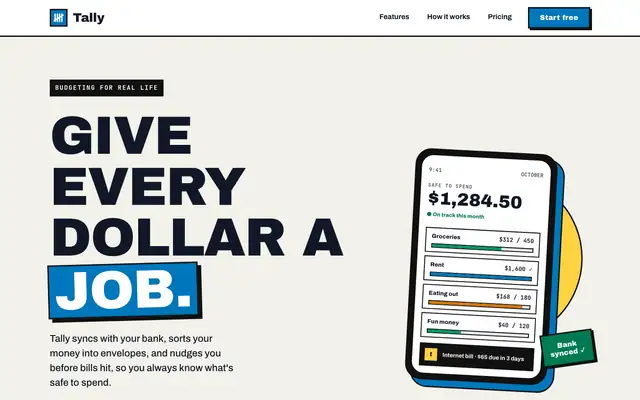
Bold gives Tally a poster: huge uppercase Archivo Black headlines, thick black borders with hard offset shadows, a blue-and-yellow accent pair and a tilted phone in the hero. The dashboard keeps the same voice with a black sidebar, a big black "spent so far" card and striped red for the over-budget envelope. Both pages read clearly and work on a phone. Pick it when you want a product page that shouts.
updated 4mo ago