Tied at 3/5 on the same brief. Pick by fit: the rows below show where each one is stronger.
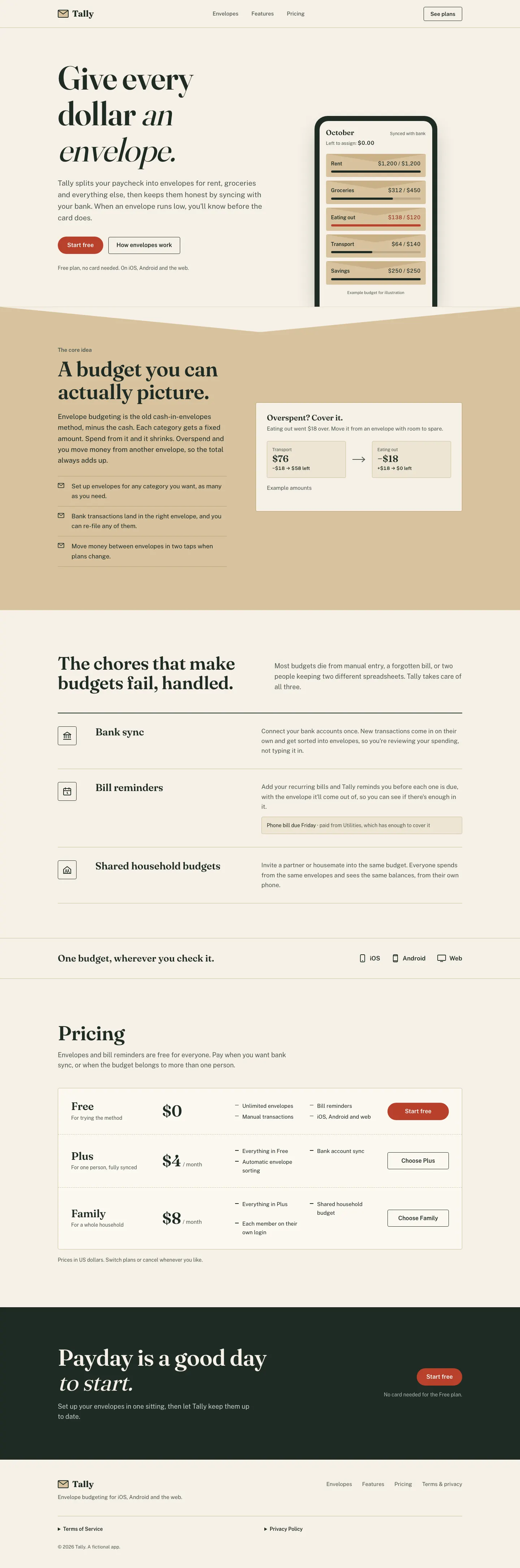
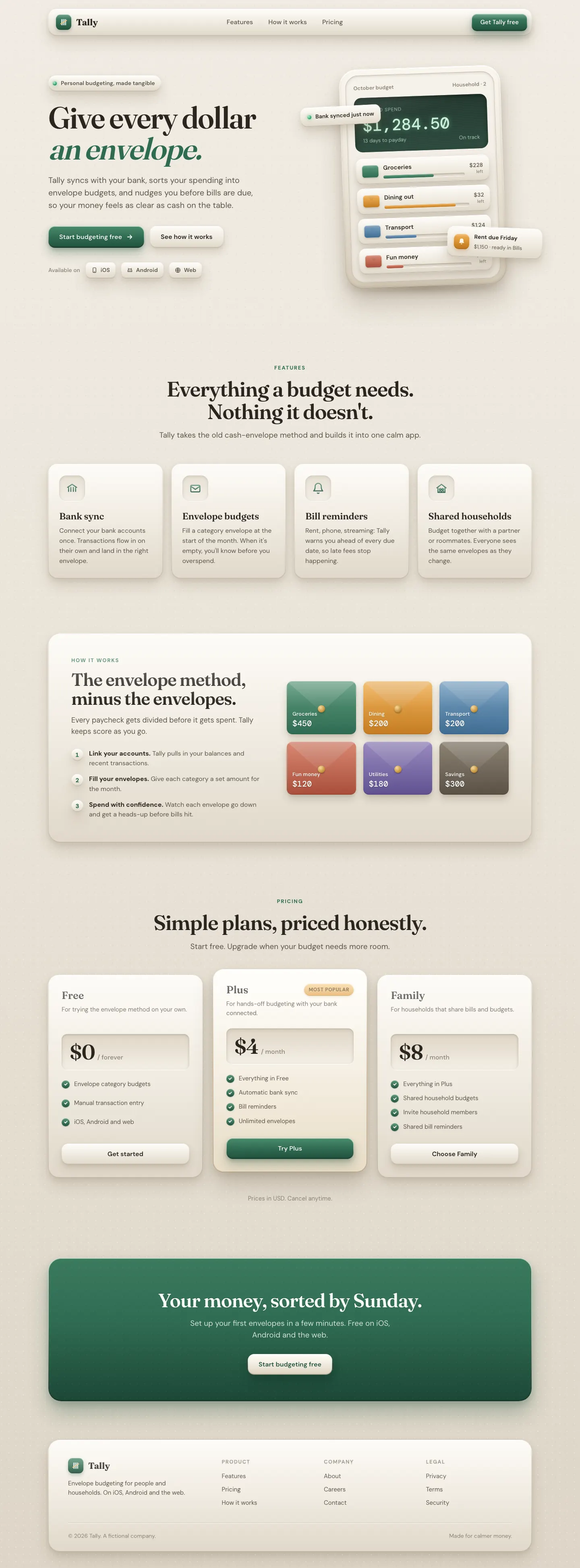
Both built the Tally landing page in the same Claude Code test, and both design the Print Romantic way: cream paper, serif headlines, nothing shouting. Both are best for: visual direction.
Antislop UI3/5
Skeuomorphic UI3/5
Antislop UISkeuomorphic UI
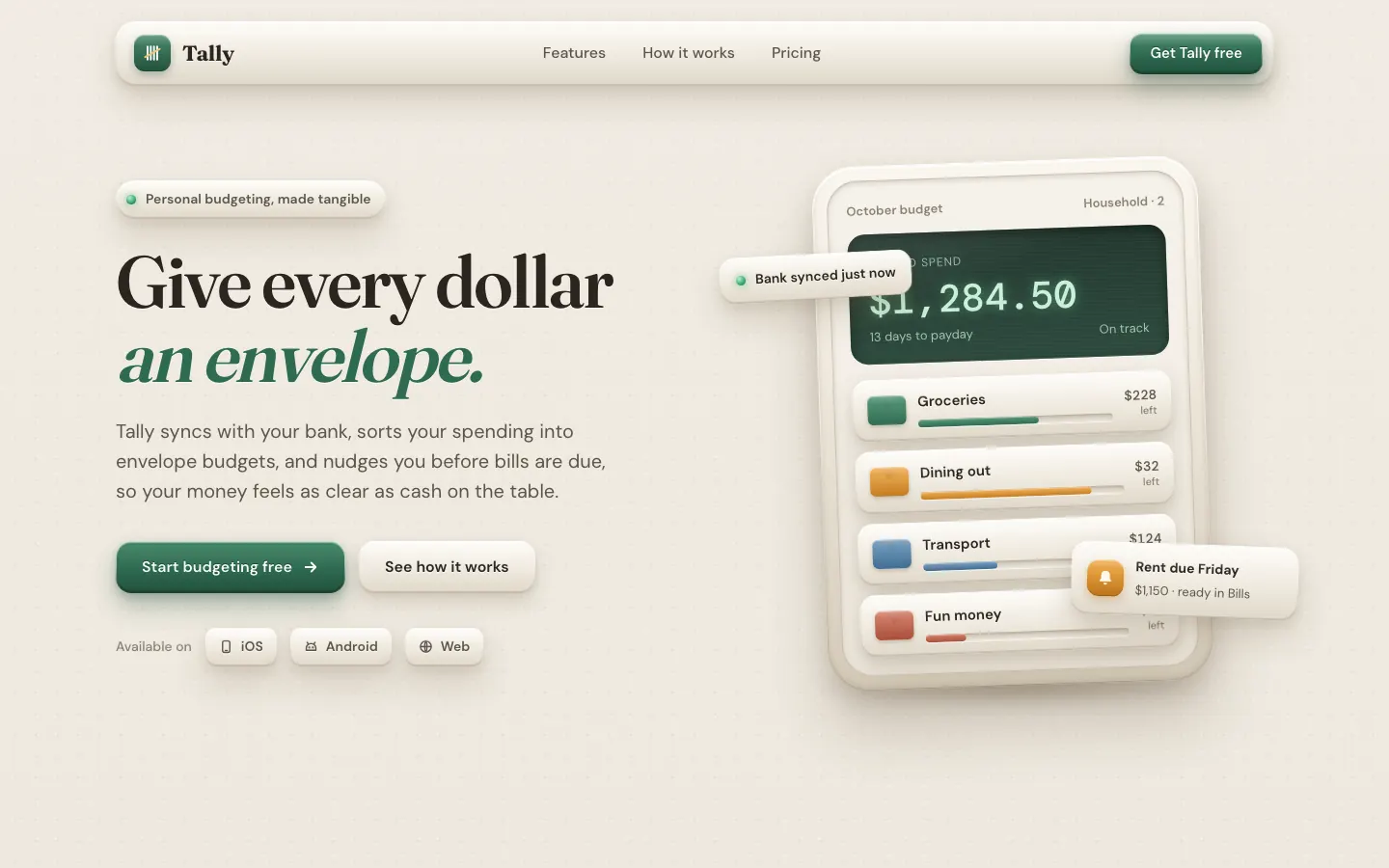
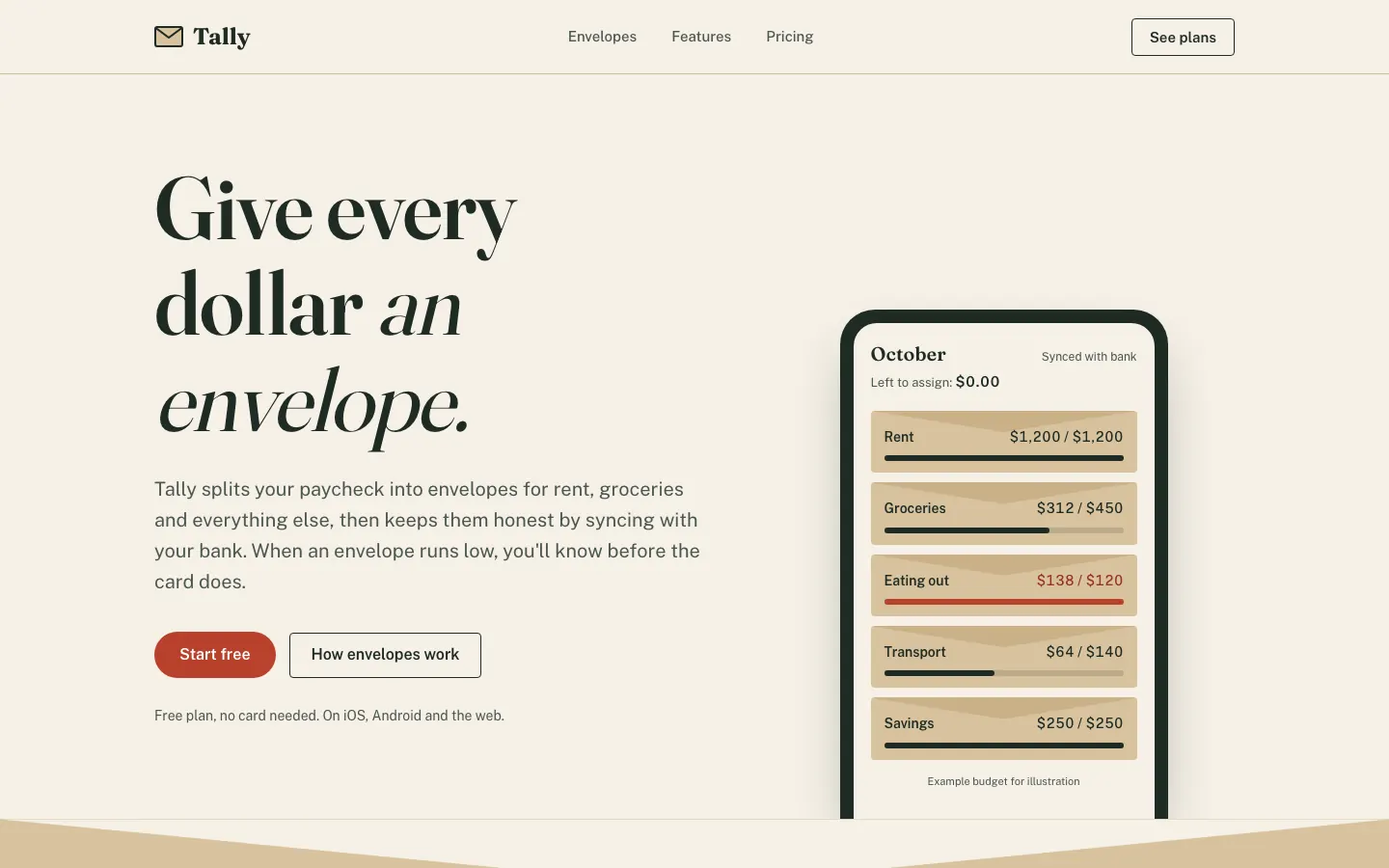
First screen only. Switch to side by side to read the full pages.
Antislop UI keeps the baseline's paper and serif but cleans it up: no overlapping hero cards, a working "assign $2,000" slider demo, honest placeholder copy and a dashboard that leads with what to do about the $640. Better made, still close to the default look.
Skeuomorphic UI gives Tally tactile beige surfaces, embossed buttons and stacked shadows, in Fraunces and DM Sans, with a Manrope dashboard. It's a real texture change from the baseline, but the green and the serif stay, and the mobile dashboard scrolls sideways. Pick it for a playful, physical feel.
Side by side
Field
Antislop UI
Skeuomorphic UI (Meng To)
Fonts
Fraunces
Instrument Sans
Public Sans (dashboard)
Fraunces (landing)
DM Sans (landing)
DM Mono (landing)
Manrope (dashboard)
JetBrains Mono (dashboard)
Colors
#F6F1E7 paper (same as baseline)
#1F3A2E ink green
#C8452F stamp red
dashboard #1F6B4F green
#A93F26 over budget
#ebe5da beige
#2b2620 ink
#2f6b52 green
#d9902f amber
#c4644f rose
#4f7fa6 sky
Pick it for
personal finance
small consumer SaaS
early-stage products that need honest copy
playful consumer apps
hardware-style controls
retro and nostalgic brands
calculators and widgets
Skip it for
brands that need to look unlike other AI-made pages
dark-first apps
dense pro dashboards
dense data tools
minimal SaaS
accessibility-first products
Observations
palette and headline match the baseline ("Give every dollar an envelope." on #F6F1E7 paper)
dashboard chart: the value labels above the first two bars crowd into each other
dashboard mobile: the tab row is cut at "Set" and needs a sideways swipe to reach Settings
dashboard mobile: 696 px wide on a 390 px screen, so it scrolls sideways