Tied at 3/5 on the same brief. Pick by fit: the rows below show where each one is stronger.
Both built the Tally landing page in the same Claude Code test, and both design the Minimalist way: white space, one accent, and the confidence to leave things out. Both are best for: visual direction.
No Slop UI3/5
Sheleg Design3/5
No Slop UISheleg Design
First screen only. Switch to side by side to read the full pages.
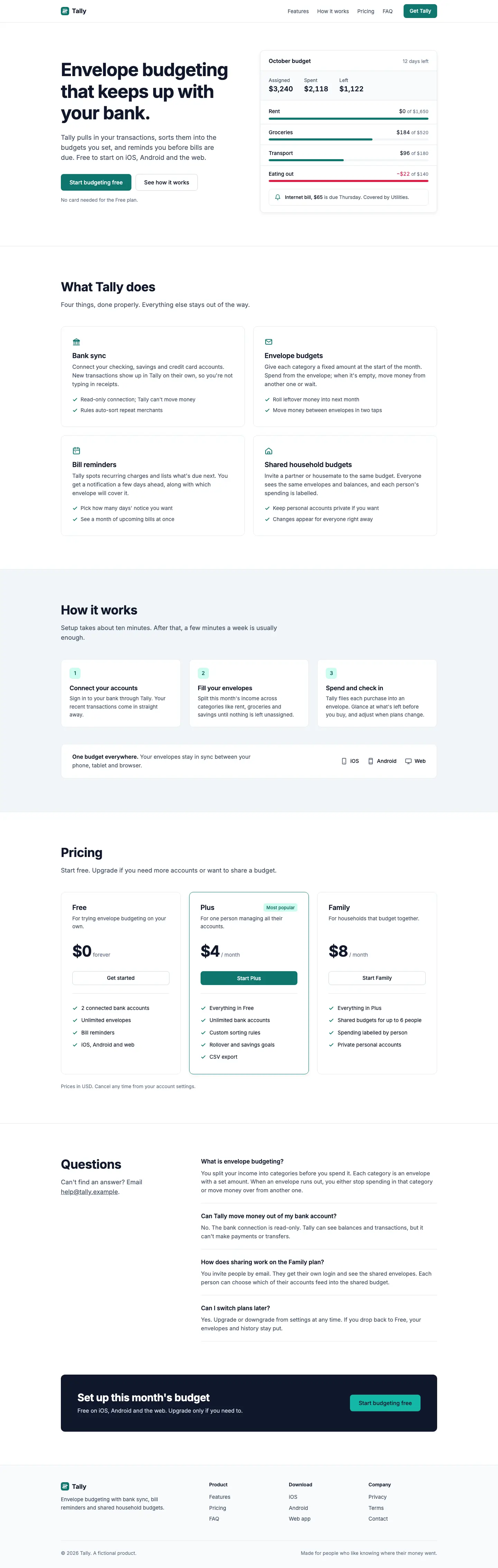
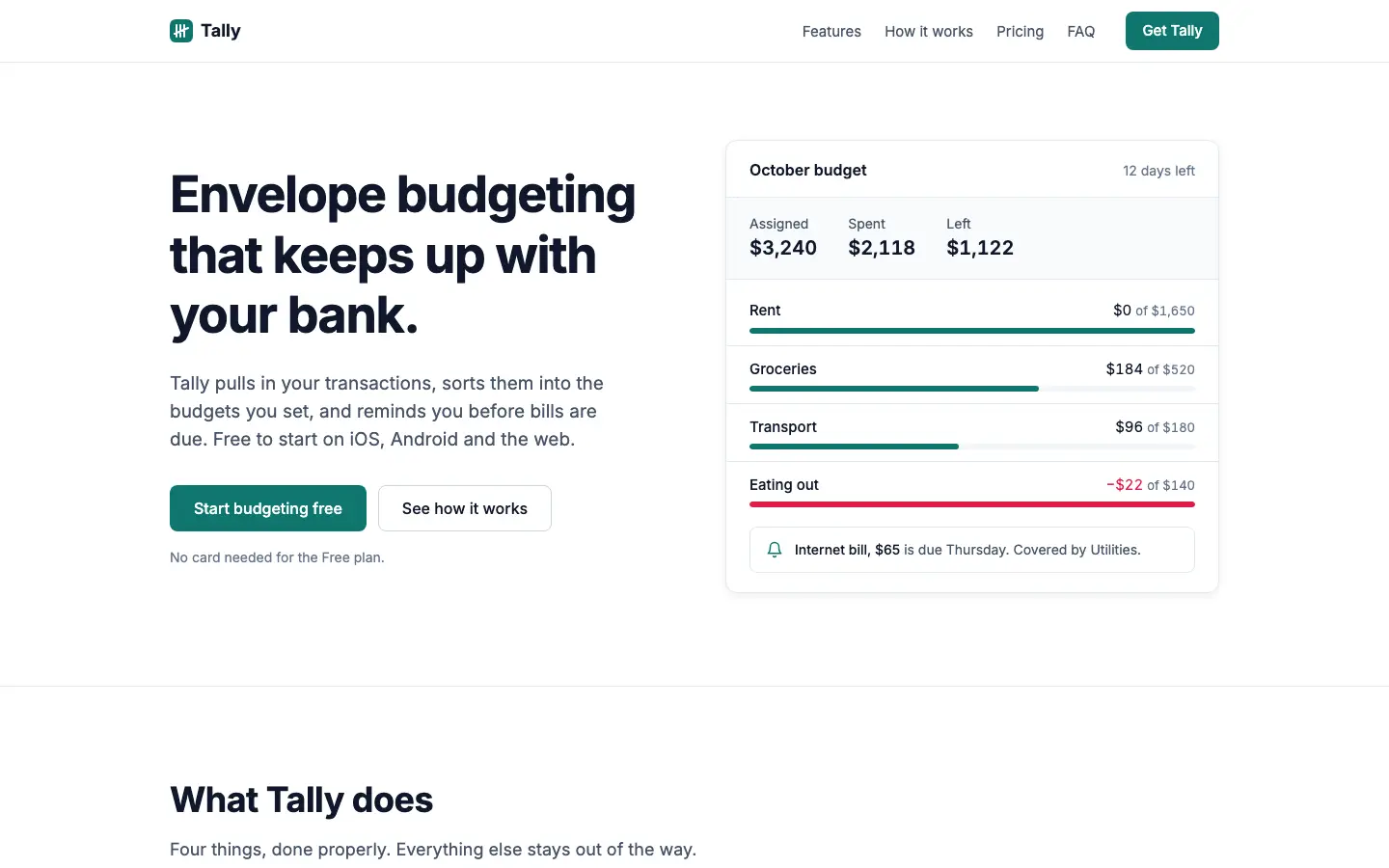
No Slop UI gives Tally a restrained, Linear-style product: Inter only, light slate #f1f5f9 and white, one teal #0f766e accent, 1px borders and small radii, with an HTML budget card instead of a phone in the hero. The dashboard matches, with a single income bar, rose only for the over-budget envelope and clean tables, and both pages work well on a phone. It is clean and far from the default, but generic: it could be any SaaS product. Pick it when you want a plain, honest interface with no decoration.
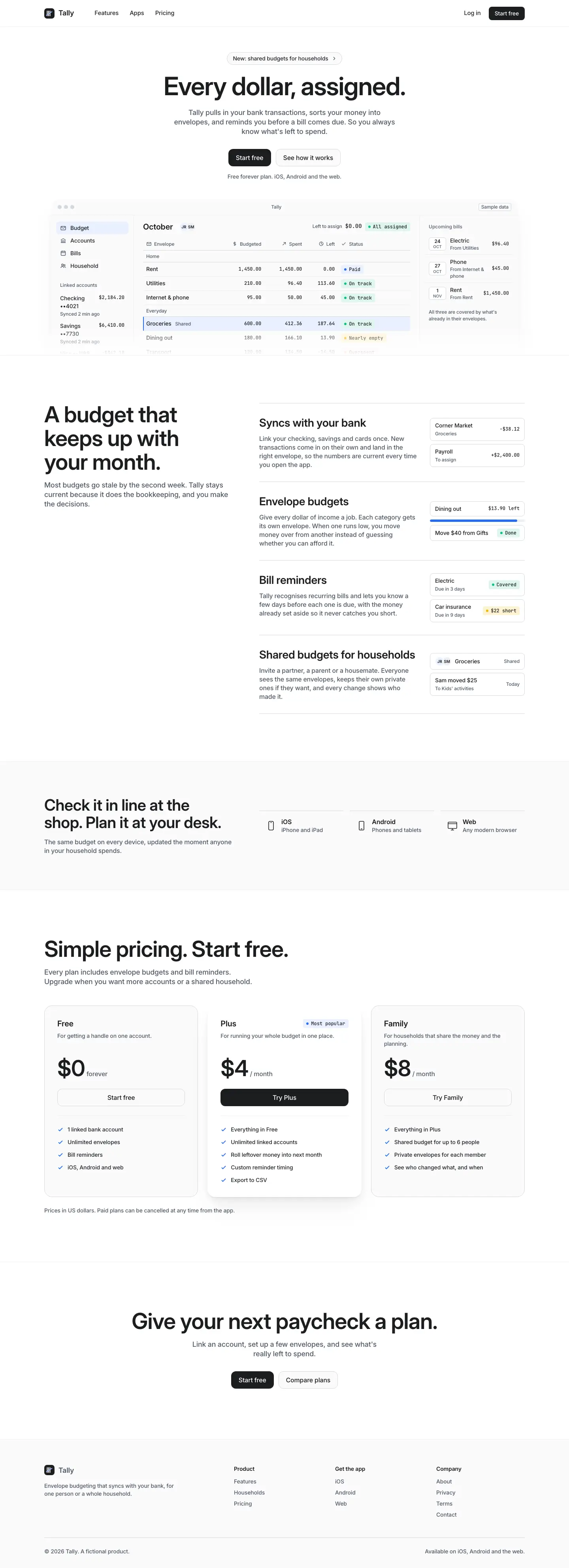
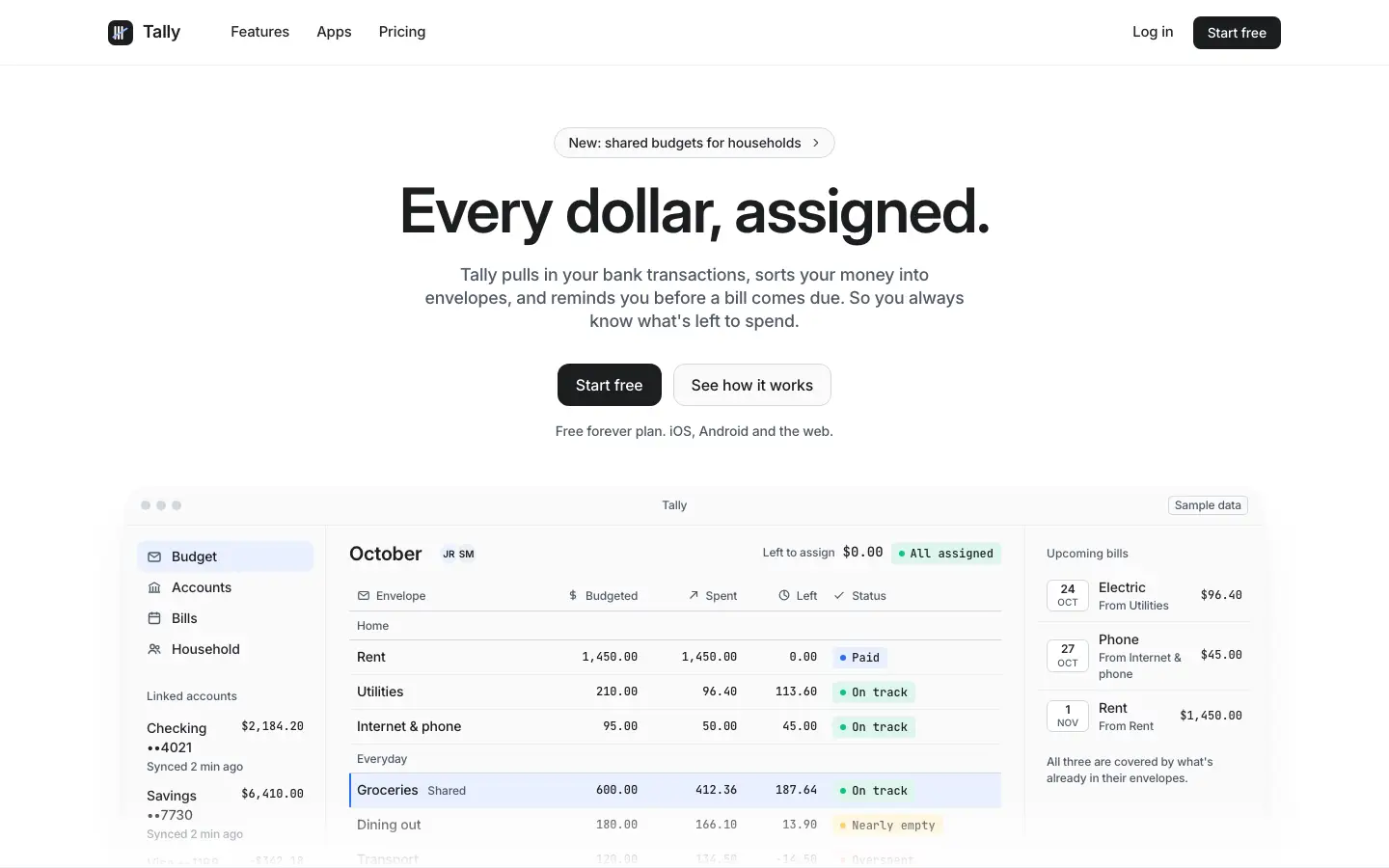
Sheleg Design gives Tally a quiet white landing page with a short centered Inter headline over a framed budget table with mono figures and status chips, then a light dashboard with hairline borders, one blue #2f6feb and pace markers on each envelope bar. Both pages are consistent, readable and work on a phone, and the dashboard is one of the more useful ones. It is well made but looks like many modern SaaS tools. Pick it for admin screens and internal tools that need to be clear rather than branded.
Side by side
Field
No Slop UI
Sheleg Design
Fonts
Inter
Inter
JetBrains Mono
Colors
#f1f5f9 slate
#ffffff white
#0f766e teal
#0f172a navy ink
#14b8a6 light teal
#e11d48 rose
#ffffff white
#1c1d1f ink
#266df0 blue
#edeff3 light grey
#0fc27b green
#d1242f red
Pick it for
saas products
internal tools
clean dashboards
saas products
admin and internal tools
data-heavy dashboards
Skip it for
brands that need personality
consumer marketing pages
warm consumer brands
editorial sites
a distinct brand look
Observations
tidy but generic, could be any SaaS site
the landing page has little visual interest below the hero
clean but close to generic modern saas
the landing page has little visual identity beyond the product table