
Technical Wireframe Info Layout draws Tally as an engineering diagram: exploded isometric wireframes, thin connector lines, JetBrains Mono labels and pure grey-on-black panels with no accent color at all. The dashboard stacks the envelopes as wireframe discs with callouts. Pick it if your product is technical and you want it to look precise and expensive.
Technical Wireframe Info Layout vs Nothing Design Skill
Meng To · Standalone skill
Tied at 4/5 on the same brief. Pick by fit: the rows below show where each one is stronger.
Both built the Tally landing page in the same Claude Code test, and both design the Engineer way: monospace, grids and labels. If it isn’t aligned, it isn’t done. Both are best for: visual direction.
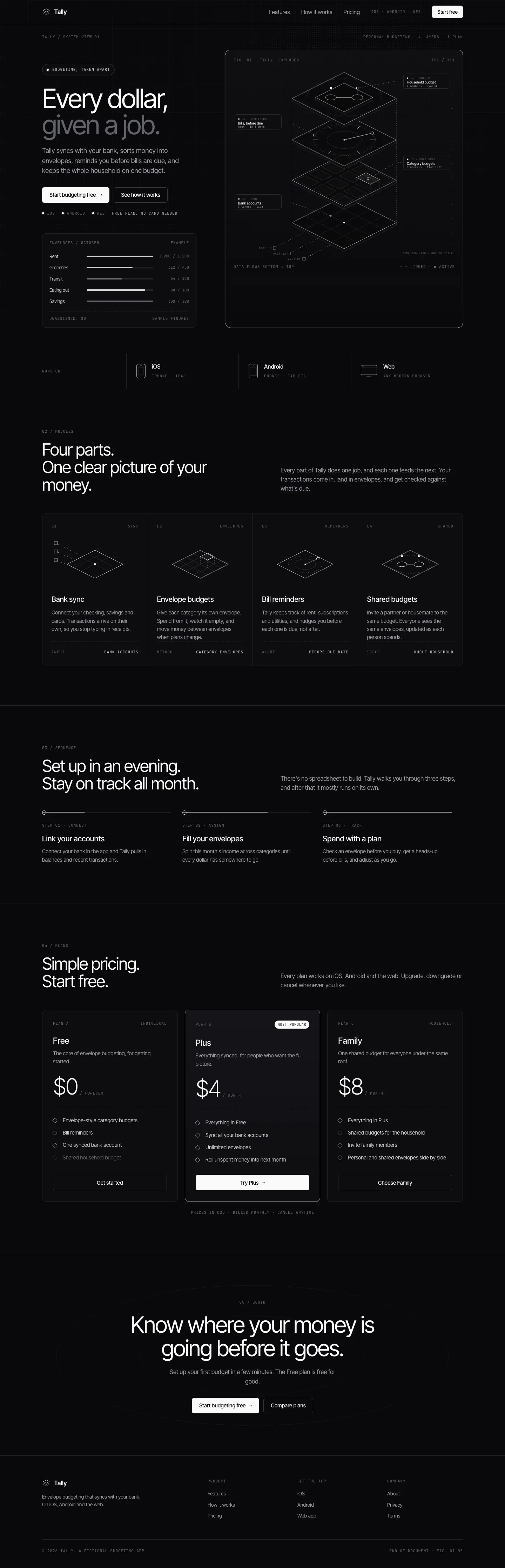
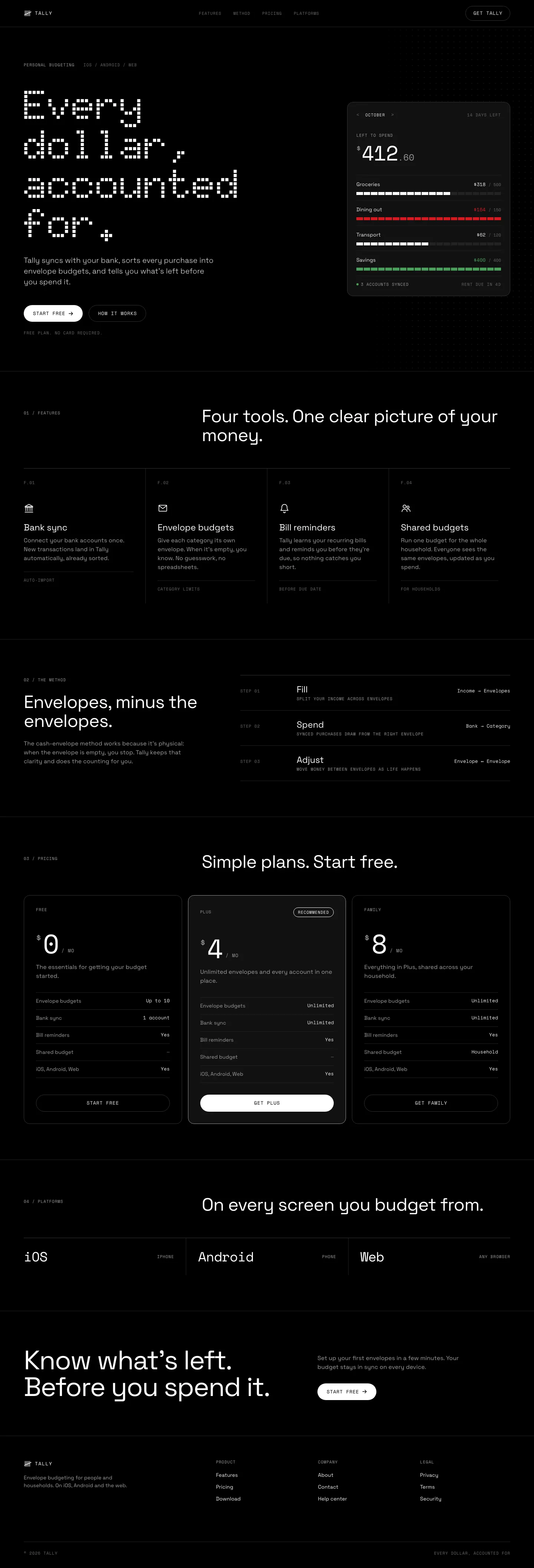
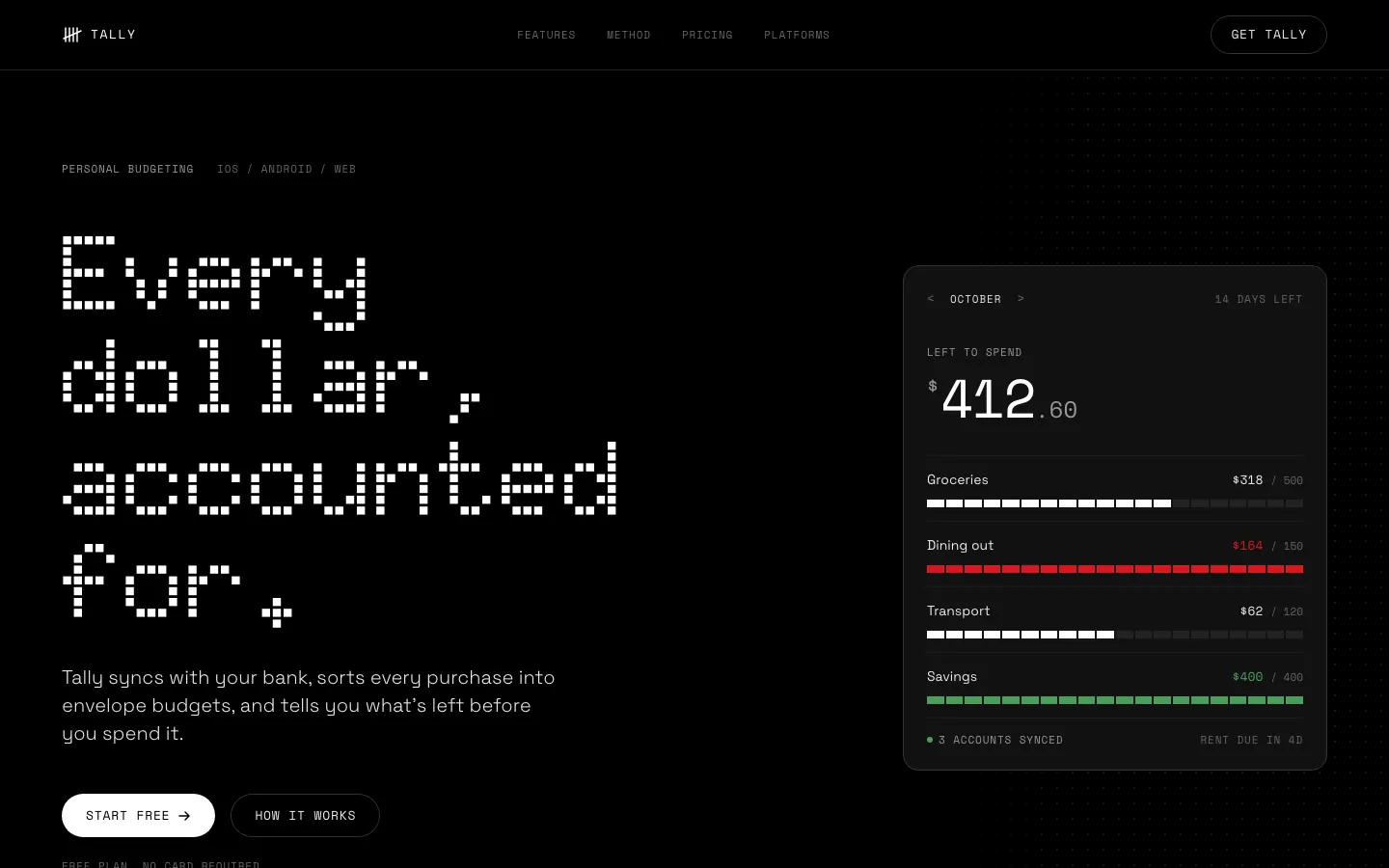
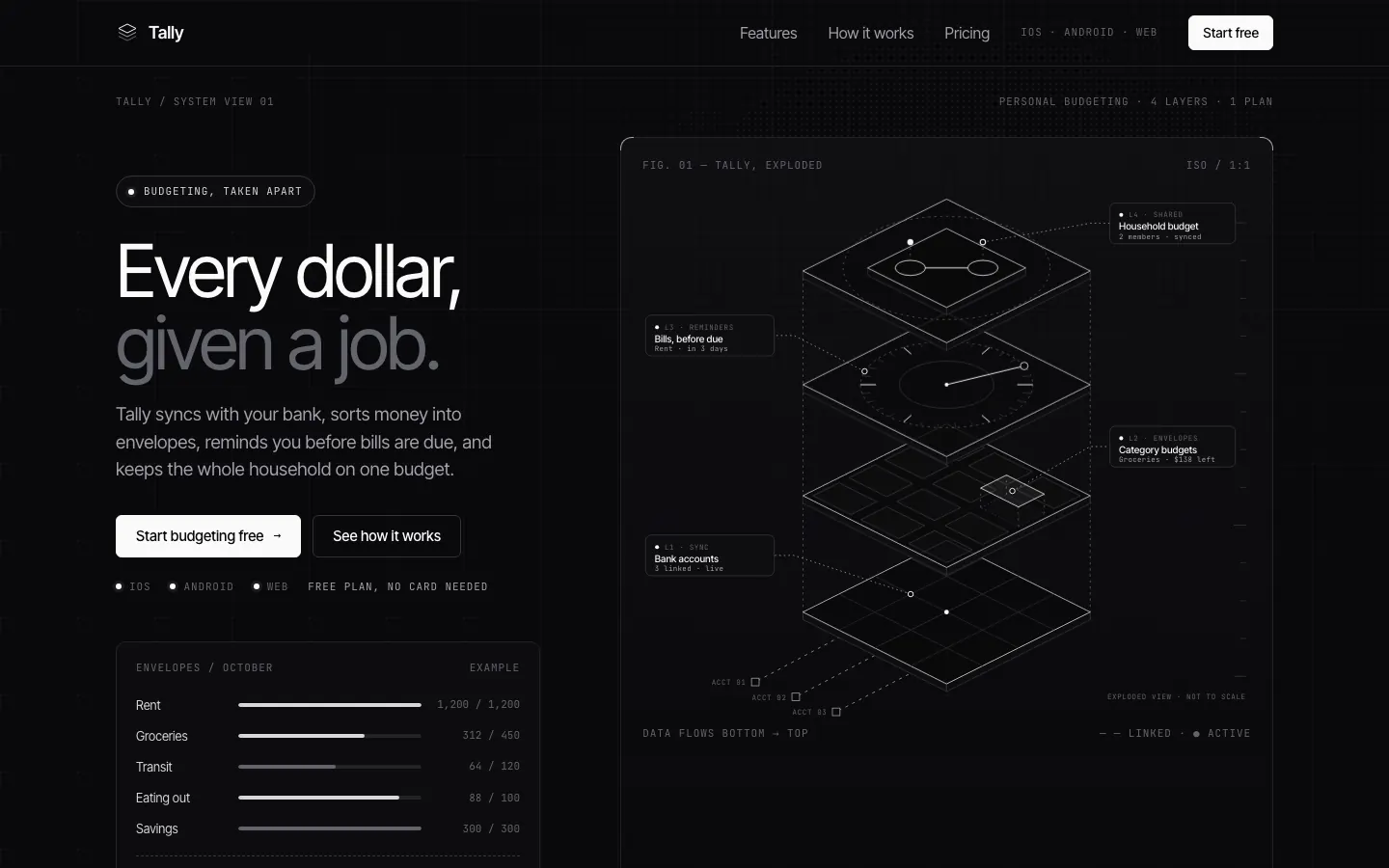
First screen only. Switch to side by side to read the full pages.
Scroll either page; the other follows.
With the skill loading properly, Nothing turns both pages into an OLED-black instrument panel with Doto dot-matrix numerals, segmented bars and one red. This time the dashboard works end to end. Small grey labels on black are the weak spot.
Side by side
| Field | Technical Wireframe Info Layout (Meng To) | Nothing Design Skill |
|---|---|---|
| Fonts |
|
|
| Colors |
|
|
| Pick it for |
|
|
| Skip it for |
|
|
| Observations |
|
|
Install Technical Wireframe Info Layout (Meng To)
1 Run in your terminal
npx degit MengTo/Skills/agent-skills/web-design/technical-wireframe-info-layout#main .claude/skills/technical-wireframe-info-layout2 Or paste a prompt into Claude Code, Codex, Cursor or Gemini
It tells your tool to install this from its source repository.
This install is for Claude Code only; for other agents use Copy prompt or copy the skill folder.
Copies just this skill's folder into your project's .claude/skills.
Check the source for the latest instructions.
Install Nothing Design Skill
1 Run in your terminal
git clone https://github.com/dominikmartn/nothing-design-skill.git
cp -r nothing-design-skill/nothing-design ~/.claude/skills/2 Or paste a prompt into Claude Code, Codex, Cursor or Gemini
It tells your tool to install this from its source repository.
This install is for Claude Code only; for other agents use Copy prompt or copy the skill folder.
Taken from the project README. Check the source for the latest instructions.