
Book Serif Index lays Tally out as an open ledger: aged paper pages inside a dark leather frame, IM Fell English and EB Garamond on the landing, Cormorant Garamond and Newsreader on the dashboard, with mono chapter numbers and an oxblood accent. The dashboard reads like a page of accounts, drop cap included. It is the most committed idea in this batch. Pick it for products that want warmth, history or craft.
Book Serif Index vs Illustration: Vintage Emblem
Meng To · Meng To
Tied at 4/5 on the same brief. Pick by fit: the rows below show where each one is stronger.
Both built the Tally landing page in the same Claude Code test, and both design the Print Romantic way: cream paper, serif headlines, nothing shouting. Both are best for: visual direction.
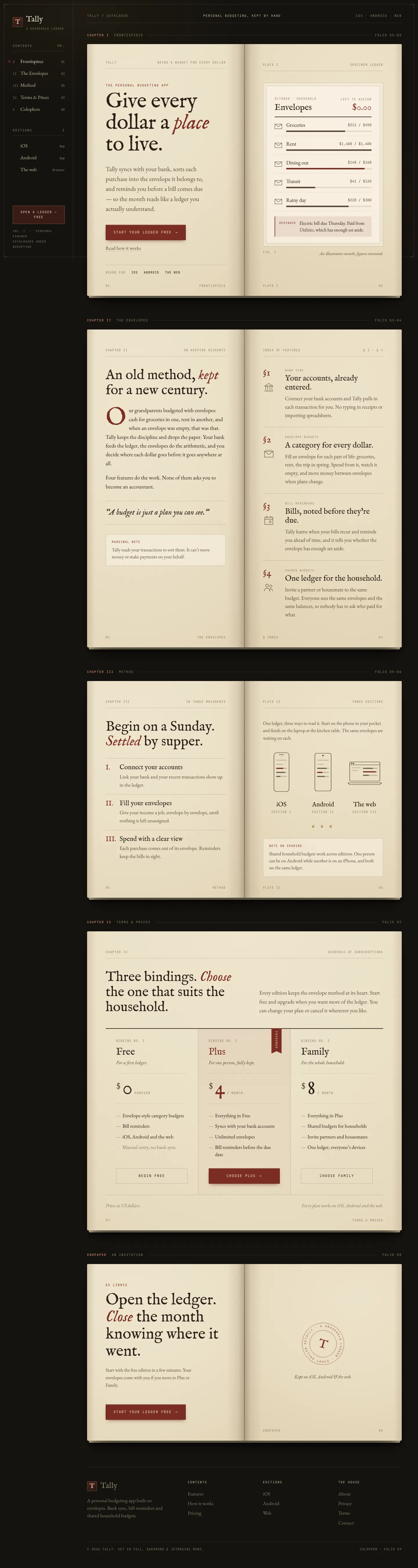
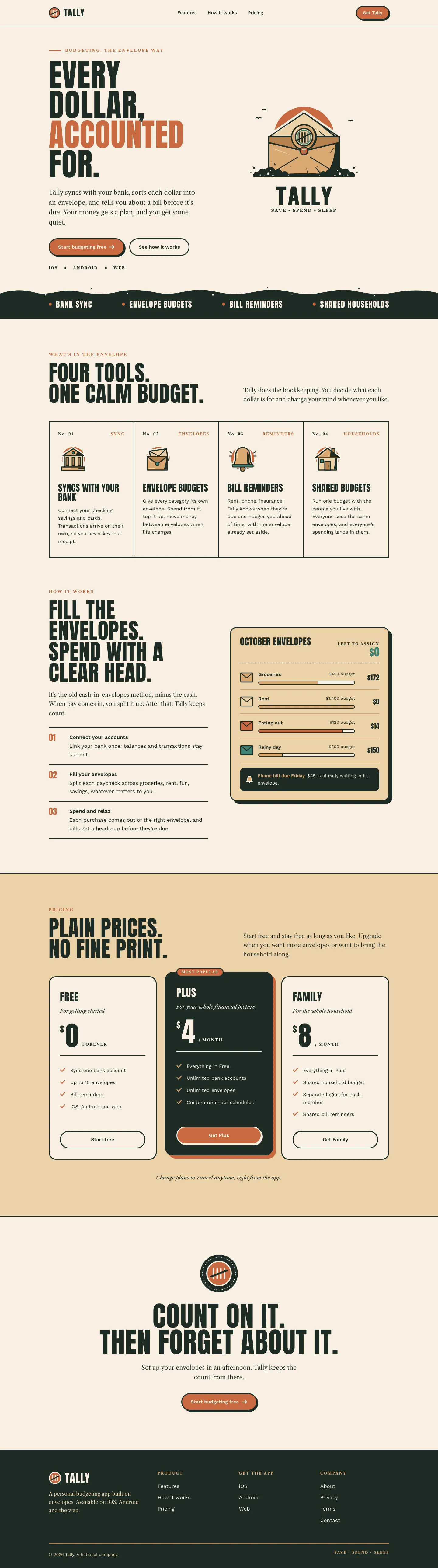
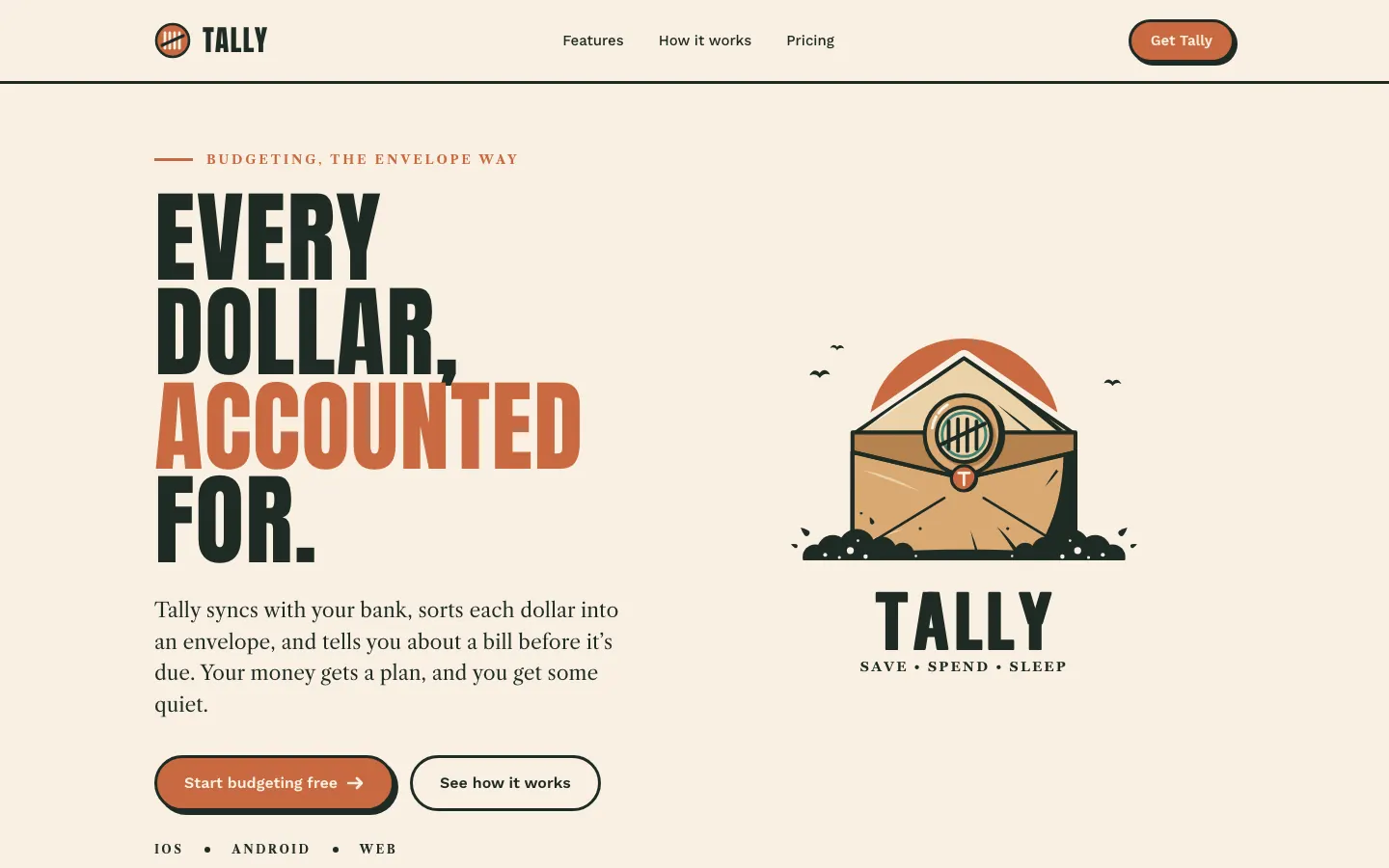
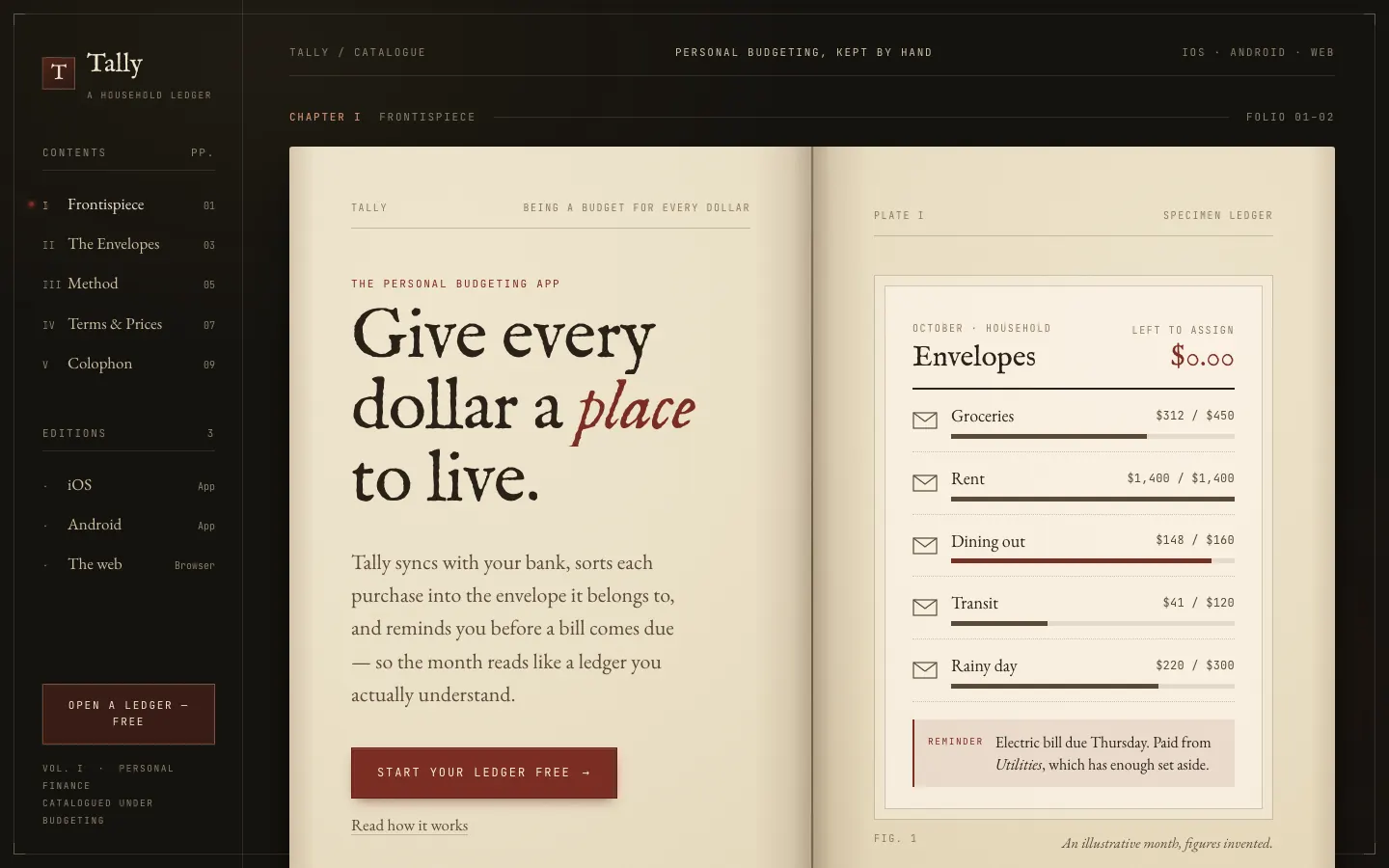
First screen only. Switch to side by side to read the full pages.
Scroll either page; the other follows.
The Vintage Emblem skill gives Tally a heritage badge, a sealed envelope inside a stamped emblem, and builds a print-shop brand around it: Anton capitals, Libre Caslon text, cream stock, deep forest ink and terracotta. The dashboard wears the same badge and colors, with Oswald headings. Pick it for brands that want craft, trust and a little nostalgia.
Side by side
| Field | Book Serif Index (Meng To) | Illustration: Vintage Emblem (Meng To) |
|---|---|---|
| Fonts |
|
|
| Colors |
|
|
| Pick it for |
|
|
| Skip it for |
|
|
| Observations |
|
|
Install Book Serif Index (Meng To)
1 Run in your terminal
npx degit MengTo/Skills/agent-skills/web-design/book-serif-index#main .claude/skills/book-serif-index2 Or paste a prompt into Claude Code, Codex, Cursor or Gemini
It tells your tool to install this from its source repository.
This install is for Claude Code only; for other agents use Copy prompt or copy the skill folder.
Copies just this skill's folder into your project's .claude/skills.
Check the source for the latest instructions.
Install Illustration: Vintage Emblem (Meng To)
1 Run in your terminal
npx degit MengTo/Skills/agent-skills/illustration/illustration-vintage-emblem#main .claude/skills/illustration-vintage-emblem2 Or paste a prompt into Claude Code, Codex, Cursor or Gemini
It tells your tool to install this from its source repository.
This install is for Claude Code only; for other agents use Copy prompt or copy the skill folder.
Copies just this skill's folder into your project's .claude/skills.
Check the source for the latest instructions.