Interface Design
3/5
Interface Design gives the default a ledger-and-pencil feel with Newsreader and IBM Plex Mono, and adds envelope icons to the dashboard. It's careful work, but you'd still take it for the baseline at a glance.
 Skills for Design
 Tied at 3/5 on the same brief. Pick by fit: the rows below show where each one is stronger.
Both built the Tally landing page in the same Claude Code test, and both design the Print Romantic way: cream paper, serif headlines, nothing shouting. Both are best for: visual direction, landing pages.
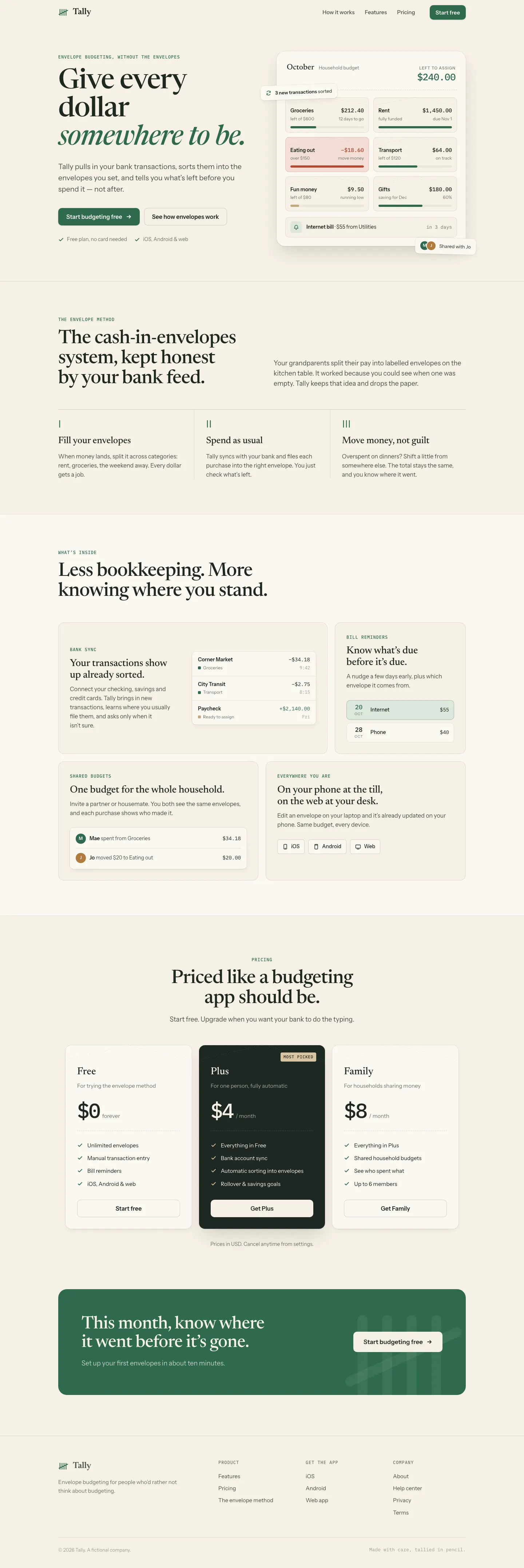
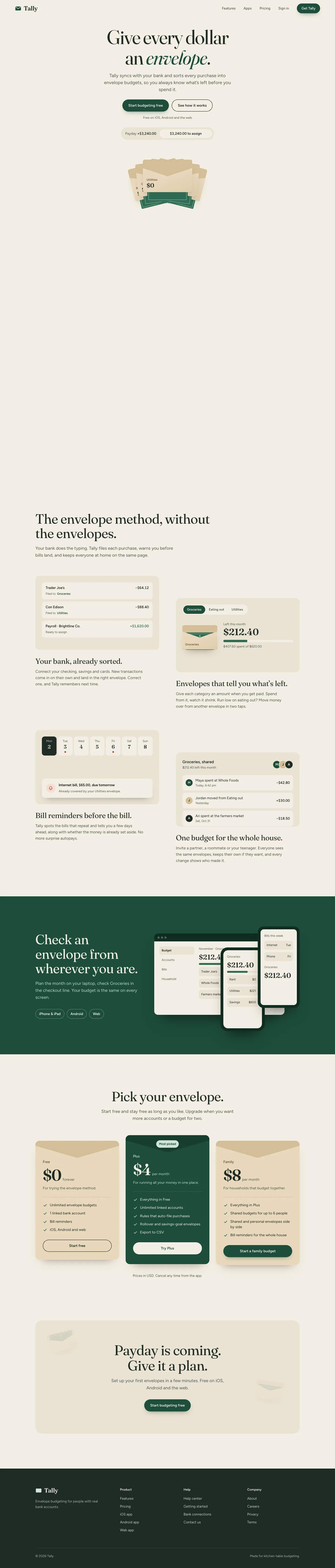
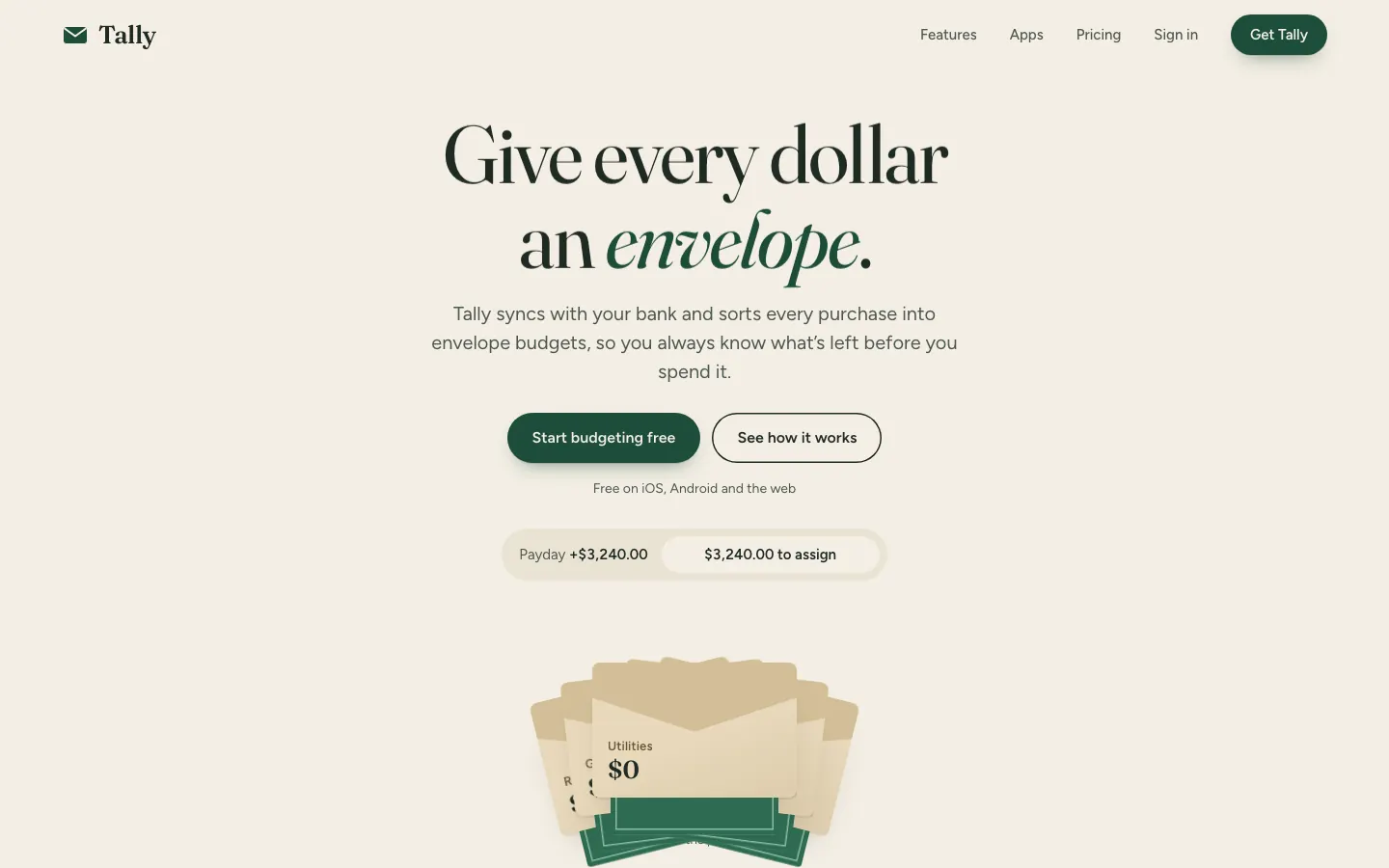
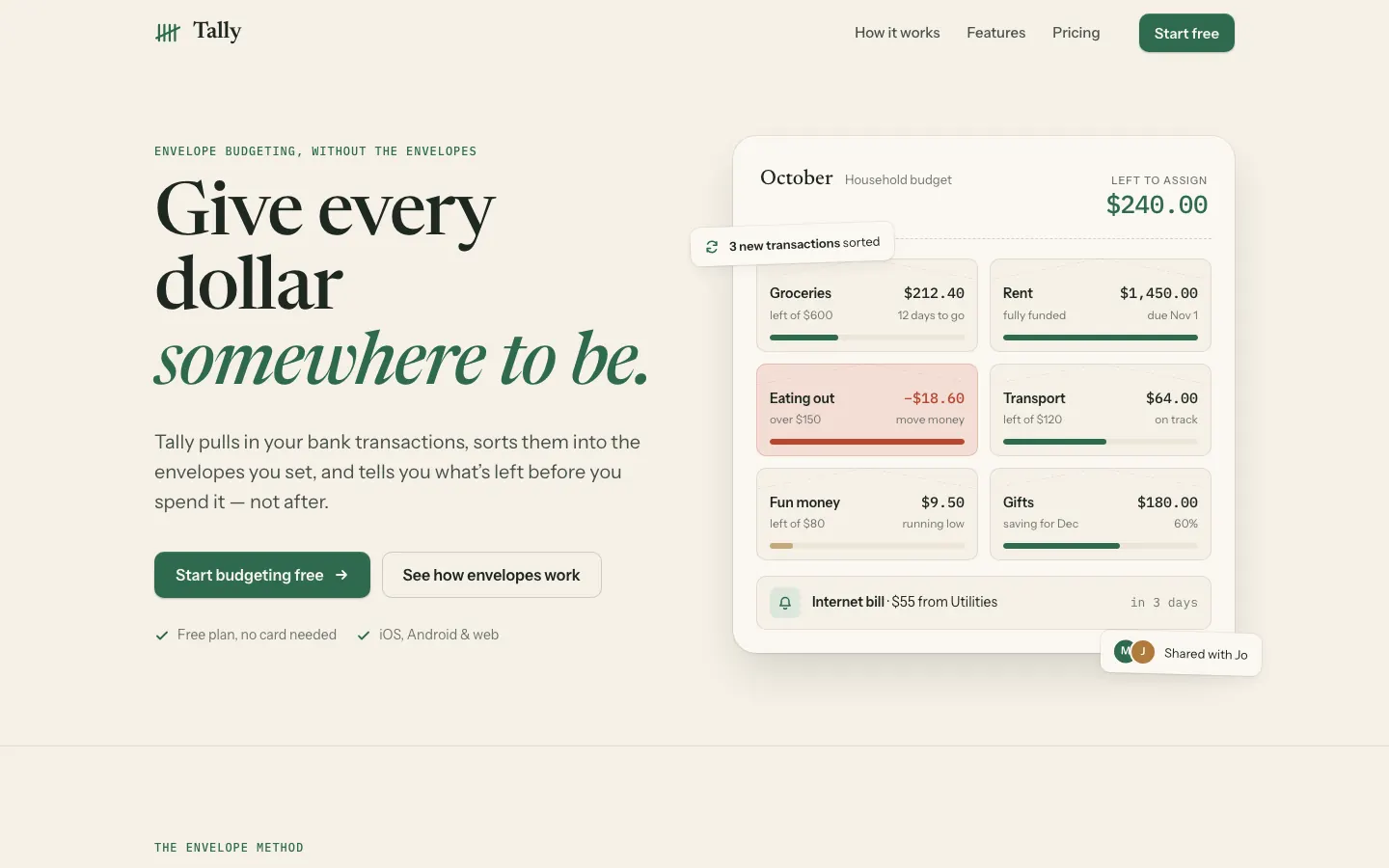
First screen only. Switch to side by side to read the full pages.
Scroll either page; the other follows.
3/5
Interface Design gives the default a ledger-and-pencil feel with Newsreader and IBM Plex Mono, and adds envelope icons to the dashboard. It's careful work, but you'd still take it for the baseline at a glance.
3/5
Loaded at last, oil-ui spent longest of the five (7.5 min on the landing page) sketching three hero ideas and built a polished kitchen-table envelope page: fanned envelopes that fill as you scroll and pricing drawn as envelopes. The craft is good, but the colors and type are the default's, and the mobile dashboard scrolls sideways.
| Field | Interface Design | Oil UI |
|---|---|---|
| Fonts |
|
|
| Colors |
|
|
| Pick it for |
|
|
| Skip it for |
|
|
| Observations |
|
|
1 Run in your terminal
npx degit dammyjay93/interface-design/.claude/skills/interface-design#main .claude/skills/interface-design2 Or paste a prompt into Claude Code, Codex, Cursor or Gemini
It tells your tool to install this from its source repository.
This install is for Claude Code only; for other agents use Copy prompt or copy the skill folder.
Taken from the project README. Check the source for the latest instructions.
1 Run in your terminal
npx skills add oil-oil/oil-ui2 Or paste a prompt into Claude Code, Codex, Cursor or Gemini
It tells your tool to install this from its source repository.
Taken from the project README. Check the source for the latest instructions.