
Big Pics, Little Words makes Tally all pictures: large flat illustrations drawn in code, a few words per section, warm paper colors and tomato and mustard accents. The dashboard leads with a dark card and a huge "$640 left to budget", and each envelope is a jar that fills up. It is a real idea, though the paper and dark-green palette are close to the default. The skill is meant to be called by hand, and in our runs it was loaded by reading its file. Pick it when you want visuals to carry the message.
Big Pics, Little Words vs Illustration: Bold Pop
Effective HTML · Meng To
Tied at 3/5 on the same brief. Pick by fit: the rows below show where each one is stronger.
Both built the Tally landing page in the same Claude Code test, and both design the Maximalist way: loud color, big type, more is more. Both are best for: visual direction.
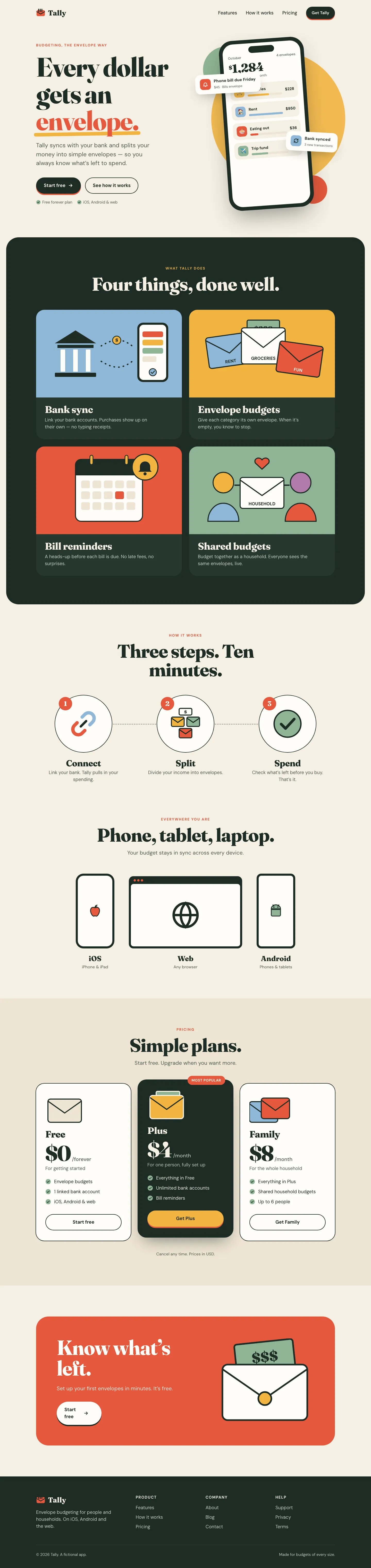
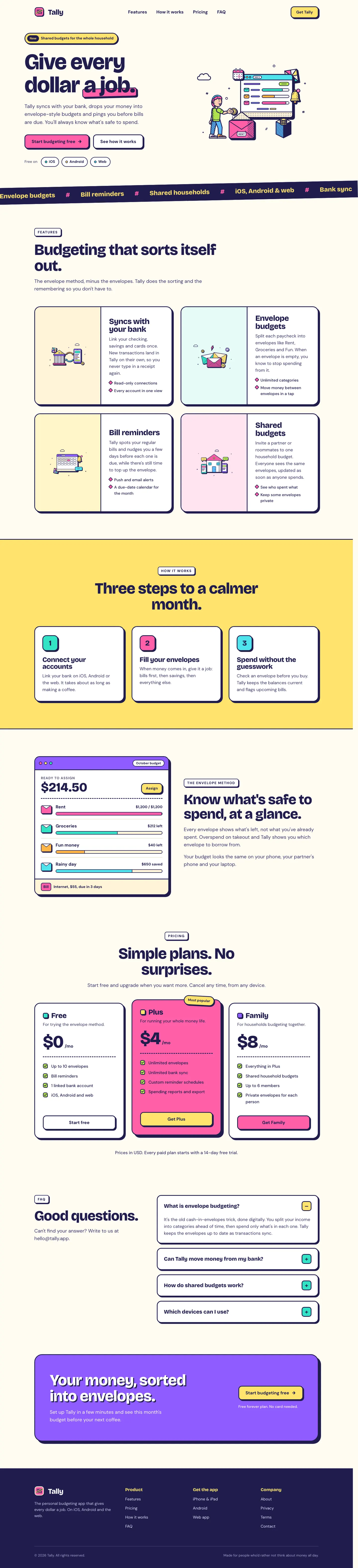
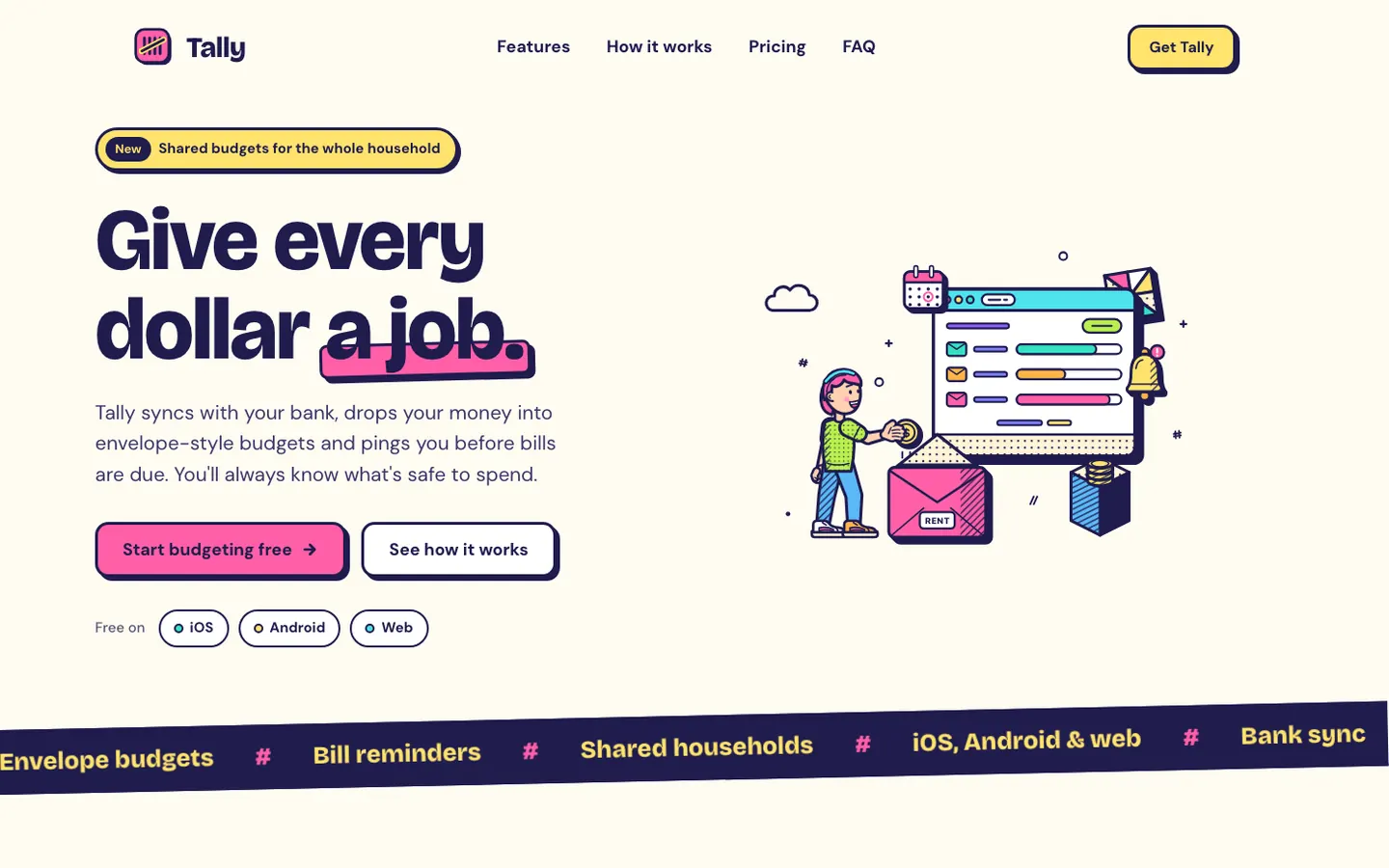
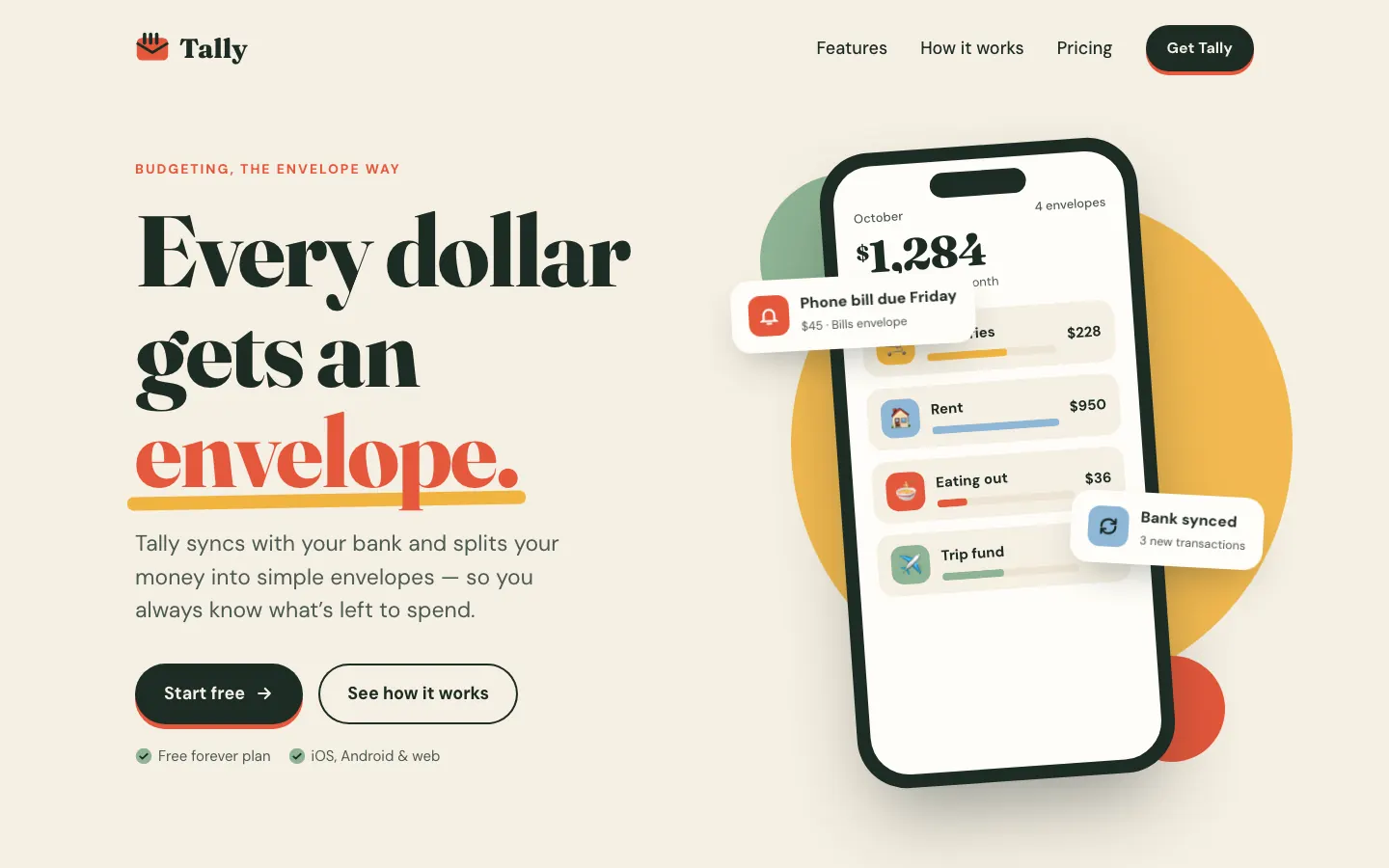
First screen only. Switch to side by side to read the full pages.
Scroll either page; the other follows.
The Bold Pop skill draws pop-art scenes in navy outline with hot pink, lemon and lime fills, and builds a loud, cheerful Tally around them: Bricolage Grotesque, thick navy borders and hard offset shadows. The dashboard keeps every bit of it. The landing scrolls sideways a little on a phone. Pick it for playful consumer brands that want to be noticed.
Side by side
| Field | Big Pics, Little Words (Effective HTML) | Illustration: Bold Pop (Meng To) |
|---|---|---|
| Fonts |
|
|
| Colors |
|
|
| Pick it for |
|
|
| Skip it for |
|
|
| Observations |
|
|
Install Big Pics, Little Words (Effective HTML)
1 Run in your terminal
npx degit plannotator/effective-html/skills/big-pics-little-words#main .claude/skills/big-pics-little-words2 Or paste a prompt into Claude Code, Codex, Cursor or Gemini
It tells your tool to install this from its source repository.
This install is for Claude Code only; for other agents use Copy prompt or copy the skill folder.
Copies just this skill's folder into your project's .claude/skills.
Check the source for the latest instructions.
Install Illustration: Bold Pop (Meng To)
1 Run in your terminal
npx degit MengTo/Skills/agent-skills/illustration/illustration-bold-pop#main .claude/skills/illustration-bold-pop2 Or paste a prompt into Claude Code, Codex, Cursor or Gemini
It tells your tool to install this from its source repository.
This install is for Claude Code only; for other agents use Copy prompt or copy the skill folder.
Copies just this skill's folder into your project's .claude/skills.
Check the source for the latest instructions.