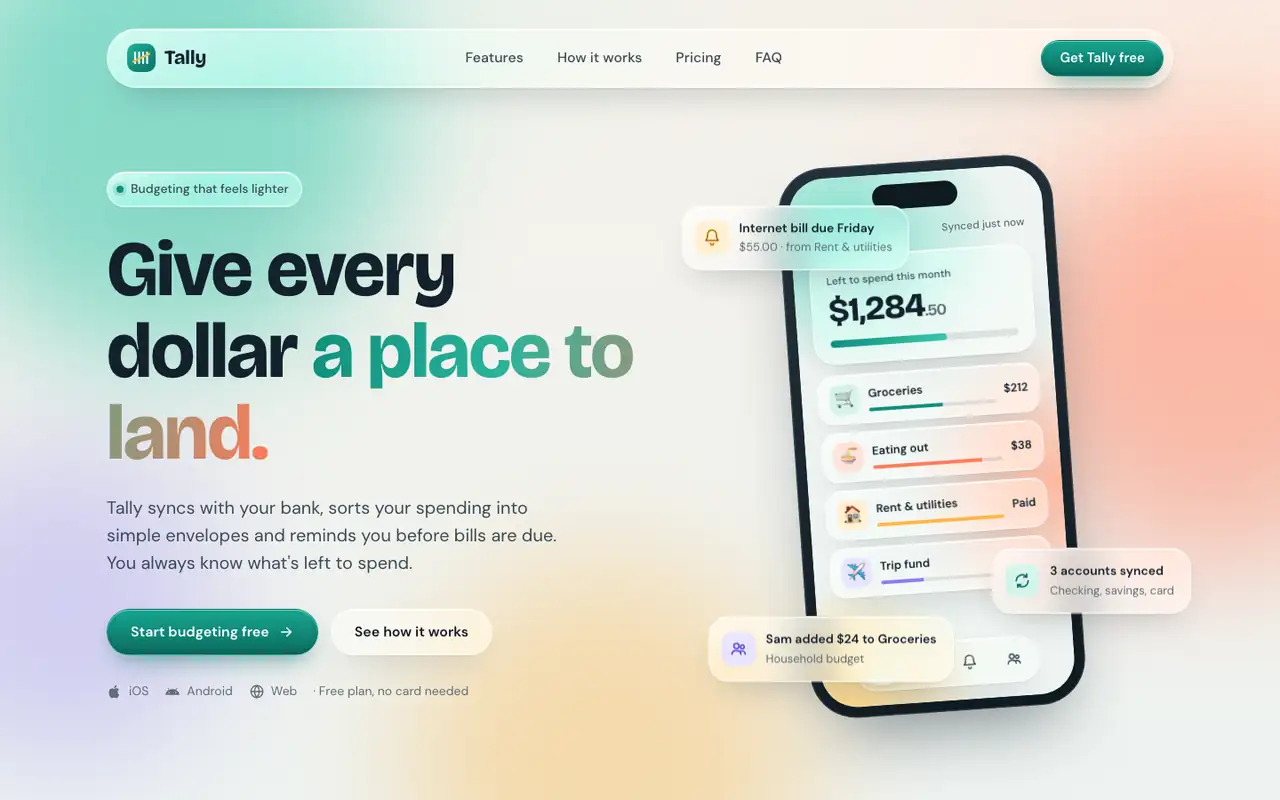
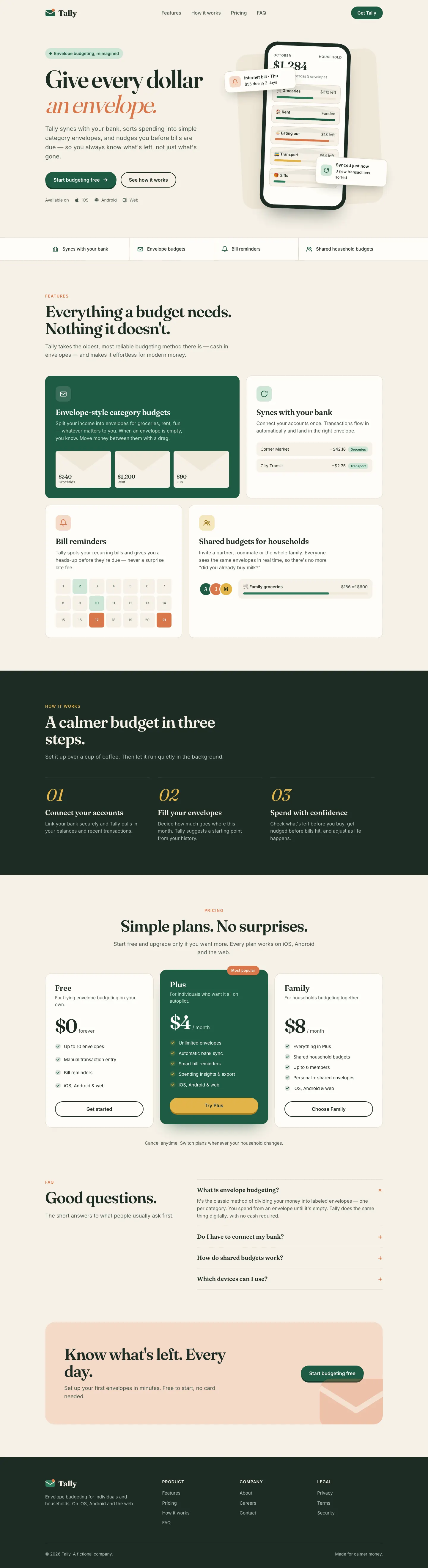
Liquid Glass Design builds Tally out of frosted glass panels floating over soft mint, peach and periwinkle light, set in Bricolage Grotesque and DM Sans. The dashboard keeps the glass in Manrope and stays readable. Pick it if you want a friendly, Apple-flavored product that looks nothing like the cream-and-serif default.
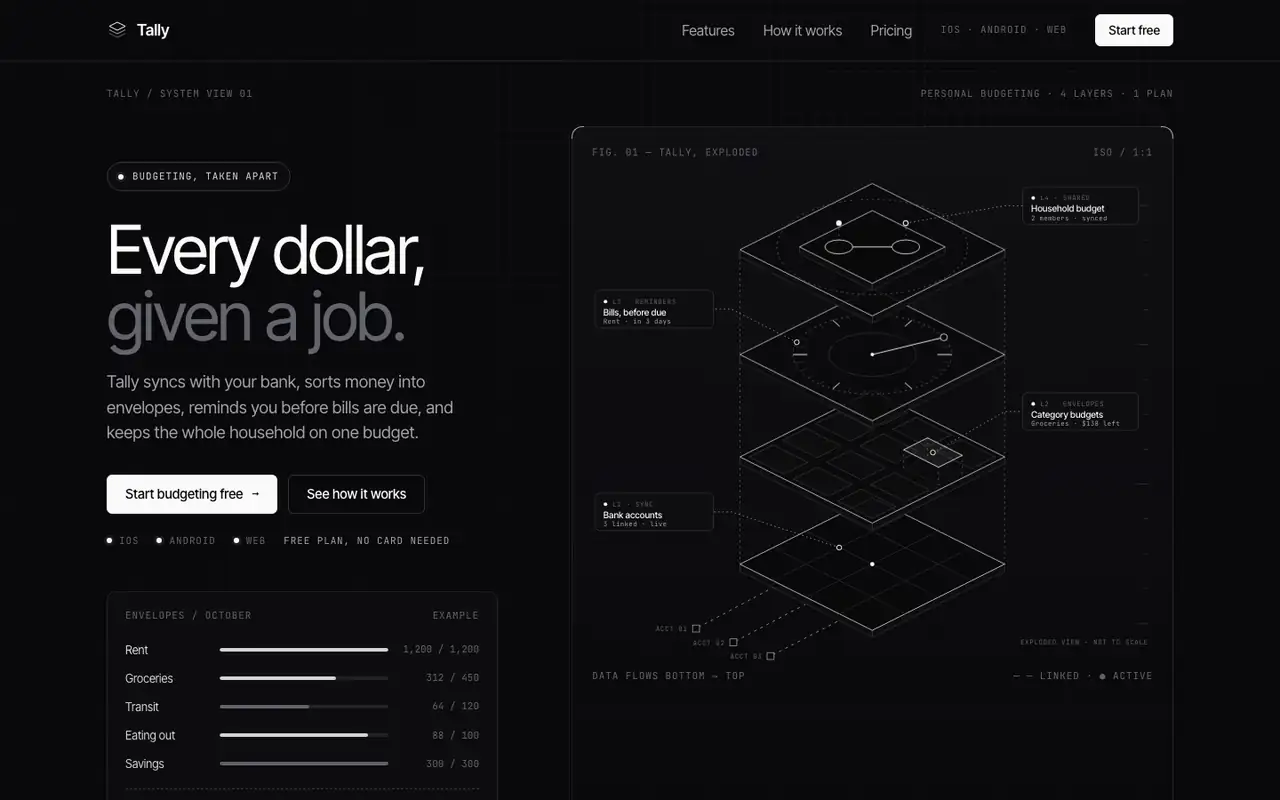
Technical Wireframe Info Layout draws Tally as an engineering diagram: exploded isometric wireframes, thin connector lines, JetBrains Mono labels and pure grey-on-black panels with no accent color at all. The dashboard stacks the envelopes as wireframe discs with callouts. Pick it if your product is technical and you want it to look precise and expensive.
Side by side
Field
Liquid Glass Design (ECC)
Technical Wireframe Info Layout (Meng To)
Fonts
Bricolage Grotesque (landing)
DM Sans (landing)
Manrope (dashboard)
Inter Tight (landing)
Inter (dashboard)
JetBrains Mono
Colors
#13212c ink
#0f8f7e teal
#ff7a59 coral
#ffb547 amber
#8b7cf6 violet
#3f5bd9 blue (dashboard)
#e0435a red (dashboard)
#09090b black
#0e0e11 panel
#34343a line
#a1a1aa grey
#d4d4d8 light grey
#fafafa white
Good fit for
consumer fintech apps
iOS companion sites
friendly SaaS dashboards
wellness and lifestyle products
app launch pages
developer tools
hardware and infrastructure
AI and data products
technical launch pages
Not great for
dense data and admin tools
sober enterprise or legal brands
long-form editorial sites
consumer personal finance
warm or friendly brands
light-mode products
Flaws we saw
dashboard desktop: the payee column in the transactions table wraps onto two lines
the landing (teal, coral, amber) and the dashboard (blue-led) shift the accent color between pages
the skill is written for SwiftUI; on the web the glass is CSS blur, so it leans on backdrop-filter support
with no accent color, warnings such as an overspent envelope are easy to miss