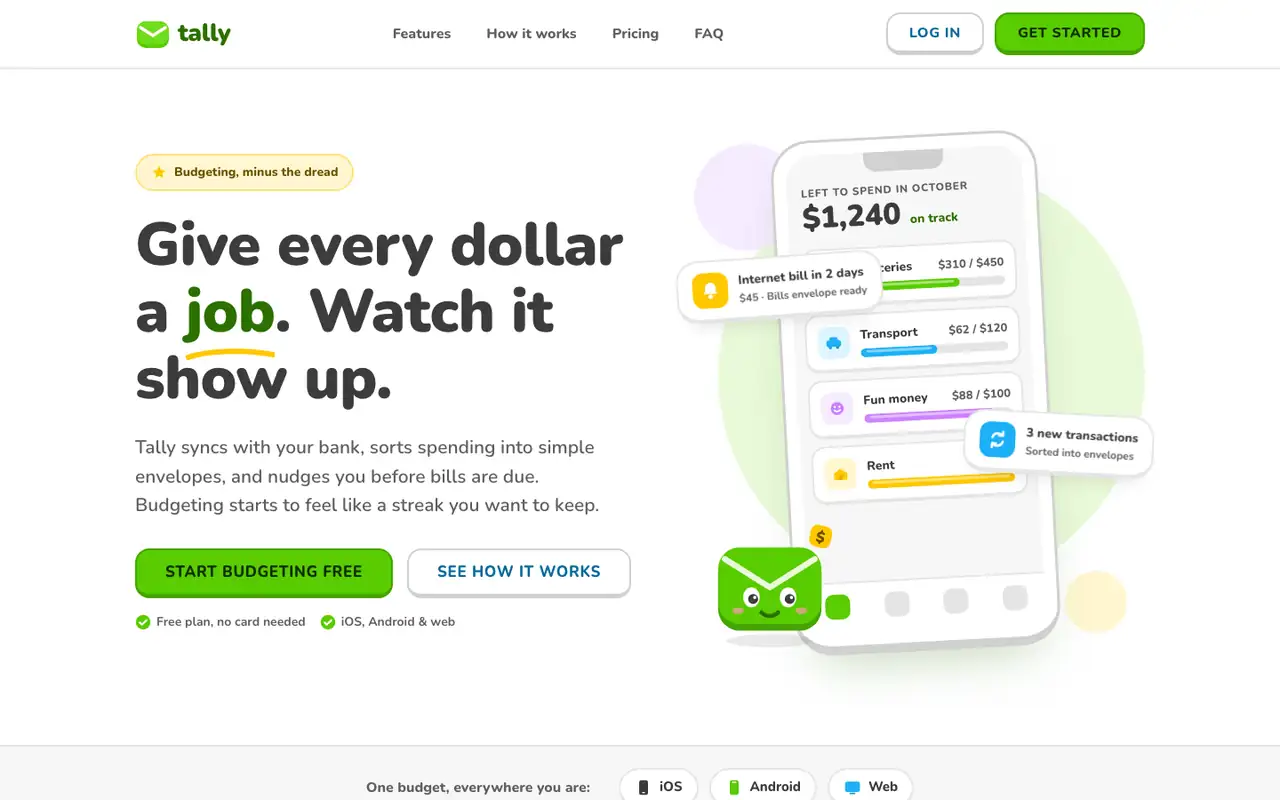
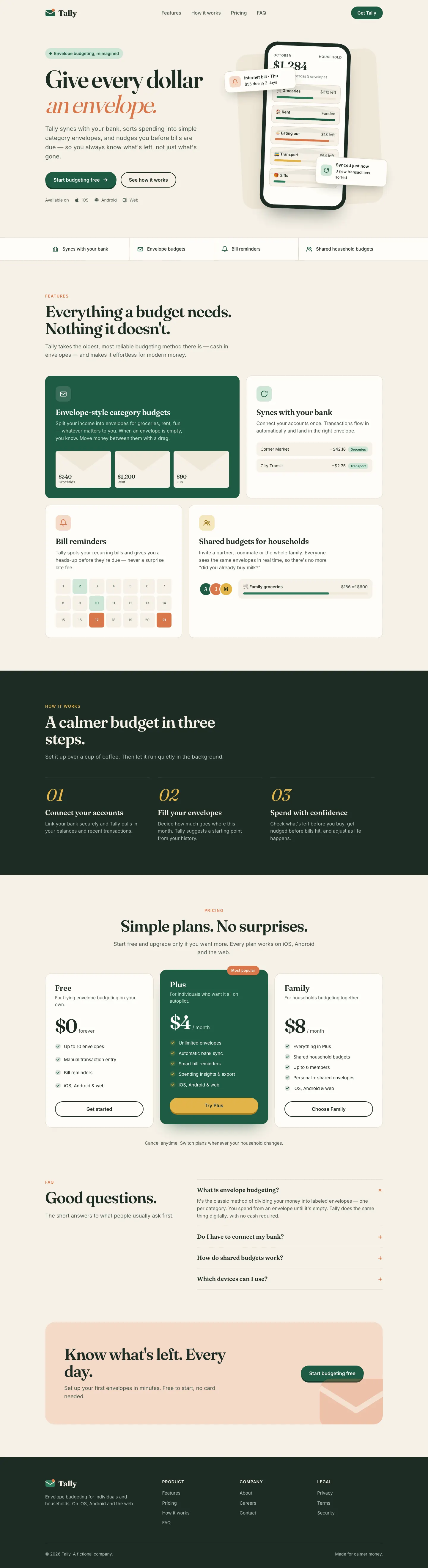
Lingo makes Tally look like a language-learning app: Nunito everywhere, bright green buttons with a chunky 3D bottom edge, rounded cards and a friendly envelope mascot. The dashboard has a smiling coin next to the "Left to budget" card and color-coded envelope icons. It is cheerful and very consistent across both pages. Pick it for friendly consumer products aimed at beginners.
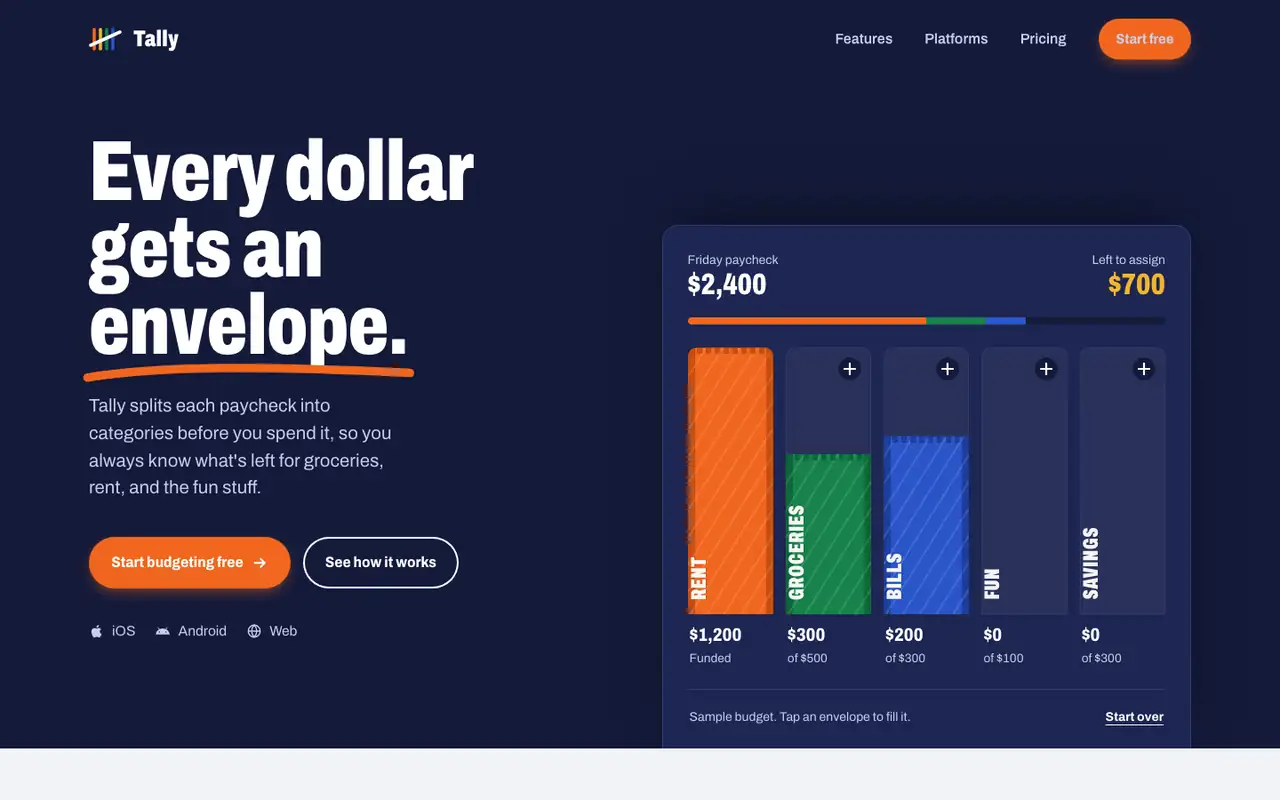
Impeccable drops the cream-and-serif default for a loud navy, orange and primary-color landing page set in heavy Archivo, then builds a calmer pine-and-lime dashboard. Pick it if you want a product page with real energy that still holds up on a dense screen.
Side by side
Field
Lingo (Awesome Design Skills)
Impeccable
Fonts
Nunito
JetBrains Mono (dashboard)
Archivo (landing)
Schibsted Grotesk (dashboard)
Colors
#58cc02 green
#46a302 deep green
#1cb0f6 sky blue
#ffc800 yellow
#ce82ff violet
#ff4b4b red
#3c3c3c charcoal
#151a33 navy
#f0661f orange
#17834b green
#2a55c9 blue
#f2b62d gold
pine rail oklch(0.29 0.045 168)
lime oklch(0.89 0.16 124)
Good fit for
consumer apps for beginners
education and habit apps
onboarding flows
friendly product dashboards
mobile-first products
consumer fintech marketing
product launch pages
directories and marketplaces
sports or youth brands
B2C SaaS dashboards
Not great for
serious finance or B2B tools
luxury brands
data-heavy admin screens
luxury or quiet editorial brands
wellness and calm-first apps
long-form reading sites
Flaws we saw
the mascot and bright green can feel childish for a money app
dashboard: the many colored chips and badges compete for attention
dashboard: money figures print with a space before the comma ("$5 , 400")
dashboard desktop: an empty gap sits under the spending chart
landing: the page runs 6,836 px and the zigzag feature sections start to feel repetitive
the landing (navy and orange) and the dashboard (pine and lime) share little color