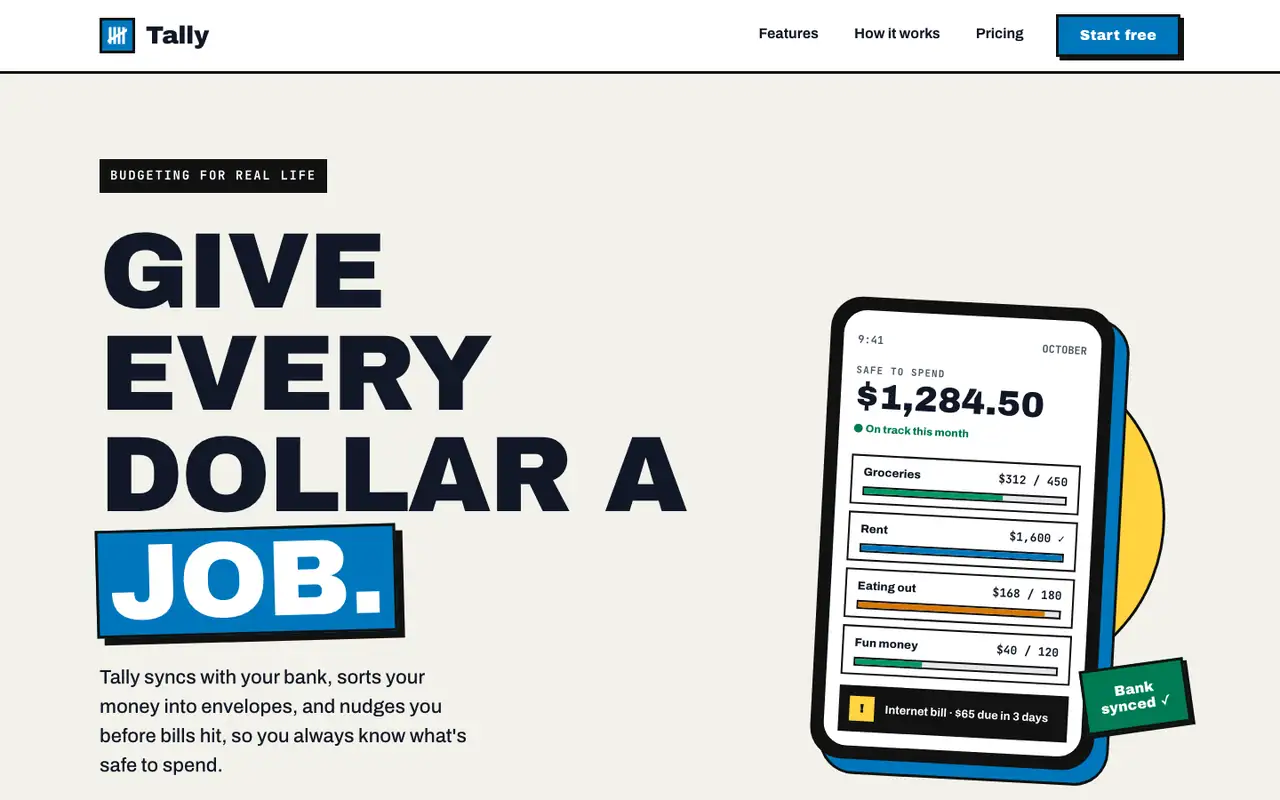
Bold gives Tally a poster: huge uppercase Archivo Black headlines, thick black borders with hard offset shadows, a blue-and-yellow accent pair and a tilted phone in the hero. The dashboard keeps the same voice with a black sidebar, a big black "spent so far" card and striped red for the over-budget envelope. Both pages read clearly and work on a phone. Pick it when you want a product page that shouts.
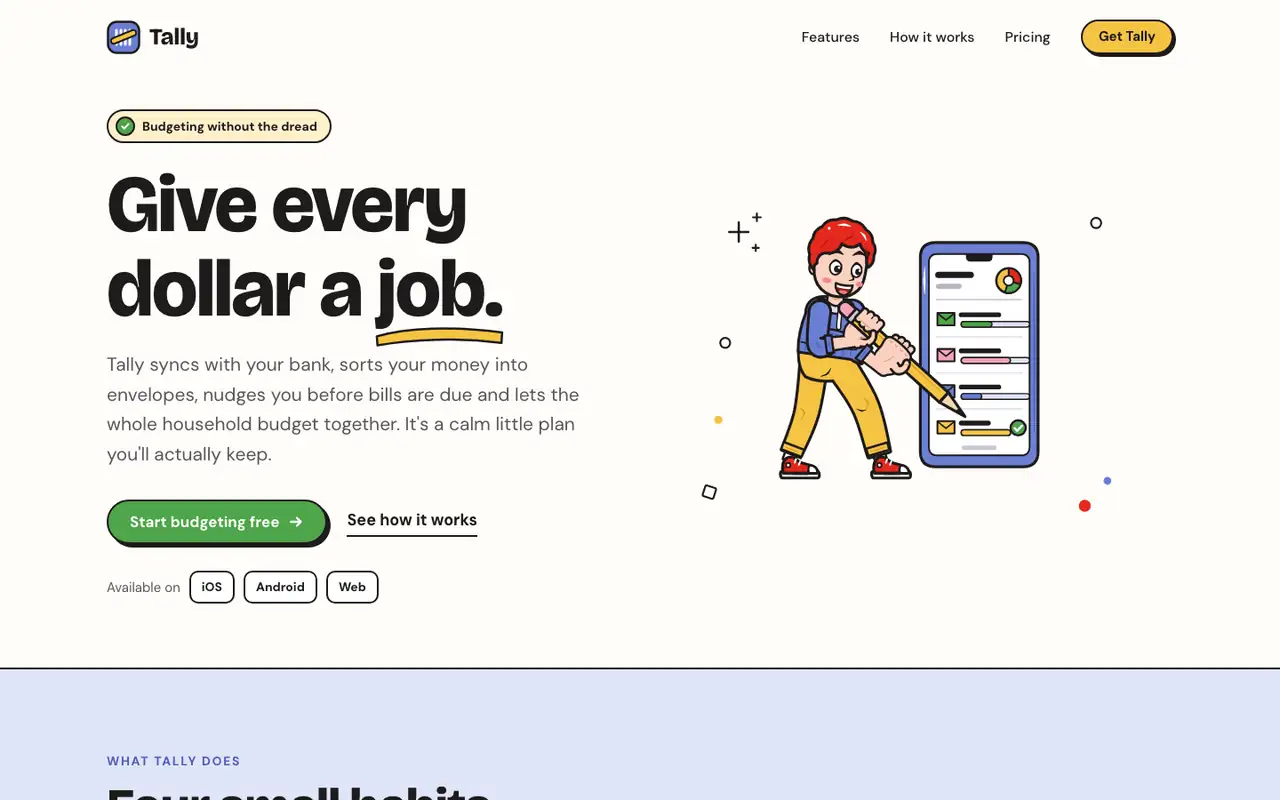
The Outlined Cartoon skill draws its own SVG people and objects, with thick black outlines and flat yellow, periwinkle, red and green fills, and builds the whole page around them: chunky Bricolage Grotesque, hard offset shadows and sticker-like cards. The dashboard keeps the cartoon, down to a little character in the summary card. Pick it if you want a friendly, playful product that looks hand-made.
Side by side
Field
Bold (Awesome Design Skills)
Illustration: Outlined Cartoon (Meng To)
Fonts
Archivo Black
Archivo
JetBrains Mono
Bricolage Grotesque
DM Sans (landing)
Figtree (dashboard)
Colors
#111111 near-black
#ffffff white
#0077bc blue
#ffd23f yellow
#f3f1ea paper
#dc2626 red
#1e1b1b ink
#fffdf8 paper
#f6c343 yellow
#6b7fd4 periwinkle
#e5281d red
#4ea54a green
#f6a3b6 pink
Good fit for
consumer apps with a loud brand
launch and campaign pages
SaaS landing pages
product dashboards that need personality
consumer apps
education and kids products
friendly onboarding
community and creator tools
Not great for
quiet enterprise tools
luxury or editorial brands
dense data tables
serious finance or legal brands
enterprise software
minimal brands
Flaws we saw
landing: the hero headline is so large that the value line and buttons sit low on a laptop screen
dashboard: heavy borders on every card make the page feel busy in long lists
the runs take far longer than the web-design skills, because every illustration is drawn by hand in SVG
the hard offset shadows on every card make long pages busy