


Illustration: Teal Spot (Meng To)
3/5 out of 5. Read the verdictSpot illustrations of one hero object as SVG cards, in a teal-on-white style.
First screen only. Switch to side by side to read the full pages.
Scroll either page; the other follows.Full Illustration: Teal Spot (Meng To) pageFull baseline
Every skill gets the same Tally brief, alone in a clean project. How we test
Our verdict
3/5 out of 5
Passed the cut
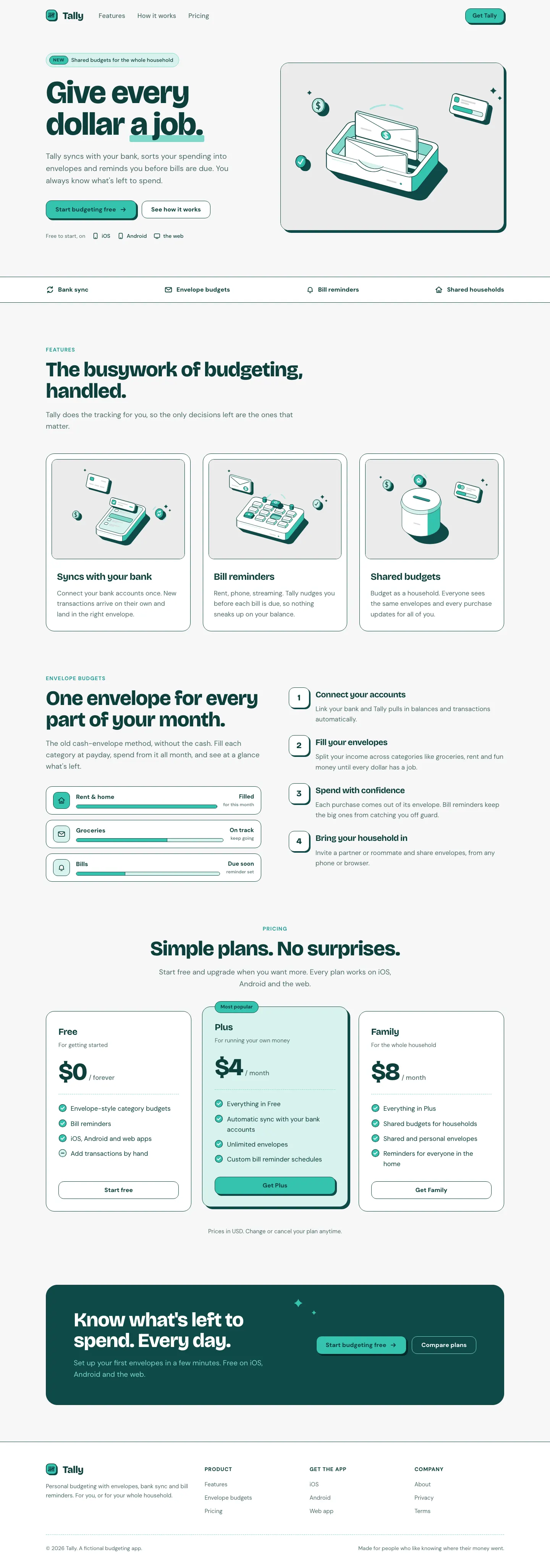
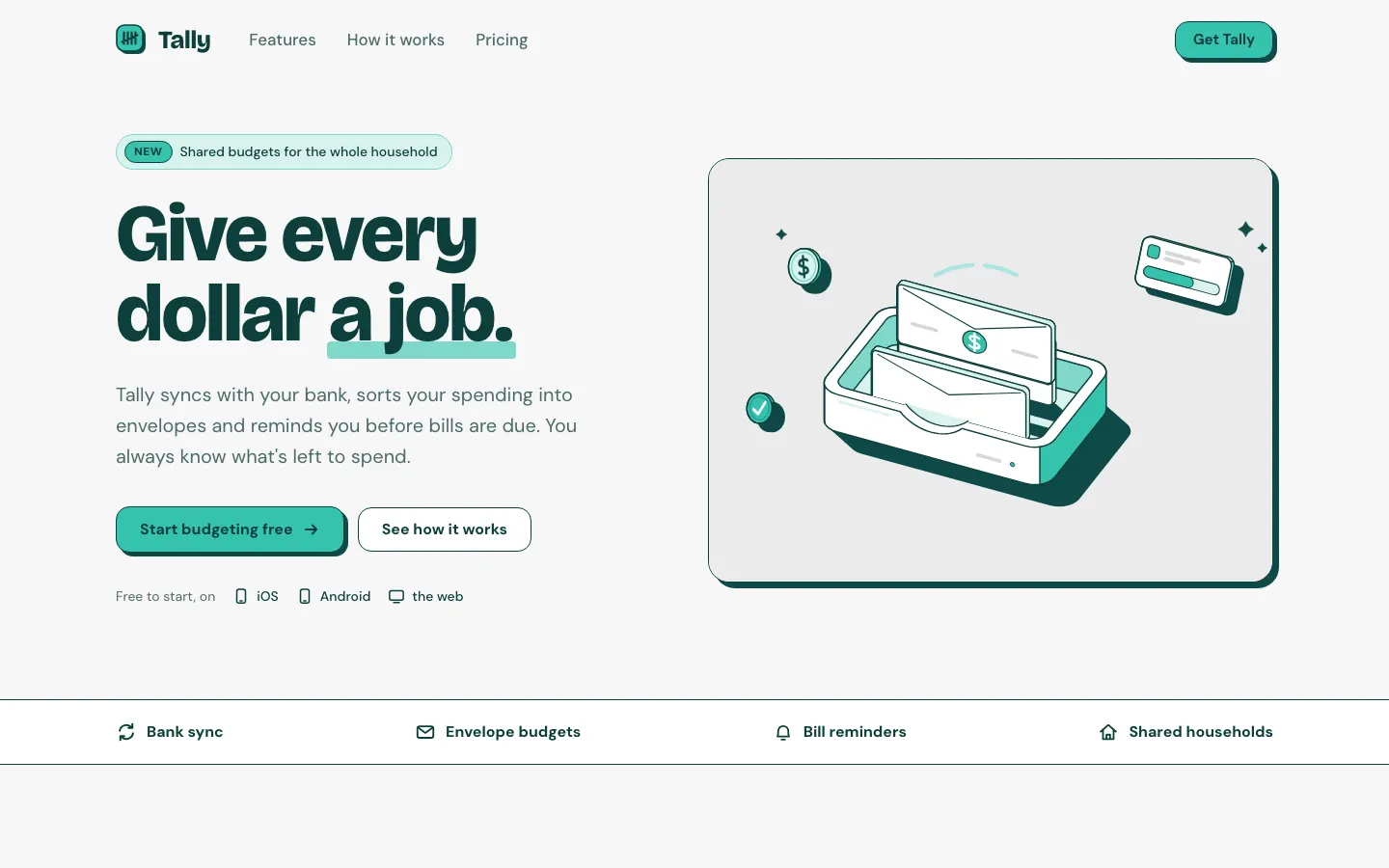
The Teal Spot skill draws a single hero object, a wallet with coins, in deep teal outline and mint fills, and builds a clean teal-and-white Tally with Bricolage Grotesque and hard teal shadows. The dashboard reuses the object and the palette. The mobile dashboard scrolls sideways. Pick it for clear, friendly fintech.
Pick it for
- fintech and banking
- consumer apps
- SaaS landing pages
- onboarding pages
Skip it for
- luxury or editorial brands
- dark-mode products
- multi-color brands
Typography
- Bricolage Grotesque
- DM Sanslanding
- Manropedashboard
Colors
Observations
- dashboard mobile: 674 px wide on a 390 px screen, so it scrolls sideways
- the single-hue palette makes the dashboard feel a little flat
Install
1 Run in your terminal
npx degit MengTo/Skills/agent-skills/illustration/illustration-teal-spot#main .claude/skills/illustration-teal-spot2 Or paste a prompt into Claude Code, Codex, Cursor or Gemini
It tells your tool to install this from its source repository.
This install is for Claude Code only; for other agents use Copy prompt or copy the skill folder.
Copies just this skill's folder into your project's .claude/skills.
Check the source for the latest instructions.
We tested the illustration-teal-spot skill from this repo.
Details
- Type
- Skill
- GitHub stars
- 6,824 (Stars are for the whole MengTo/Skills repository.)
- Updated
- today
- License
- MIT
- Best for
- Visual directionLanding pages
Test runOpus 5.5Claude Code 2.1.302Oct 18, 2026generated in 12 minabout $3.28 at API pricescommit 83a47fe
Similar
Same brief, other skills
Impeccable
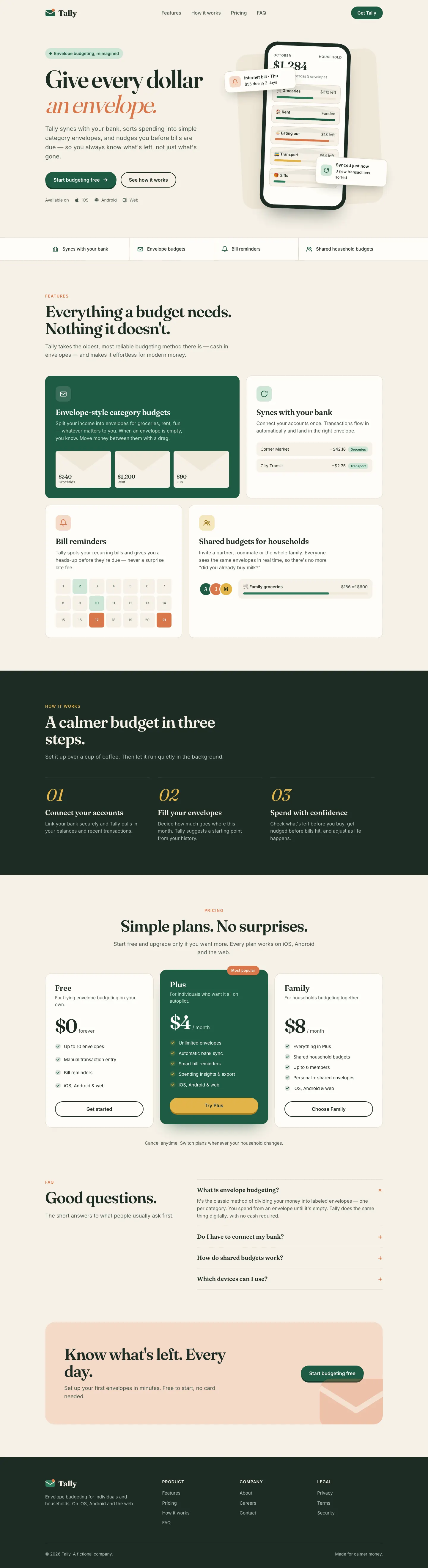
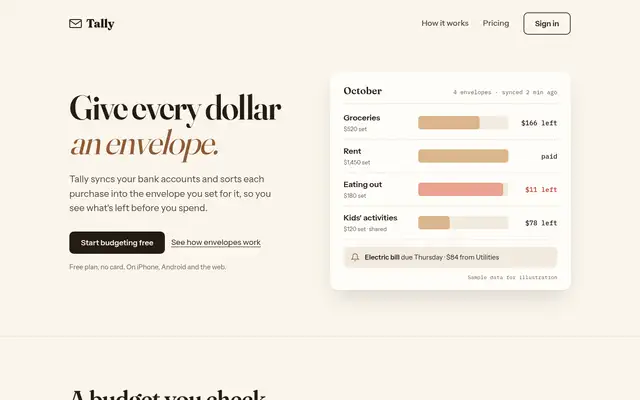
Impeccable drops the cream-and-serif default for a loud navy, orange and primary-color landing page set in heavy Archivo, then builds a calmer pine-and-lime dashboard. Pick it if you want a product page with real energy that still holds up on a dense screen.
updated 1d ago
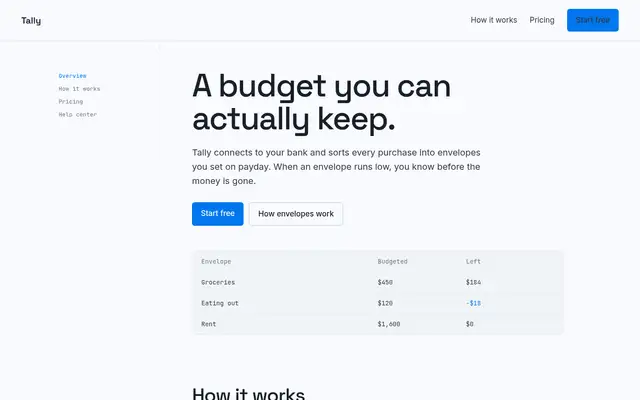
Hallmark
Hallmark turns Tally into a cheerful yellow-and-pastel brand in Plus Jakarta Sans with big ghost numerals, and the dashboard matches it. The most consistent result in the set, but it took about 12 minutes per brief.
updated 2mo ago
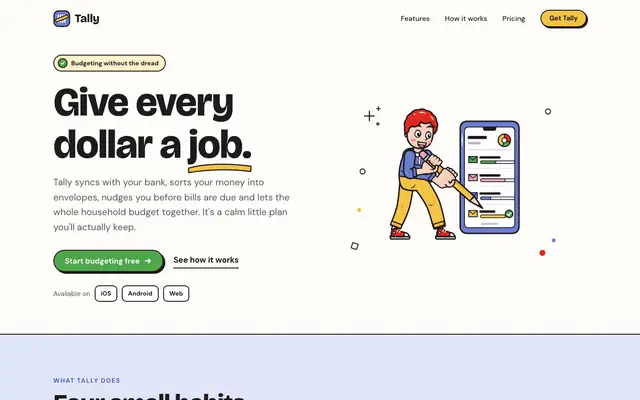
Illustration: Outlined Cartoon (Meng To)
The Outlined Cartoon skill draws its own SVG people and objects, with thick black outlines and flat yellow, periwinkle, red and green fills, and builds the whole page around them: chunky Bricolage Grotesque, hard offset shadows and sticker-like cards. The dashboard keeps the cartoon, down to a little character in the summary card. Pick it if you want a friendly, playful product that looks hand-made.
updated today
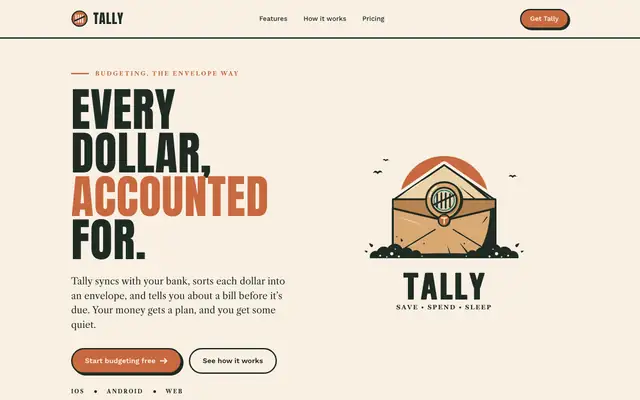
Illustration: Vintage Emblem (Meng To)
The Vintage Emblem skill gives Tally a heritage badge, a sealed envelope inside a stamped emblem, and builds a print-shop brand around it: Anton capitals, Libre Caslon text, cream stock, deep forest ink and terracotta. The dashboard wears the same badge and colors, with Oswald headings. Pick it for brands that want craft, trust and a little nostalgia.
updated today
Also for these tasks
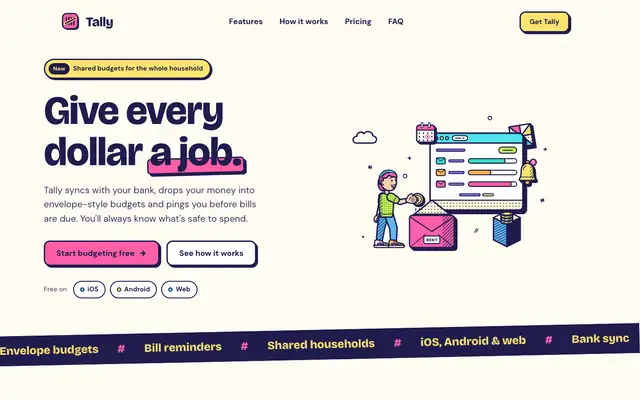
Illustration: Bold Pop (Meng To)
The Bold Pop skill draws pop-art scenes in navy outline with hot pink, lemon and lime fills, and builds a loud, cheerful Tally around them: Bricolage Grotesque, thick navy borders and hard offset shadows. The dashboard keeps every bit of it. The landing scrolls sideways a little on a phone. Pick it for playful consumer brands that want to be noticed.
updated today
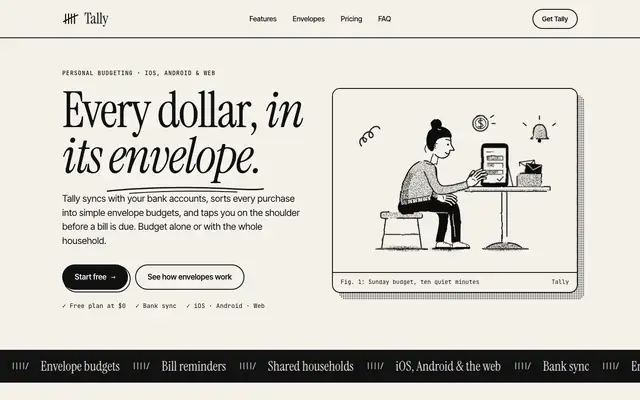
Illustration: Halftone Line (Meng To)
The Halftone Line skill draws black line art with halftone dot shading and keeps Tally strictly two-color: black ink on warm paper, Instrument Serif headlines, mono captions and heavy rules. The dashboard follows with Newsreader and IBM Plex. It reads like a printed zine. Pick it for editorial or craft brands that like ink on paper.
updated today
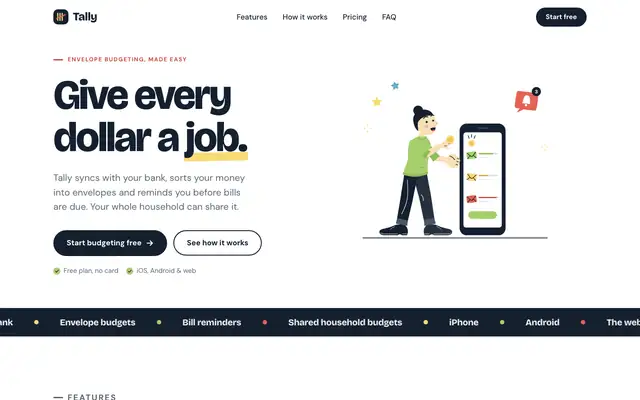
Illustration: Flat With Black (Meng To)
The Flat With Black skill draws tall, flat-vector people in denim, yellow and black, and pairs them with a clean white Tally in Bricolage Grotesque and DM Sans, yellow highlights and a navy footer. The dashboard keeps the illustrations and the yellow accents, but scrolls sideways on a phone. Pick it for friendly, modern product sites.
updated today
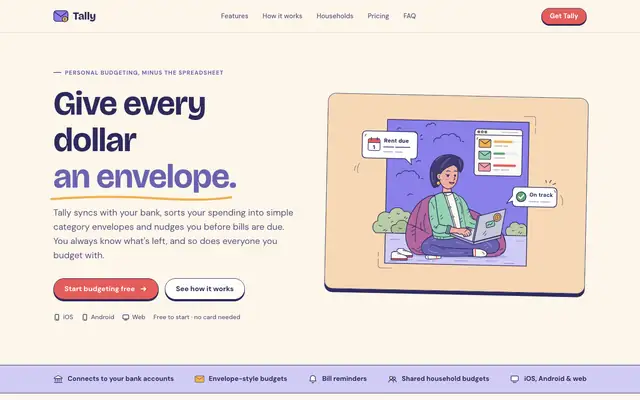
Illustration: Framed Panel (Meng To)
The Framed Panel skill draws cosy cartoon scenes inside framed cards, in navy line with lavender, peach and coral, and wraps Tally in a soft lavender-and-cream page with Bricolage Grotesque. The dashboard places a scene in the summary card and keeps the palette. Pick it for gentle, friendly consumer products.
updated today