


CSS Border Gradient (Meng To)
3/5 out of 5. Read the verdictSubtle gradient borders for premium web surfaces.
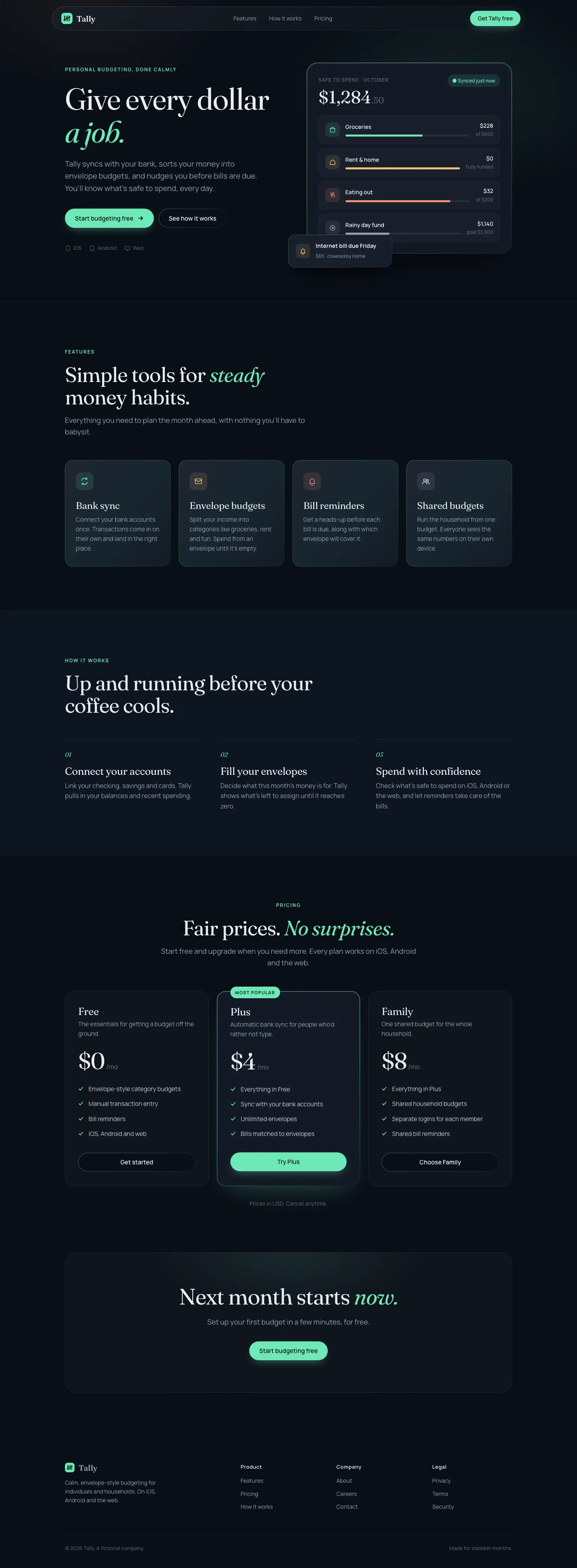
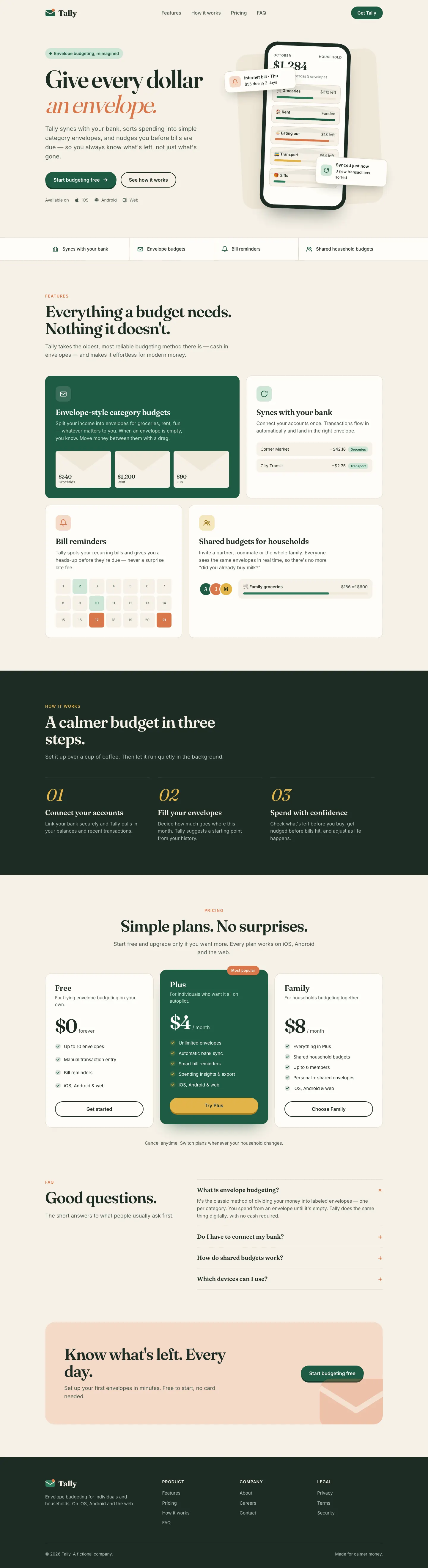
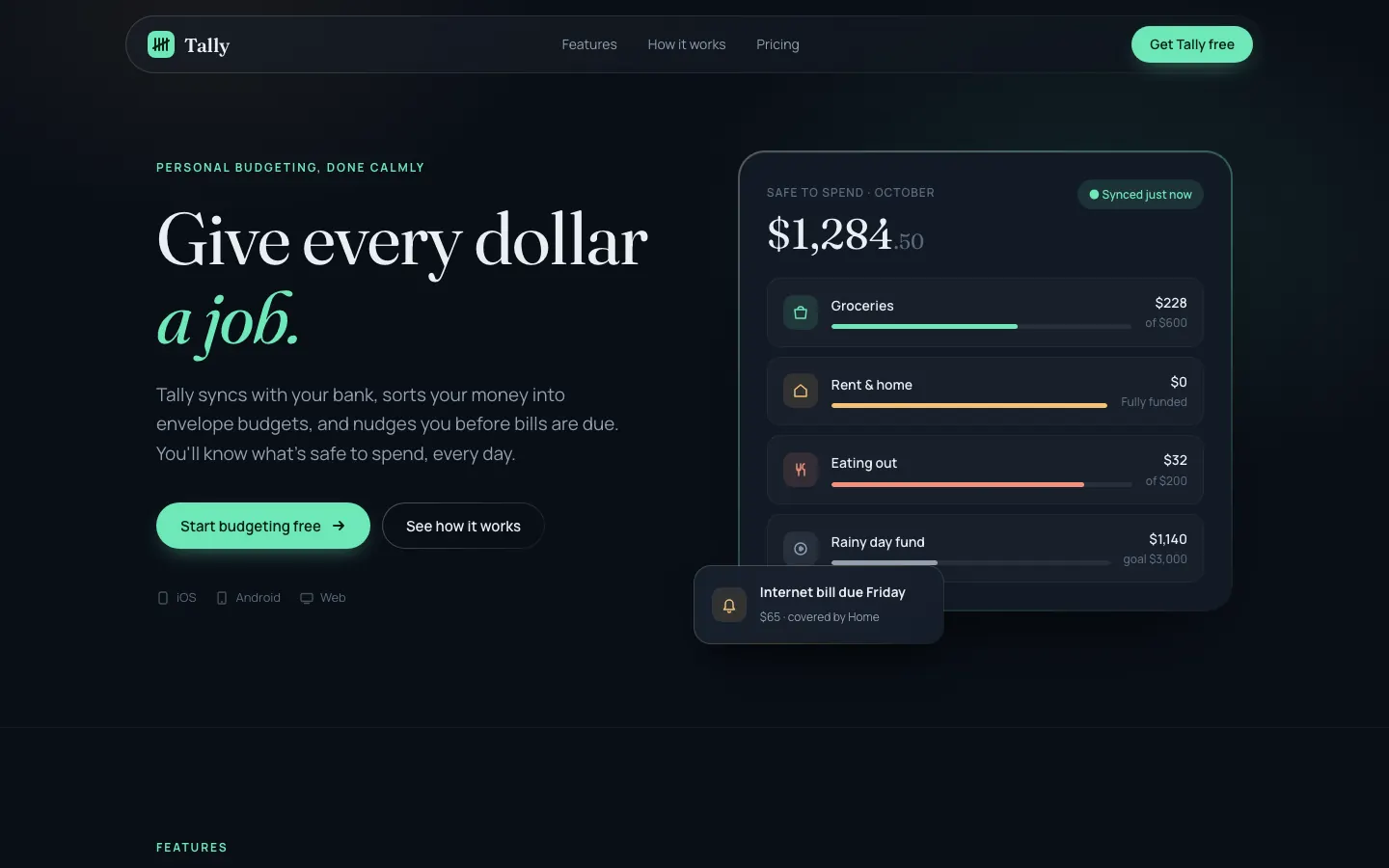
First screen only. Switch to side by side to read the full pages.
Scroll either page; the other follows.Full CSS Border Gradient (Meng To) pageFull baseline
Every skill gets the same Tally brief, alone in a clean project. How we test
Our verdict
3/5 out of 5
Passed the cut
CSS Border Gradient takes Tally dark: deep navy panels with faint mint-edged gradient borders, Fraunces headlines over Manrope on the landing and Inter on the dashboard, with mint, amber and coral accents. The dashboard is clean and colorful without getting loud. Pick it if you want a polished dark product with a soft glow.
Pick it for
- dark-mode SaaS
- fintech dashboards
- premium app sites
- developer tools
Skip it for
- light-mode brands
- print-like editorial sites
- playful consumer apps
Typography
- Fraunceslanding
- Manropelanding
- Interdashboard
- JetBrains Monodashboard
Colors
Observations
- the serif-plus-green headline style still echoes the default, only in the dark
- the gradient borders are subtle enough to disappear on dim screens
Install
1 Run in your terminal
npx degit MengTo/Skills/agent-skills/web-design/css-border-gradient#main .claude/skills/css-border-gradient2 Or paste a prompt into Claude Code, Codex, Cursor or Gemini
It tells your tool to install this from its source repository.
This install is for Claude Code only; for other agents use Copy prompt or copy the skill folder.
Copies just this skill's folder into your project's .claude/skills.
Check the source for the latest instructions.
We tested the css-border-gradient skill from this repo.
Details
- Type
- Skill
- GitHub stars
- 6,824 (Stars are for the whole MengTo/Skills repository.)
- Updated
- today
- License
- MIT
- Best for
- Visual directionDashboards
Test runOpus 5.5Claude Code 2.1.302Oct 18, 2026generated in 5 minabout $1.04 at API pricescommit 83a47fe
Similar
Same brief, other skills

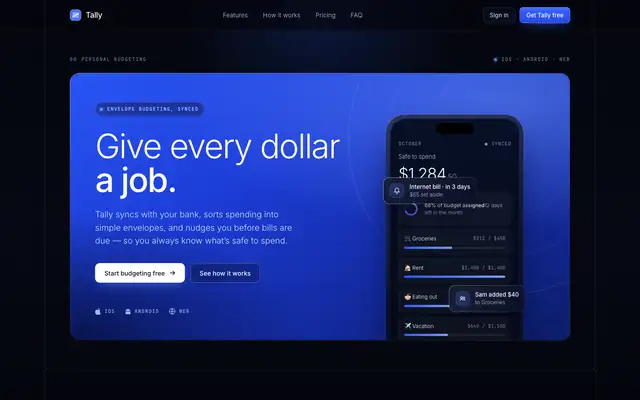
Blue Laser Clean Glass Layout (Meng To)
Blue Laser Clean Glass Layout puts Tally on near-black with a thin blue light beam, frosted glass panels and Inter Tight with mono labels. The dashboard is the stronger page: clear cards, blue bars and readable tables. The mobile dashboard scrolls sideways. Pick it for technical or premium dark products.
updated today
Dark Blue Contrasting Clean (Meng To)
Dark Blue Contrasting Clean gives Tally a deep navy page with bright cobalt gradient blocks, crisp frames, Inter and lots of JetBrains Mono labels. The dashboard leads with a cobalt summary card and stays clear and readable. Pick it for confident, technical-feeling products.
updated today
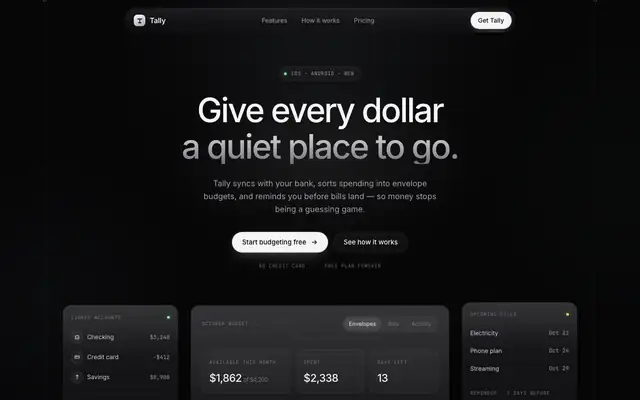
Dark Glass Clean Layout (Meng To)
Dark Glass Clean Layout is the neutral version of dark mode: near-black zinc surfaces, frosted cards, Inter with mono labels and almost no color beyond a pale green. It looks expensive and quiet, but both pages scroll sideways on a phone. Pick it for premium, understated products.
updated today

Dither Laser Dark Mode (Meng To)
Dither Laser Dark Mode lights a near-black Tally with a warm amber laser line and soft dither texture, set in Inter Tight with mono labels. The dashboard switches the accent to green, which loses some of the landing's character. Pick it for dark technical products with one strong accent.
updated today
Also for these tasks
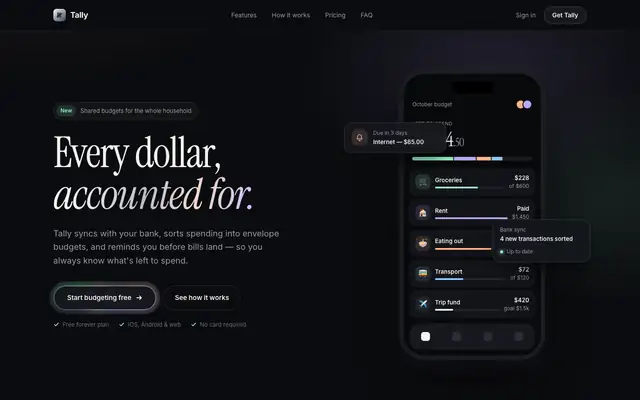
Liquid Metal Border (Meng To)
Liquid Metal Border gives Tally a dark, quiet look with shimmering metallic edges on key cards, Instrument Serif italics over Inter and soft pastel accents. The dashboard is clean dark mode in Inter Tight with mono labels. The skill is written for a React package, so in our single HTML file the metal is a CSS stand-in. Pick it for premium dark products.
updated today

Glass Dark UI (Meng To)
Glass Dark UI turns Tally into a dark navy product with frosted panels and gradient borders, lit by green, blue and violet accents. Text stays readable on both pages. Pick it if you want a polished dark interface, but expect it to look like plenty of other dark SaaS sites.
updated today

Mesh Gradient Dark Blue Clean (Meng To)
Mesh Gradient Dark Blue Clean sets Tally on a deep navy mesh gradient, with frosted shells, Inter Tight and mono labels, and pale blue highlights. The dashboard is clean and readable, with a glowing summary card and soft blue bars. Pick it for premium tech or fintech products.
updated today
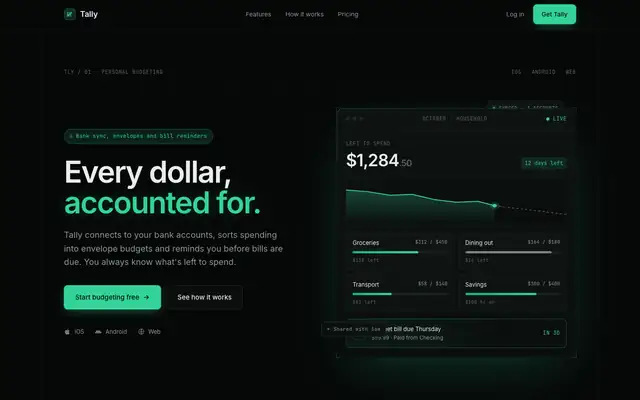
Tech Green Dark Mode Modern (Meng To)
Tech Green Dark Mode Modern gives Tally a matte-black developer-tool look with emerald accents, Inter and heavy use of JetBrains Mono. The dashboard is the stronger page, with clear framed cards, emerald bars and a red overspend tag. Pick it for technical products; it is a familiar style, done cleanly.
updated today