Material 3 Skill
3/5
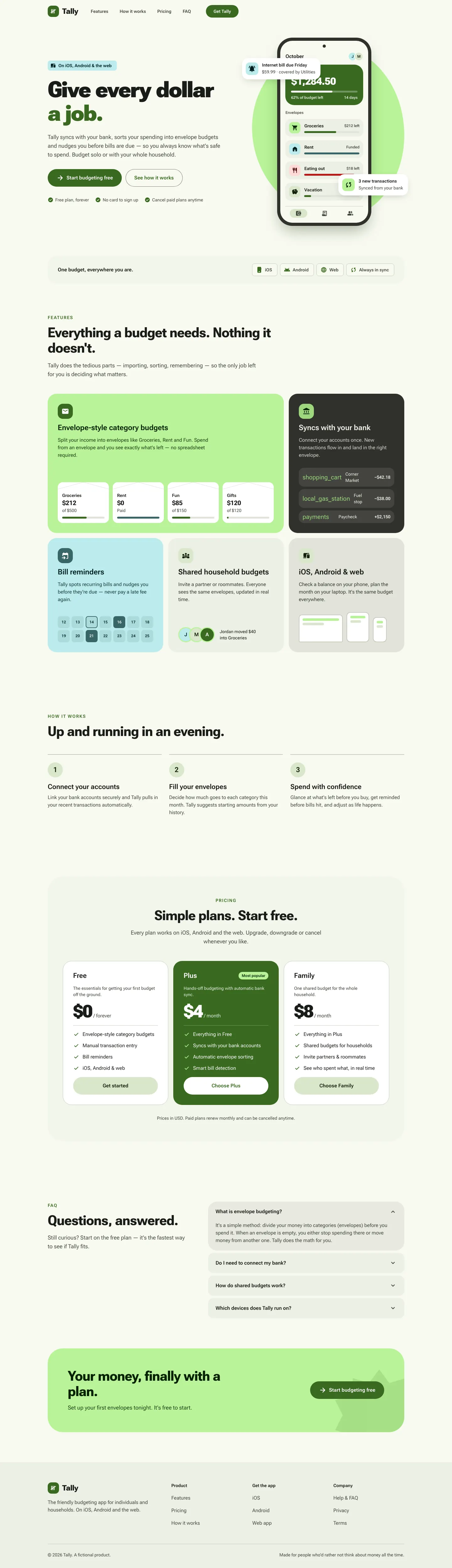
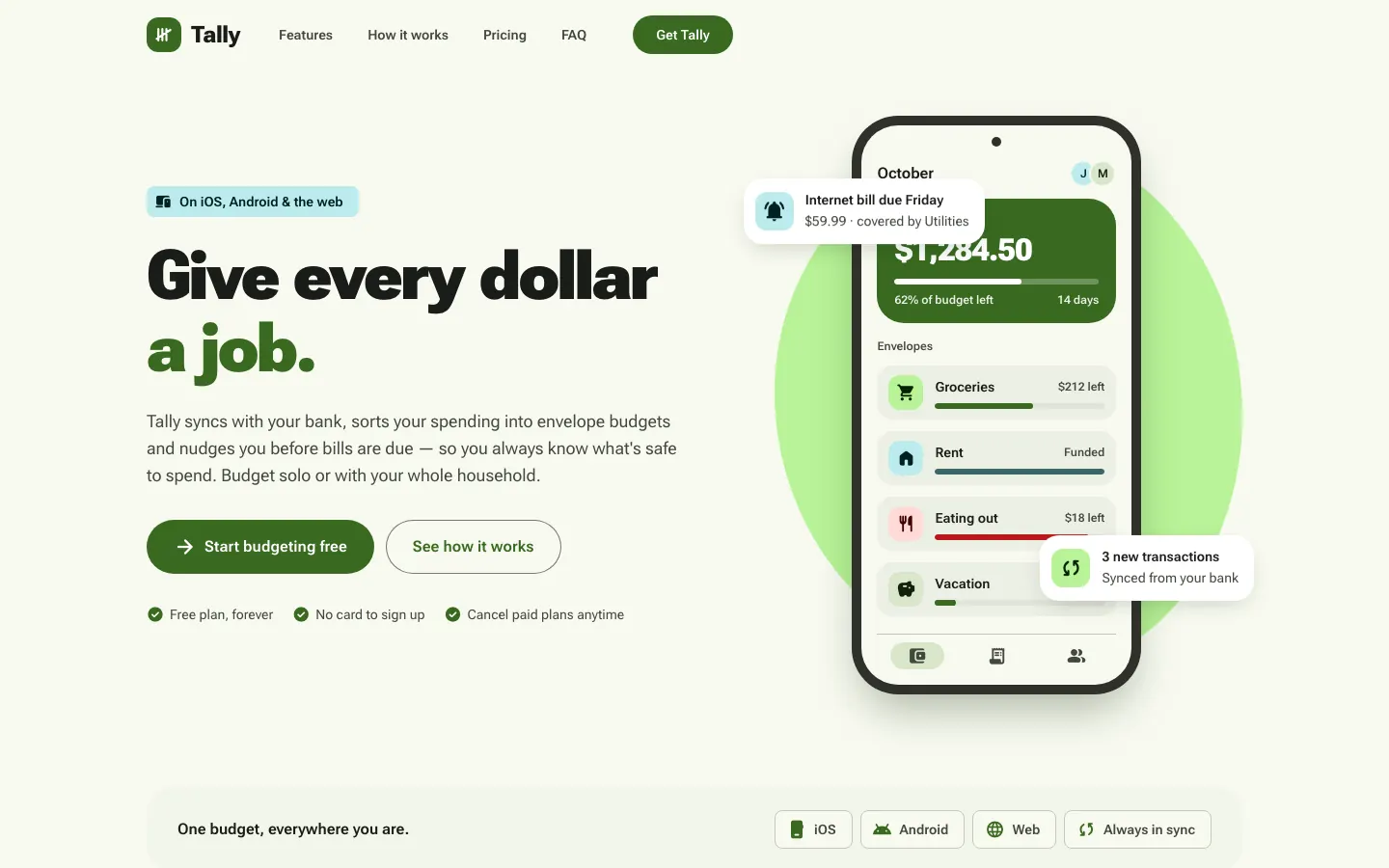
Material 3 applies a full tonal M3 system in Roboto Flex, and the dashboard is dense and solid. On the landing page, icon names print as text and a hero card still covers the balance.
 Skills for Design
 Tied at 3/5 on the same brief. Pick by fit: the rows below show where each one is stronger.
Both built the Tally landing page in the same Claude Code test, and both design the Daydreamer way: pastel gradients, frosted glass and rounded everything. Software that feels like a nice day. Both are best for: mobile.
First screen only. Switch to side by side to read the full pages.
Scroll either page; the other follows.
3/5
Material 3 applies a full tonal M3 system in Roboto Flex, and the dashboard is dense and solid. On the landing page, icon names print as text and a hero card still covers the balance.
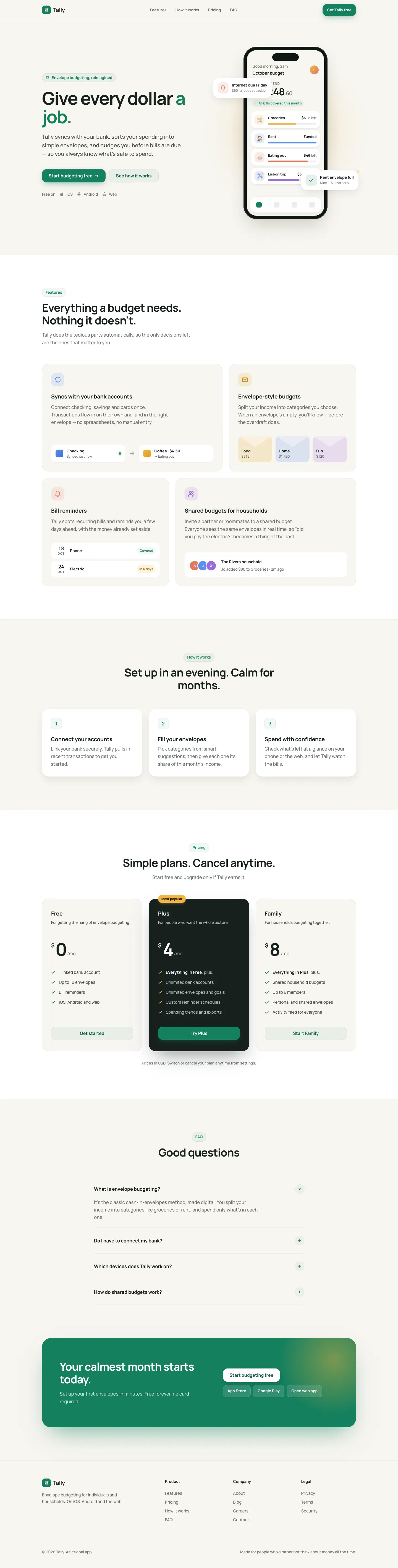
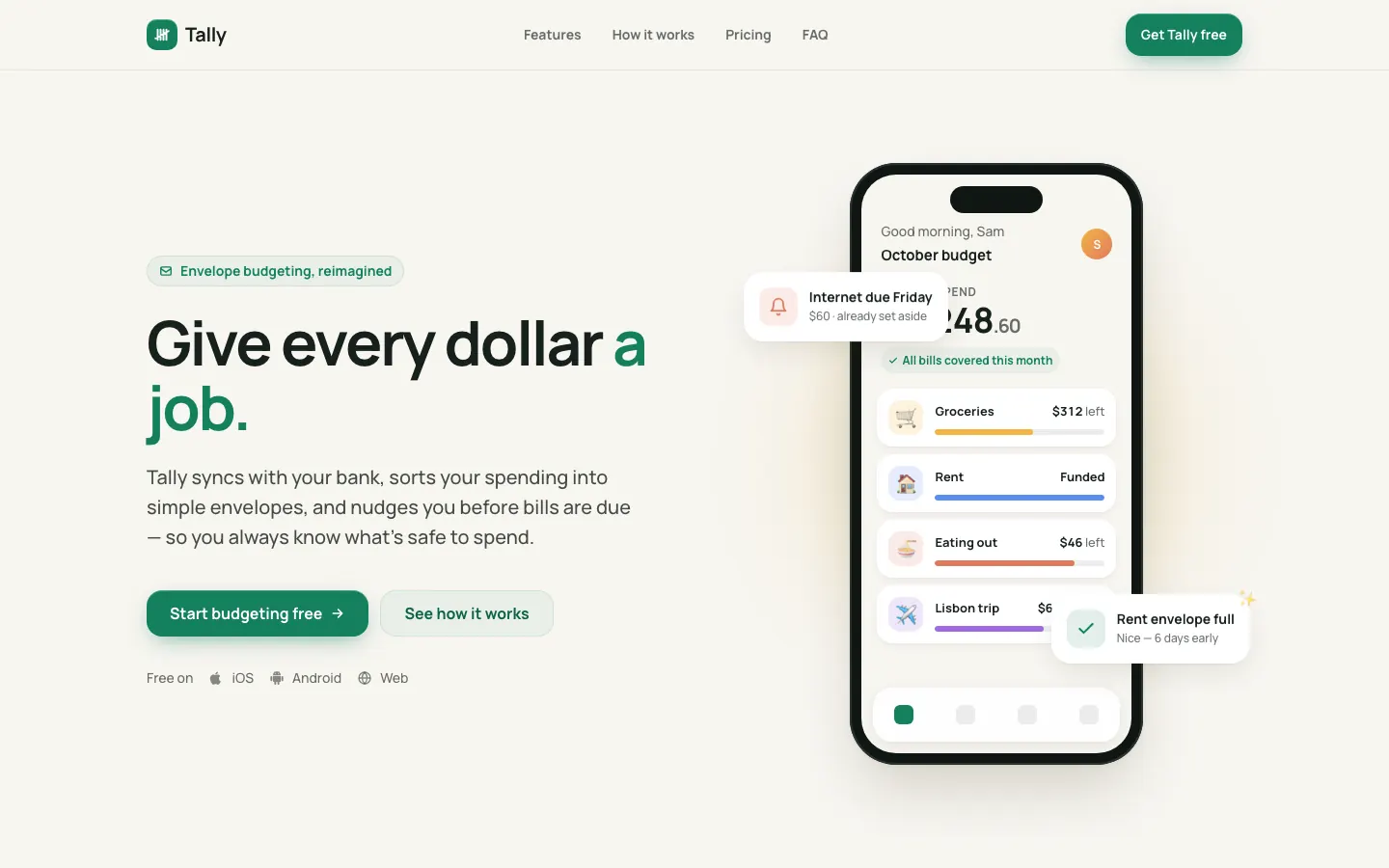
The mobile app UI skill gives Tally an app-first look: Manrope on off-white, a green accent with sun, clay and sky category colors, and big rounded cards. Both pages work well on a phone, and the dashboard in Plus Jakarta Sans matches. Pick it if mobile is where your users live.
| Field | Material 3 Skill | Mobile App UI Design |
|---|---|---|
| Fonts |
|
|
| Colors |
|
|
| Pick it for |
|
|
| Skip it for |
|
|
| Observations |
|
|
1 Run in your terminal
/plugin marketplace add hamen/material-3-skill
/plugin install material-3@material-3-skill2 Or paste a prompt into Claude Code, Codex, Cursor or Gemini
It tells your tool to install this from its source repository.
Plugin install is Claude Code only; for other agents use Copy prompt or copy the skill folder.
Taken from the project README. Check the source for the latest instructions.
1 Run in your terminal
npx skills add ceorkm/mobile-app-ui-design2 Or paste a prompt into Claude Code, Codex, Cursor or Gemini
It tells your tool to install this from its source repository.
Taken from the project README. Check the source for the latest instructions.