Material 3 Skill
3/5
Material 3 applies a full tonal M3 system in Roboto Flex, and the dashboard is dense and solid. On the landing page, icon names print as text and a hero card still covers the balance.
 Skills for Design
 Standalone skill · Meng To
Tied at 3/5 on the same brief. Pick by fit: the rows below show where each one is stronger.
Both built the Tally landing page in the same Claude Code test, and both design the Daydreamer way: pastel gradients, frosted glass and rounded everything. Software that feels like a nice day.
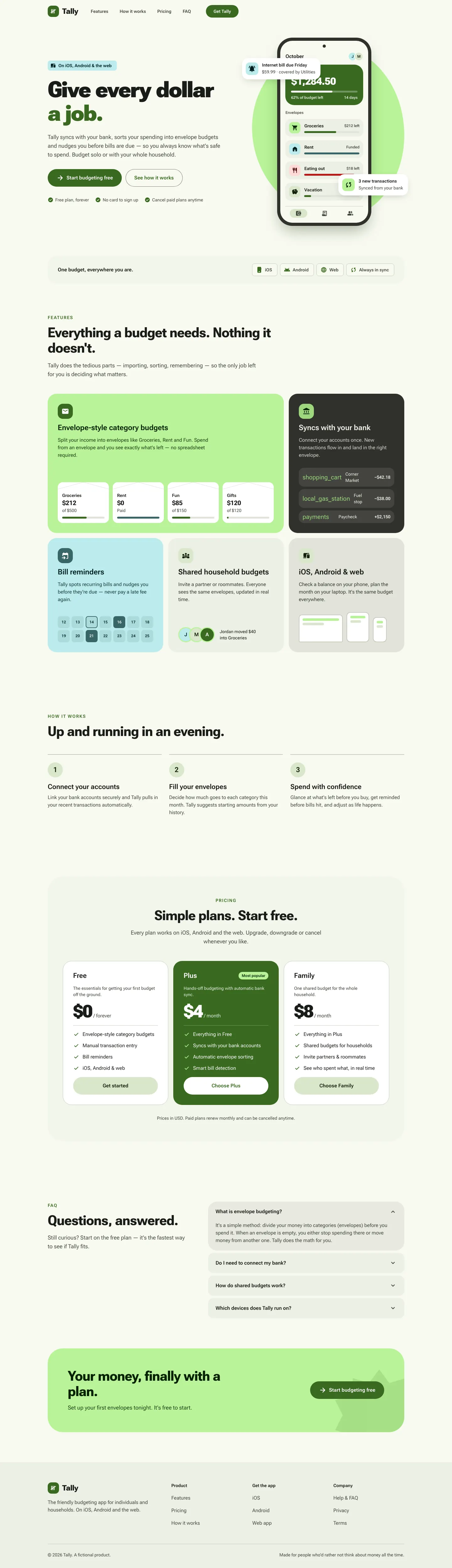
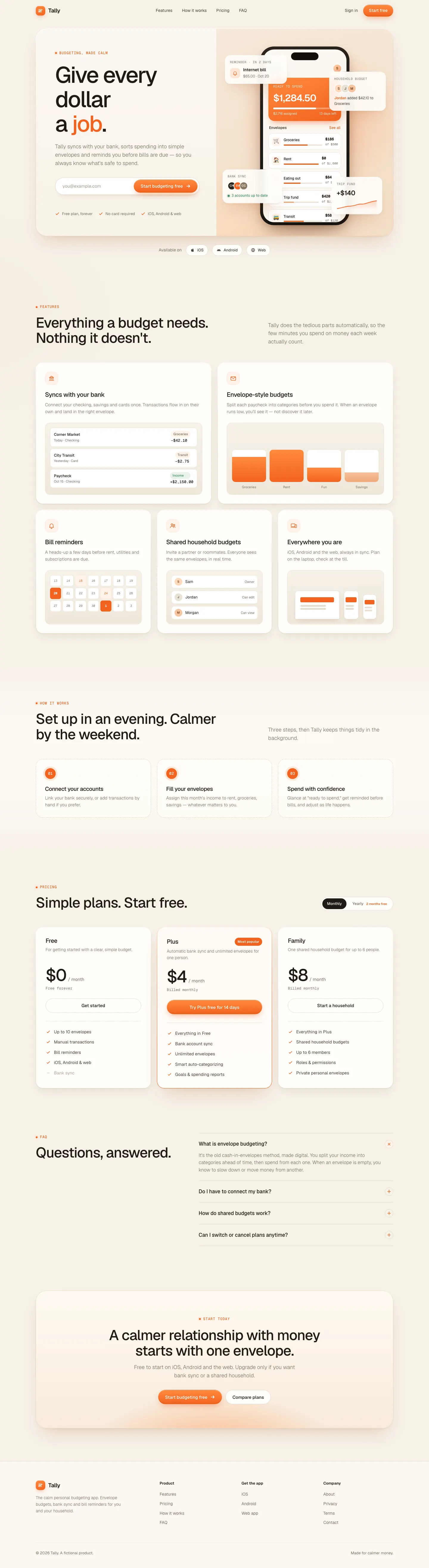
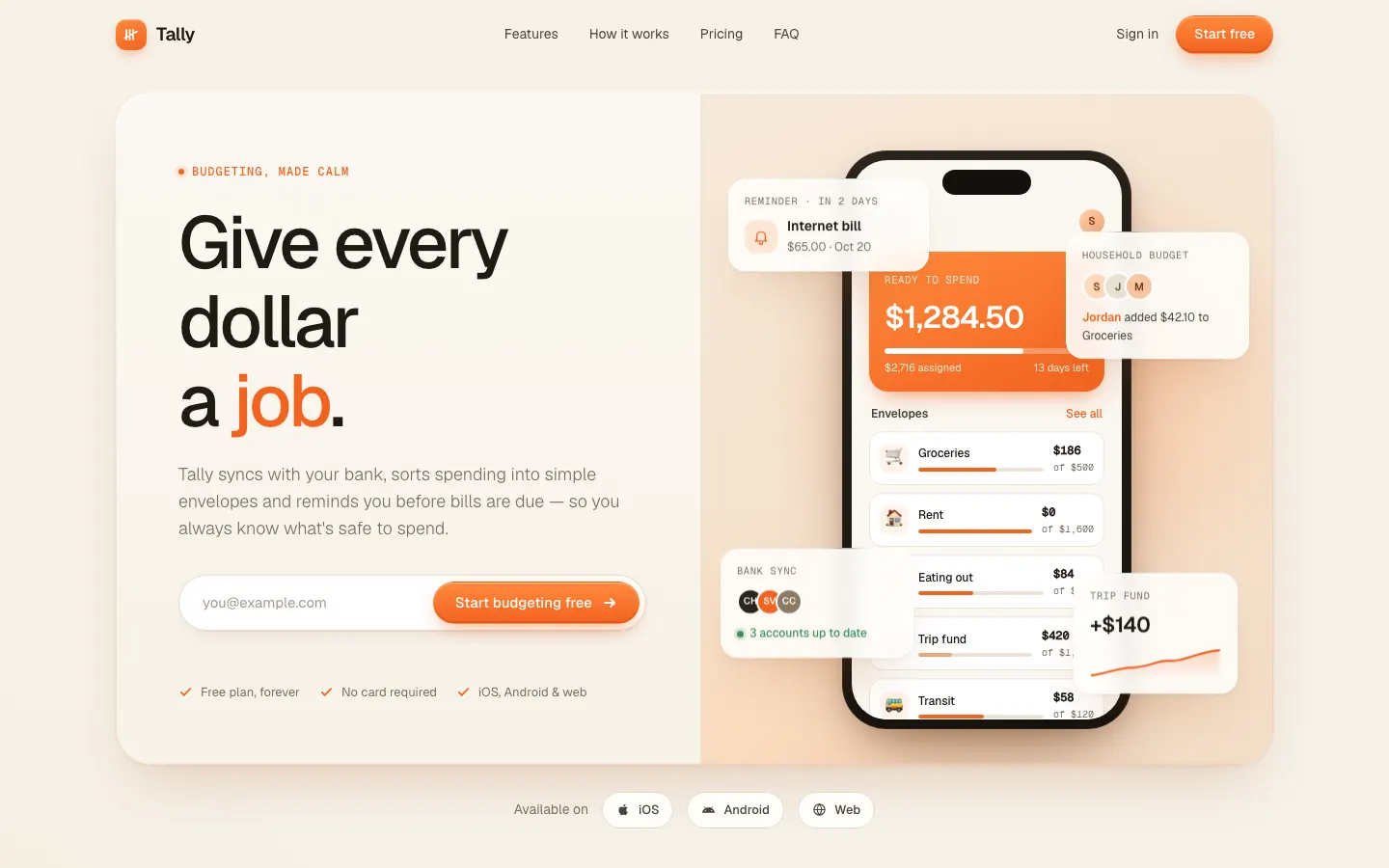

First screen only. Switch to side by side to read the full pages.
Scroll either page; the other follows.
3/5
Material 3 applies a full tonal M3 system in Roboto Flex, and the dashboard is dense and solid. On the landing page, icon names print as text and a hero card still covers the balance.
Orange Clean Paper SaaS gives Tally a warm, soft SaaS page: paper-toned neutrals, Geist type, rounded cards with soft shadows and a bright orange accent. The dashboard is friendly and clear, with orange bars and a glowing summary card. Pick it for approachable SaaS that wants warmth without a serif.
| Field | Material 3 Skill | Orange Clean Paper SaaS (Meng To) |
|---|---|---|
| Fonts |
|
|
| Colors |
|
|
| Pick it for |
|
|
| Skip it for |
|
|
| Observations |
|
|
1 Run in your terminal
/plugin marketplace add hamen/material-3-skill
/plugin install material-3@material-3-skill2 Or paste a prompt into Claude Code, Codex, Cursor or Gemini
It tells your tool to install this from its source repository.
Plugin install is Claude Code only; for other agents use Copy prompt or copy the skill folder.
Taken from the project README. Check the source for the latest instructions.
1 Run in your terminal
npx degit MengTo/Skills/agent-skills/web-design/orange-clean-paper-saas#main .claude/skills/orange-clean-paper-saas2 Or paste a prompt into Claude Code, Codex, Cursor or Gemini
It tells your tool to install this from its source repository.
This install is for Claude Code only; for other agents use Copy prompt or copy the skill folder.
Copies just this skill's folder into your project's .claude/skills.
Check the source for the latest instructions.