Impeccable vs Taste Skill (design-taste-frontend)

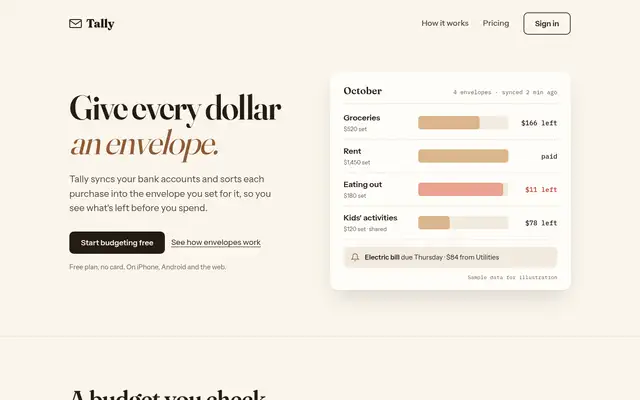
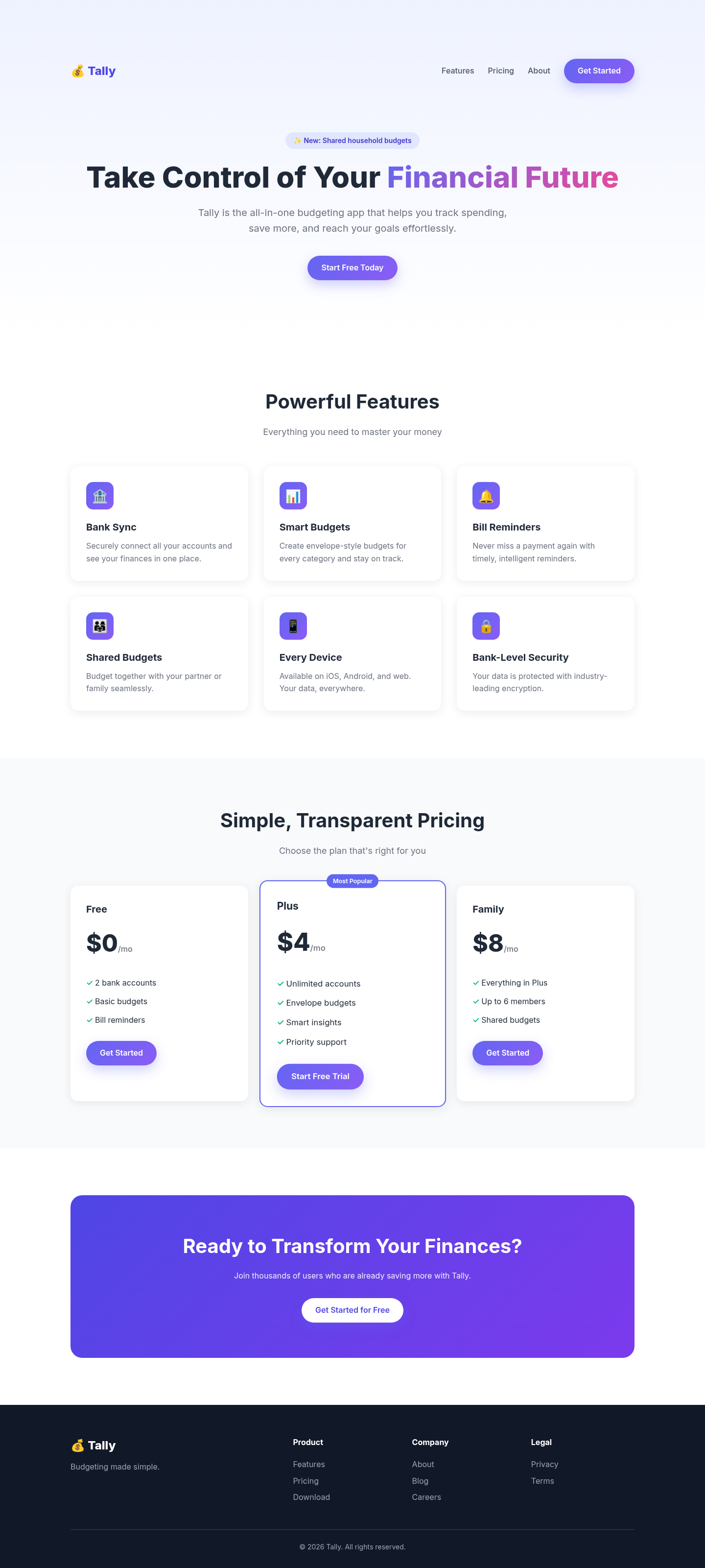
Both after shots are the Tally landing page from the same Claude Code test. Shared tags: Visual direction, Landing pages.

4 out of 5

Impeccable

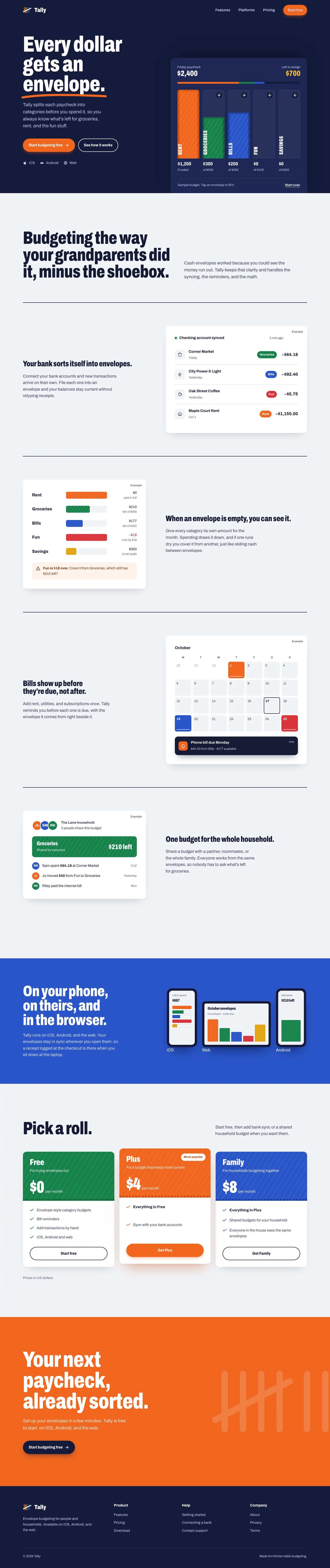
Impeccable drops the cream-and-serif default for a loud navy, orange and primary-color landing page set in heavy Archivo, then builds a calmer pine-and-lime dashboard. Pick it if you want a product page with real energy that still holds up on a dense screen.

Tally landing page made with Impeccable
Open full after

3 out of 5

Taste Skill (design-taste-frontend)

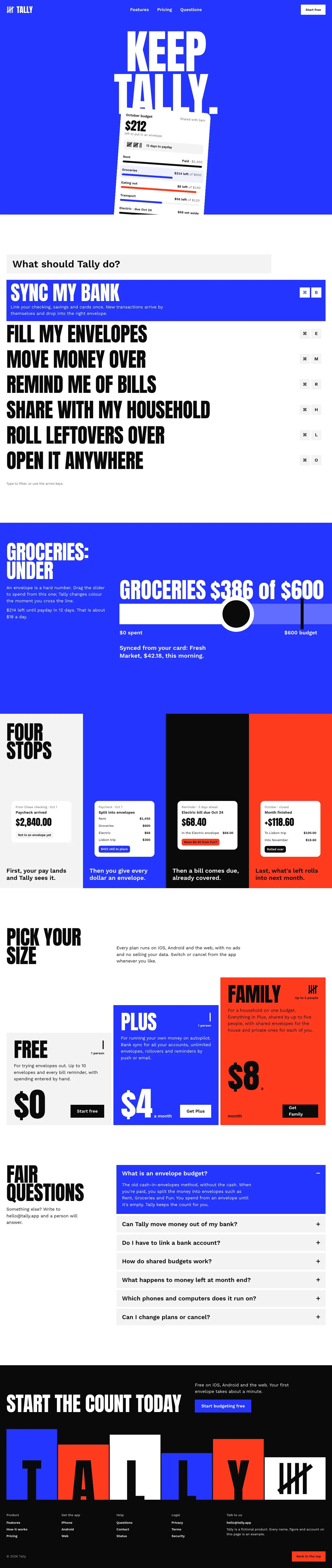
Taste makes the boldest landing page in the set, a white Swiss poster with giant Anton type, electric blue and red. The dashboard looks like a different skill made it, and it scrolls sideways on a phone.

Tally landing page made with Taste Skill (design-taste-frontend)
Open full after

Baseline with no skill · How the brief works

How to install Impeccable

Works with Claude Code, Codex, Cursor, Gemini and more

npx impeccable install

Then run /impeccable init inside your AI coding tool.

Taken from the project README. Check the source for the latest instructions.

How to install Taste Skill (design-taste-frontend)

Works with Claude Code, Codex, Cursor, Gemini and more

npx degit Leonxlnx/taste-skill/skills/taste-skill#main .claude/skills/design-taste-frontend

This install is for Claude Code only; for other agents use Copy prompt or copy the skill folder.

Taken from the project README. Check the source for the latest instructions.