Huashu Design
4/5
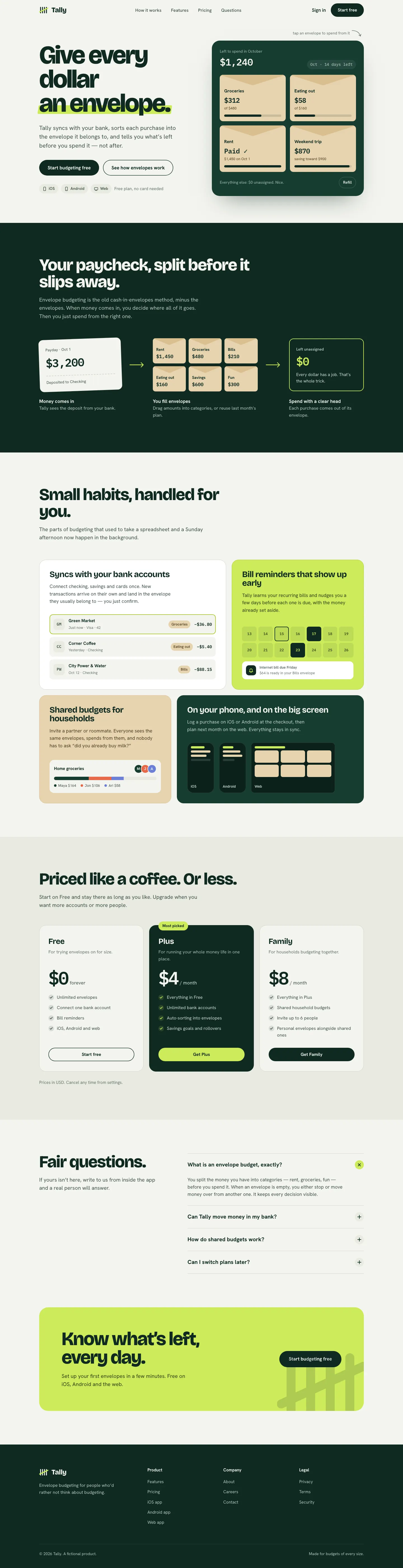
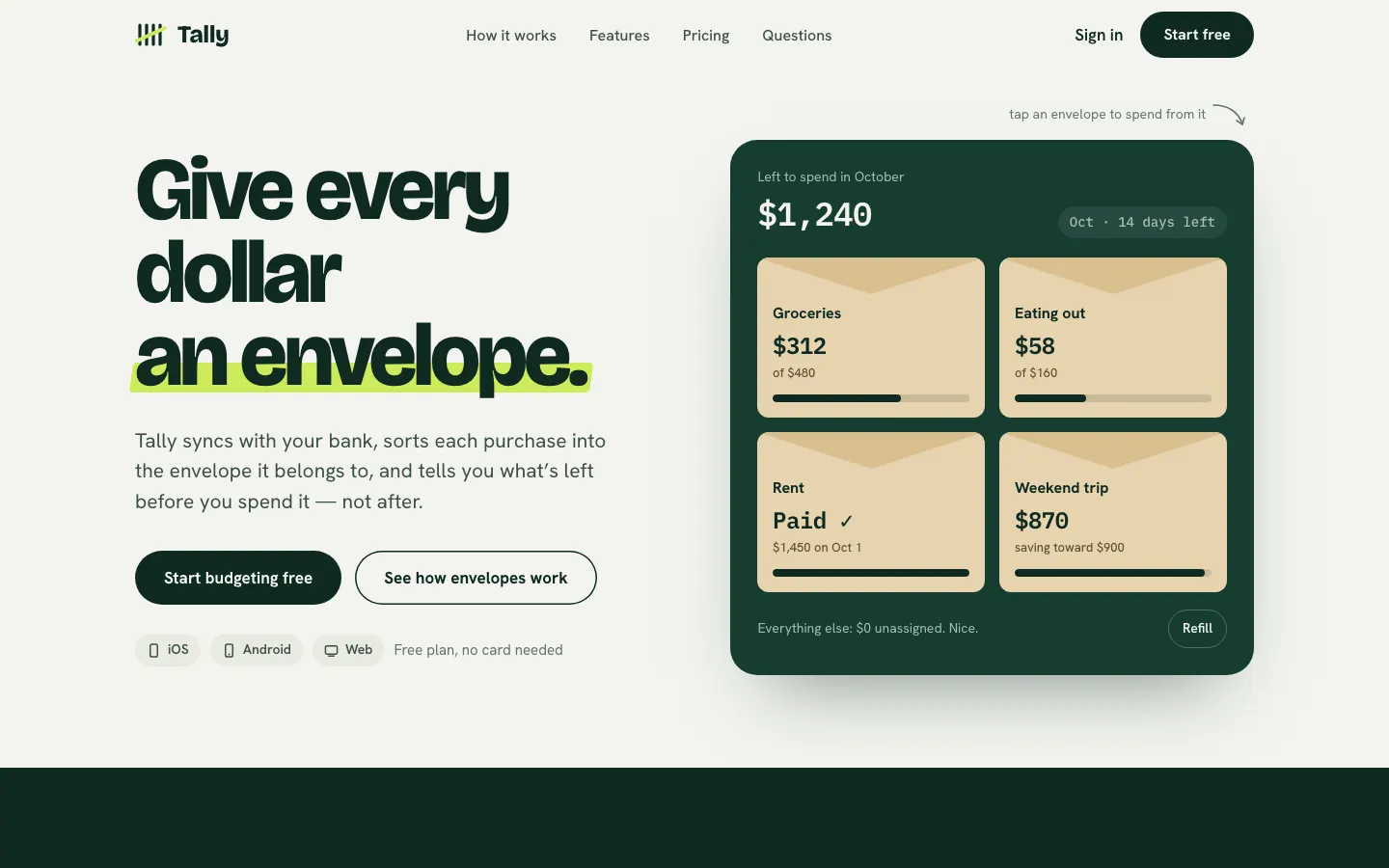
Huashu swaps Fraunces for Bricolage Grotesque and puts a lime highlighter on a deep forest green. It keeps envelopes as real kraft cards and carries the look into a tidy dashboard. A safe, distinct choice for consumer finance.
 Skills for Design
 Tied at 4/5 on the same brief. Pick by fit: the rows below show where each one is stronger.
Both built the Tally landing page in the same Claude Code test, and both design the Minimalist way: white space, one accent, and the confidence to leave things out.
First screen only. Switch to side by side to read the full pages.
Scroll either page; the other follows.
4/5
Huashu swaps Fraunces for Bricolage Grotesque and puts a lime highlighter on a deep forest green. It keeps envelopes as real kraft cards and carries the look into a tidy dashboard. A safe, distinct choice for consumer finance.
4/5
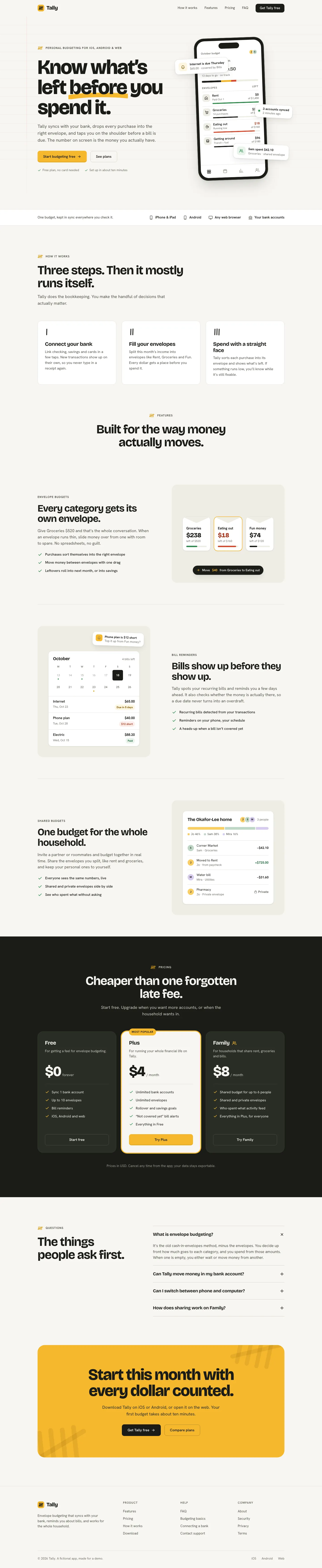
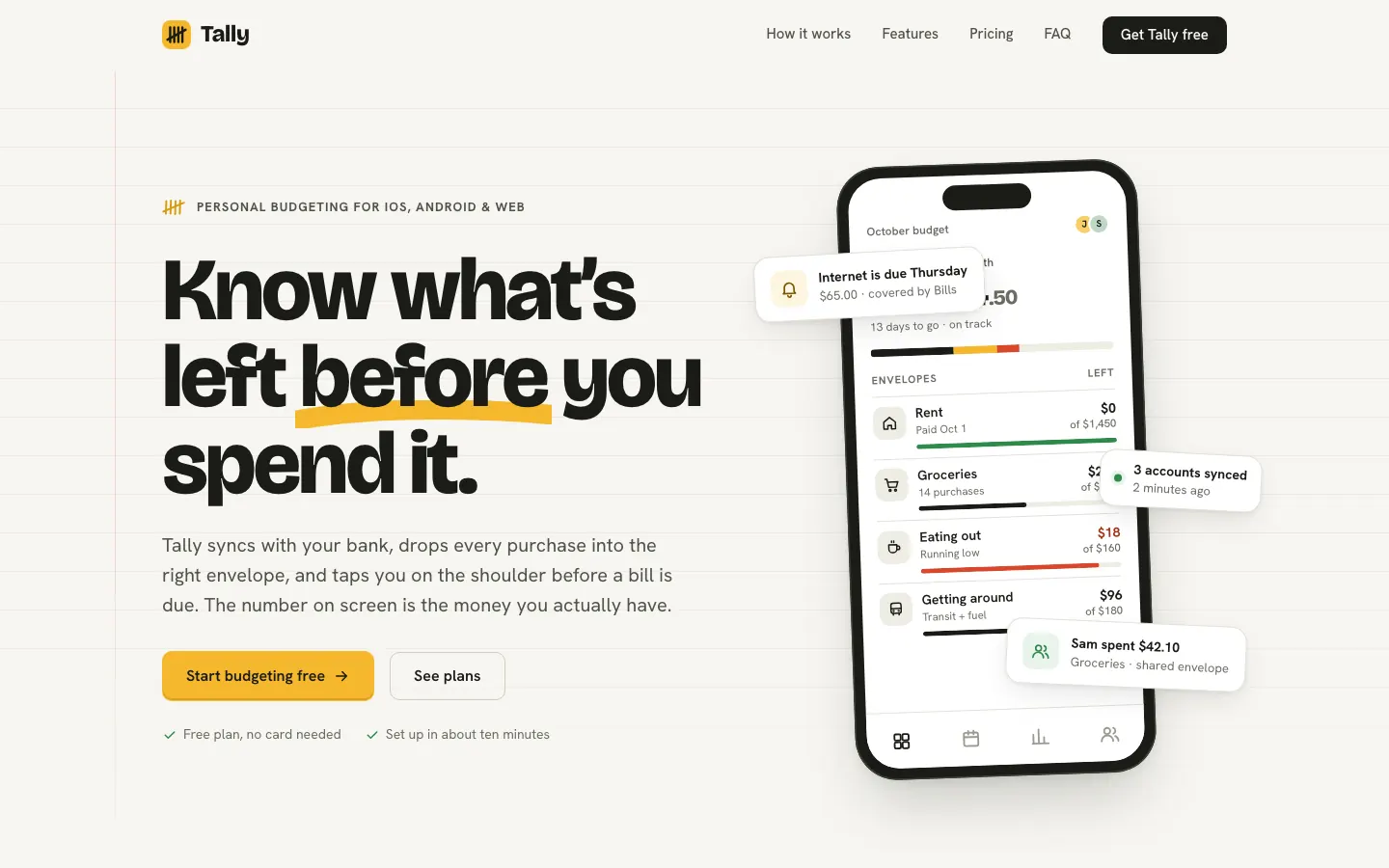
hue is built to turn a brand into a new design-language skill. With our one-file brief it skipped those extra files and used its rules for picking colors and fonts, and the result is a clear brand: a pocket-ledger look with warm off-white paper, near-black ink, one marigold highlight and chunky Bricolage Grotesque over Hanken Grotesk. The landing and the dashboard match closely, and neither looks like the cream-and-serif default. Pick it if you want a skill that settles a brand before it designs.
| Field | Huashu Design | Hue |
|---|---|---|
| Fonts |
|
|
| Colors |
|
|
| Pick it for |
|
|
| Skip it for |
|
|
| Observations |
|
|
1 Run in your terminal
npx skills add alchaincyf/huashu-design2 Or paste a prompt into Claude Code, Codex, Cursor or Gemini
It tells your tool to install this from its source repository.
Taken from the project README. Check the source for the latest instructions.
1 Run in your terminal
git clone https://github.com/dominikmartn/hue ~/.claude/skills/hue2 Or paste a prompt into Claude Code, Codex, Cursor or Gemini
It tells your tool to install this from its source repository.
This install is for Claude Code only; for other agents use Copy prompt or copy the skill folder.
Taken from the project README. Check the source for the latest instructions.