
Popular Web Designs gives Tally the Wise treatment: very heavy black Inter headlines, a lime highlight box around 'job.', pill buttons, big rounded cards and a black pricing band with a lime Plus plan. The dashboard follows through with a black 'left to budget' card in huge lime numerals, lime envelope bars and a lime October bar. It is far from the default and holds together on both pages and on a phone, though the tight headline leading lets lines collide and a sync chip covers the Groceries label in the hero. Pick it when you want a bright, confident consumer fintech look and are happy to start from a known brand's style.
Popular Web Designs vs Impeccable
Hermes Agent · Standalone skill
Tied at 4/5 on the same brief. Pick by fit: the rows below show where each one is stronger.
Both built the Tally landing page in the same Claude Code test, and both design the Maximalist way: loud color, big type, more is more. Both are best for: visual direction.
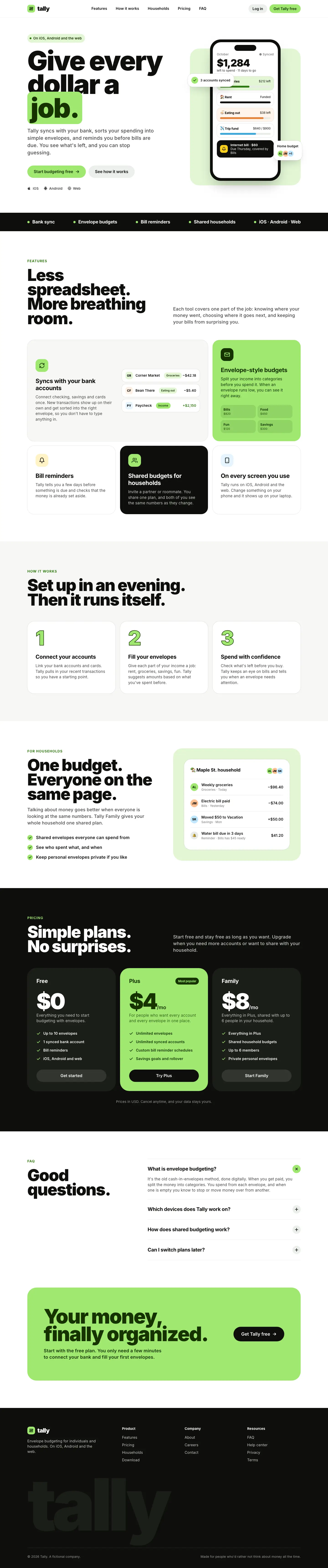
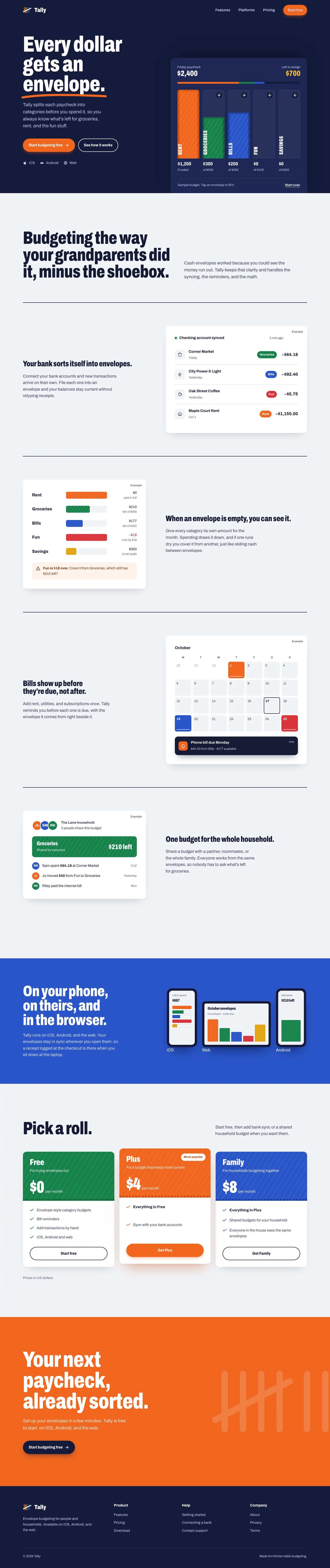

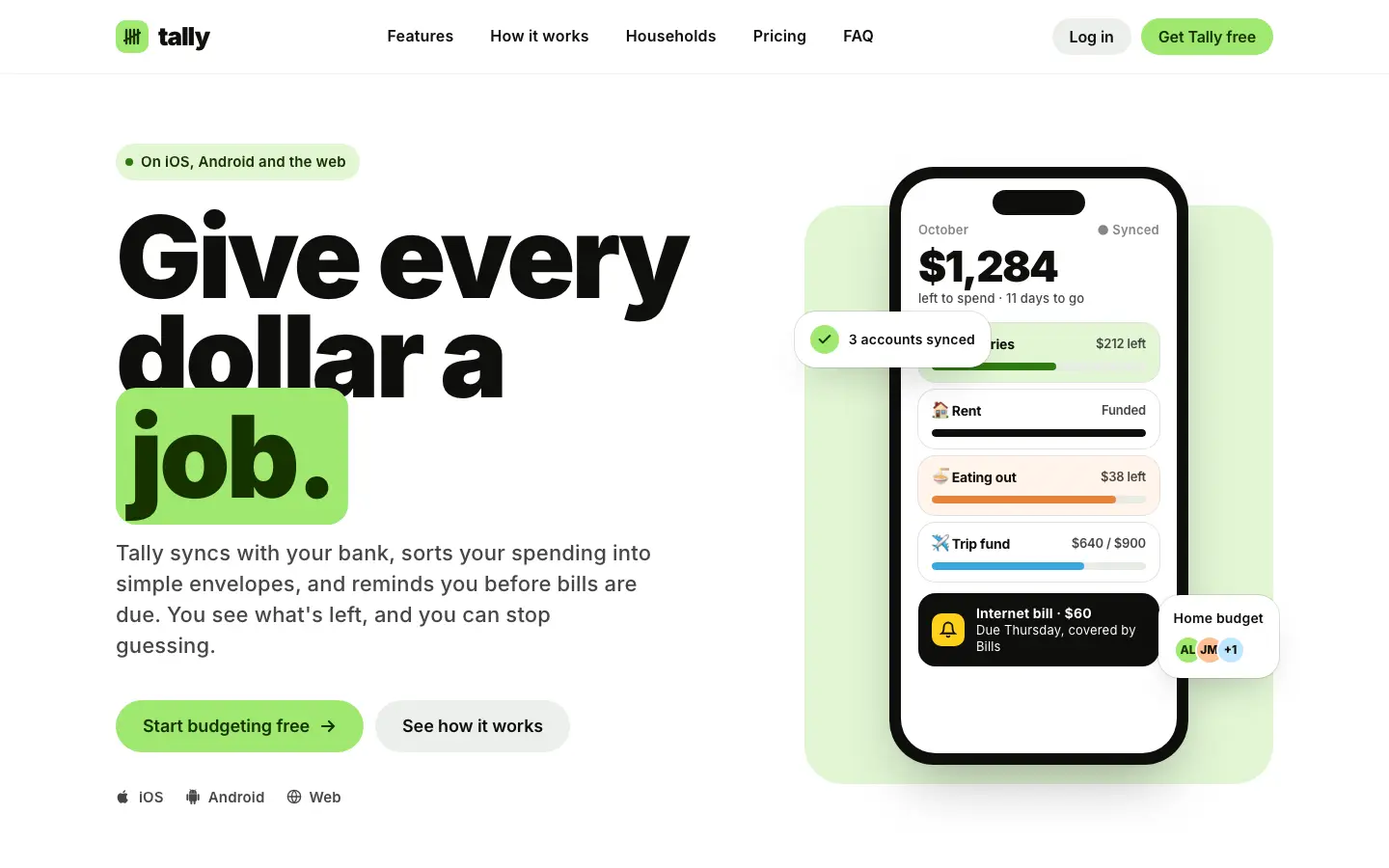
First screen only. Switch to side by side to read the full pages.
Scroll either page; the other follows.
Impeccable
4/5
Impeccable drops the cream-and-serif default for a loud navy, orange and primary-color landing page set in heavy Archivo, then builds a calmer pine-and-lime dashboard. Pick it if you want a product page with real energy that still holds up on a dense screen.
Side by side
| Field | Popular Web Designs (Hermes Agent) | Impeccable |
|---|---|---|
| Fonts |
|
|
| Colors |
|
|
| Pick it for |
|
|
| Skip it for |
|
|
| Observations |
|
|
Install Popular Web Designs (Hermes Agent)
1 Run in your terminal
npx degit nousresearch/hermes-agent/skills/creative/popular-web-designs#main .claude/skills/popular-web-designs2 Or paste a prompt into Claude Code, Codex, Cursor or Gemini
It tells your tool to install this from its source repository.
This install is for Claude Code only; for other agents use Copy prompt or copy the skill folder.
Copies just this skill's folder into your project's .claude/skills.
Check the source for the latest instructions.
Install Impeccable
1 Run in your terminal
npx impeccable install2 Or paste a prompt into Claude Code, Codex, Cursor or Gemini
It tells your tool to install this from its source repository.
Then run /impeccable init inside your AI coding tool.
Taken from the project README. Check the source for the latest instructions.