Hallmark
4/5
Hallmark turns Tally into a cheerful yellow-and-pastel brand in Plus Jakarta Sans with big ghost numerals, and the dashboard matches it. The most consistent result in the set, but it took about 12 minutes per brief.
 Skills for Design
 Standalone skill · Meng To
Hallmark scored higher on the same brief, 4/5. The rows below show where each one fits.
Both built the Tally landing page in the same Claude Code test, and both design the Maximalist way: loud color, big type, more is more. Both are best for: visual direction, landing pages.
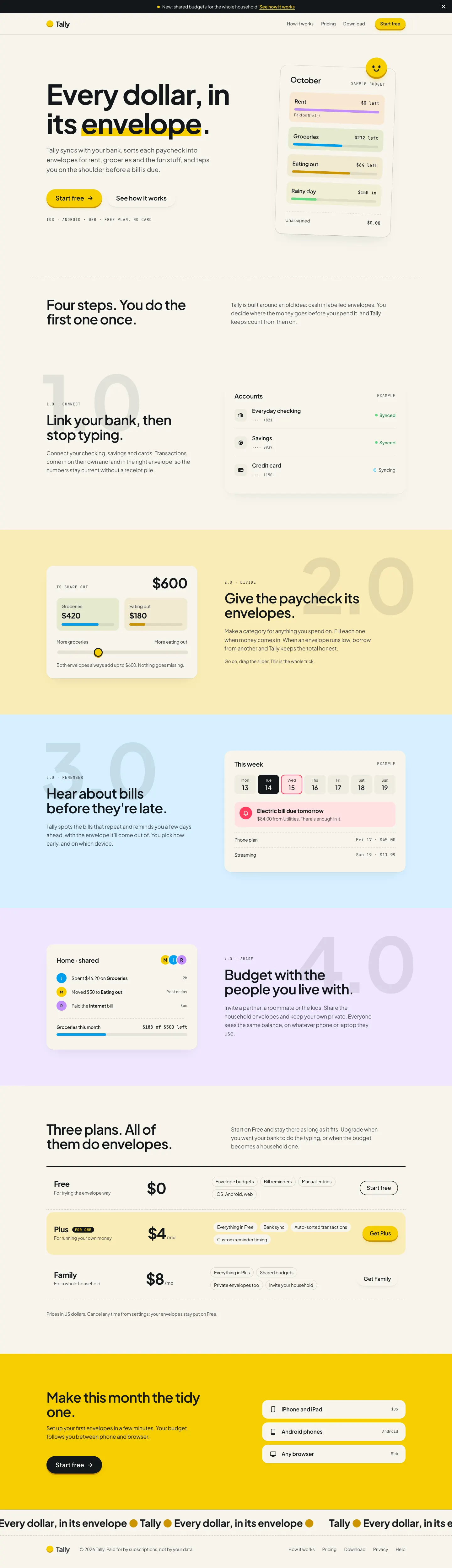
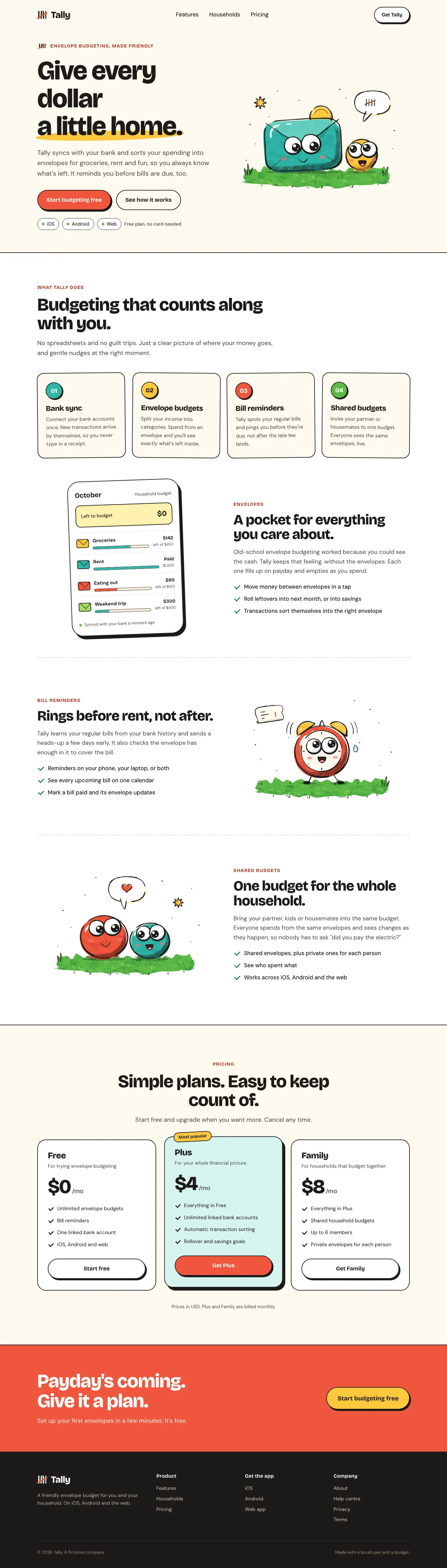
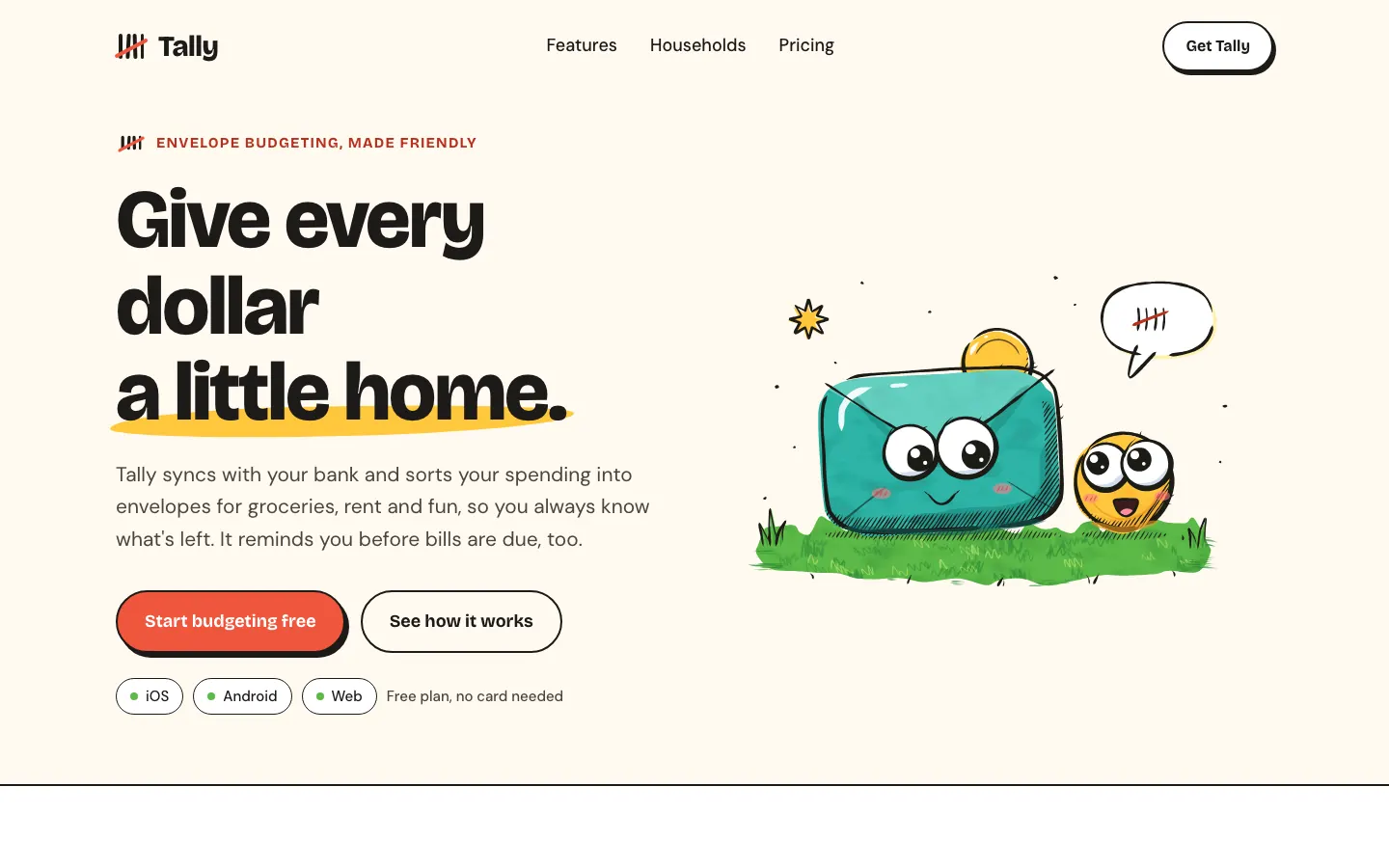
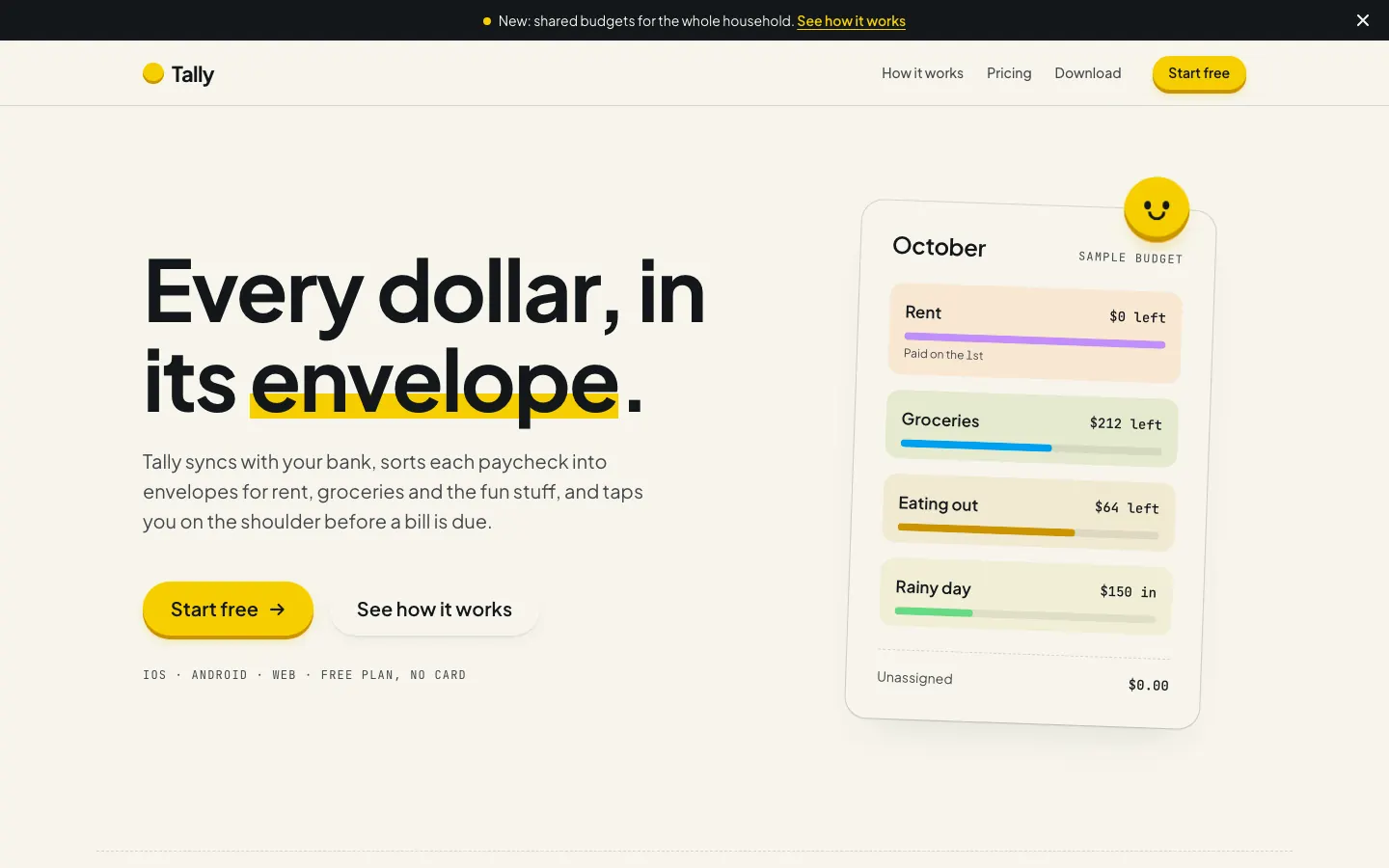
First screen only. Switch to side by side to read the full pages.
Scroll either page; the other follows.
4/5
Hallmark turns Tally into a cheerful yellow-and-pastel brand in Plus Jakarta Sans with big ghost numerals, and the dashboard matches it. The most consistent result in the set, but it took about 12 minutes per brief.
Illustration: Ink Sketch gives Tally hand-inked mascots: a googly-eyed envelope with a coin buddy, a ringing alarm clock and two critters sharing a budget, with chunky Bricolage Grotesque and ink-outlined sticker buttons on warm paper. The dashboard has an envelope critter waving on grass. It is charming, but the mobile dashboard scrolls sideways and the inline drawings make the pages heavy. Pick it for playful brands.
| Field | Hallmark | Illustration: Ink Sketch (Meng To) |
|---|---|---|
| Fonts |
|
|
| Colors |
|
|
| Pick it for |
|
|
| Skip it for |
|
|
| Observations |
|
|
1 Run in your terminal
npx skills add nutlope/hallmark2 Or paste a prompt into Claude Code, Codex, Cursor or Gemini
It tells your tool to install this from its source repository.
Taken from the project README. Check the source for the latest instructions.
1 Run in your terminal
npx degit MengTo/Skills/agent-skills/illustration/illustration-ink-sketch#main .claude/skills/illustration-ink-sketch2 Or paste a prompt into Claude Code, Codex, Cursor or Gemini
It tells your tool to install this from its source repository.
This install is for Claude Code only; for other agents use Copy prompt or copy the skill folder.
Copies just this skill's folder into your project's .claude/skills.
Check the source for the latest instructions.