claude-design-system-prompt vs ux-ui-agent-skills

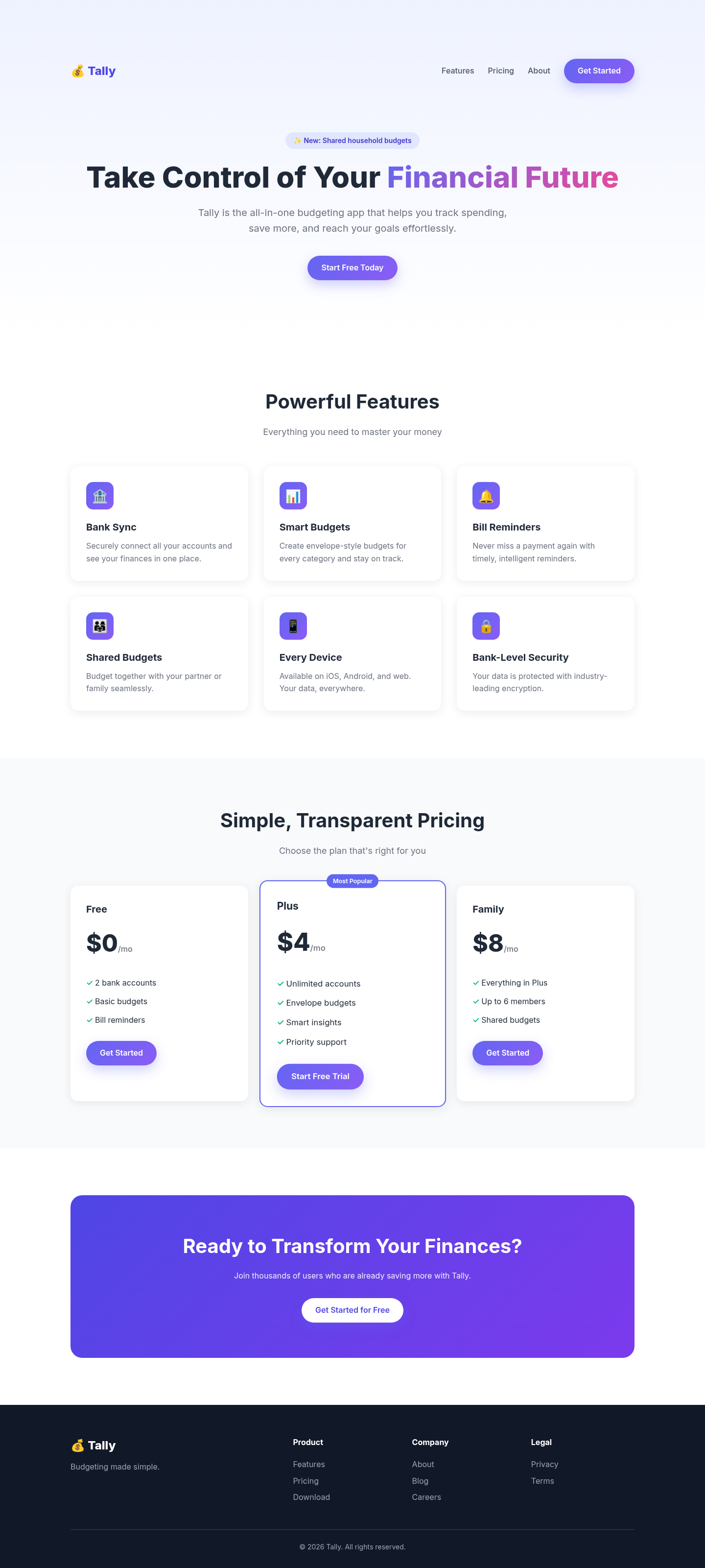
Both after shots are the Tally budgeting-app landing page, made by applying each skill's published instructions. Shared tags: Design systems.

4 out of 5

claude-design-system-prompt

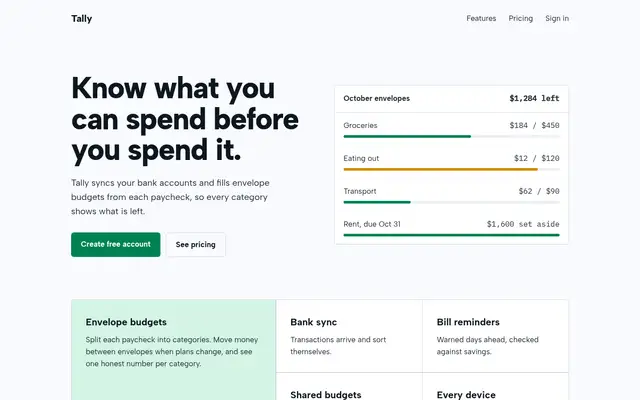
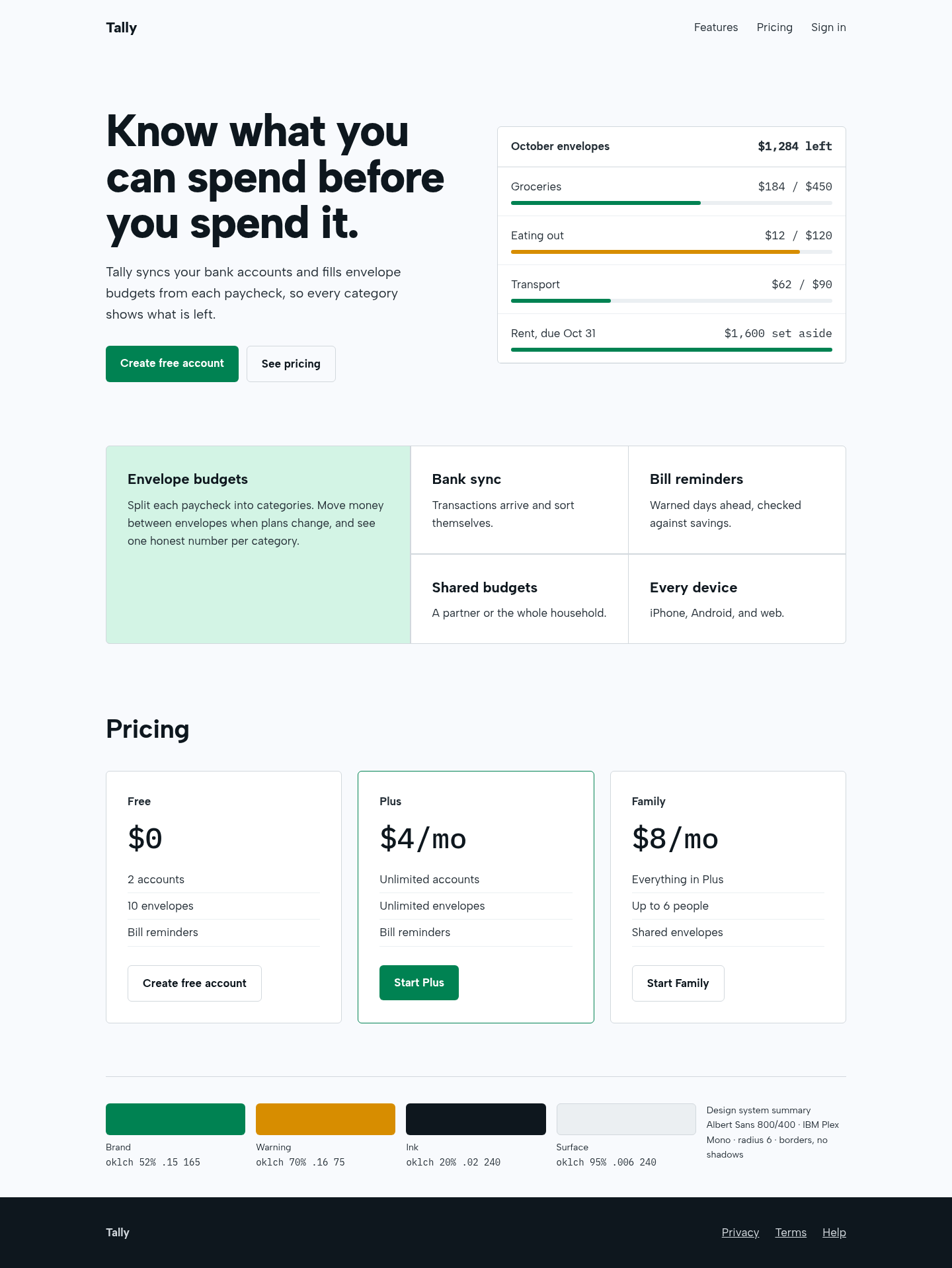
The aesthetic-direction and slop-check skills produced a calm, coherent fintech page: a real product panel in the hero, a bento feature block with one lead cell, and borders instead of shadows. It also renders a visible design-system summary, as the skill requires, which some will see as clutter.

Tally landing page made with claude-design-system-prompt
Open full after

4 out of 5

ux-ui-agent-skills

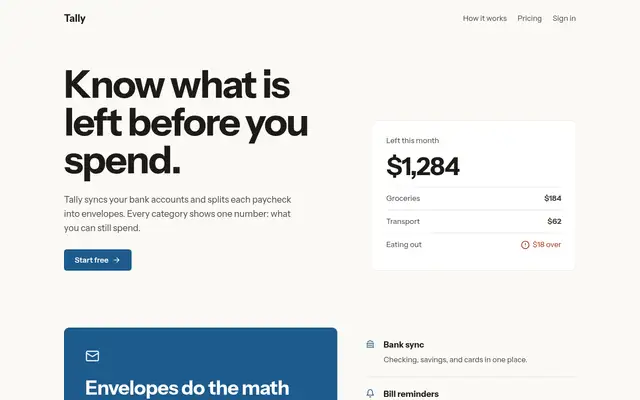
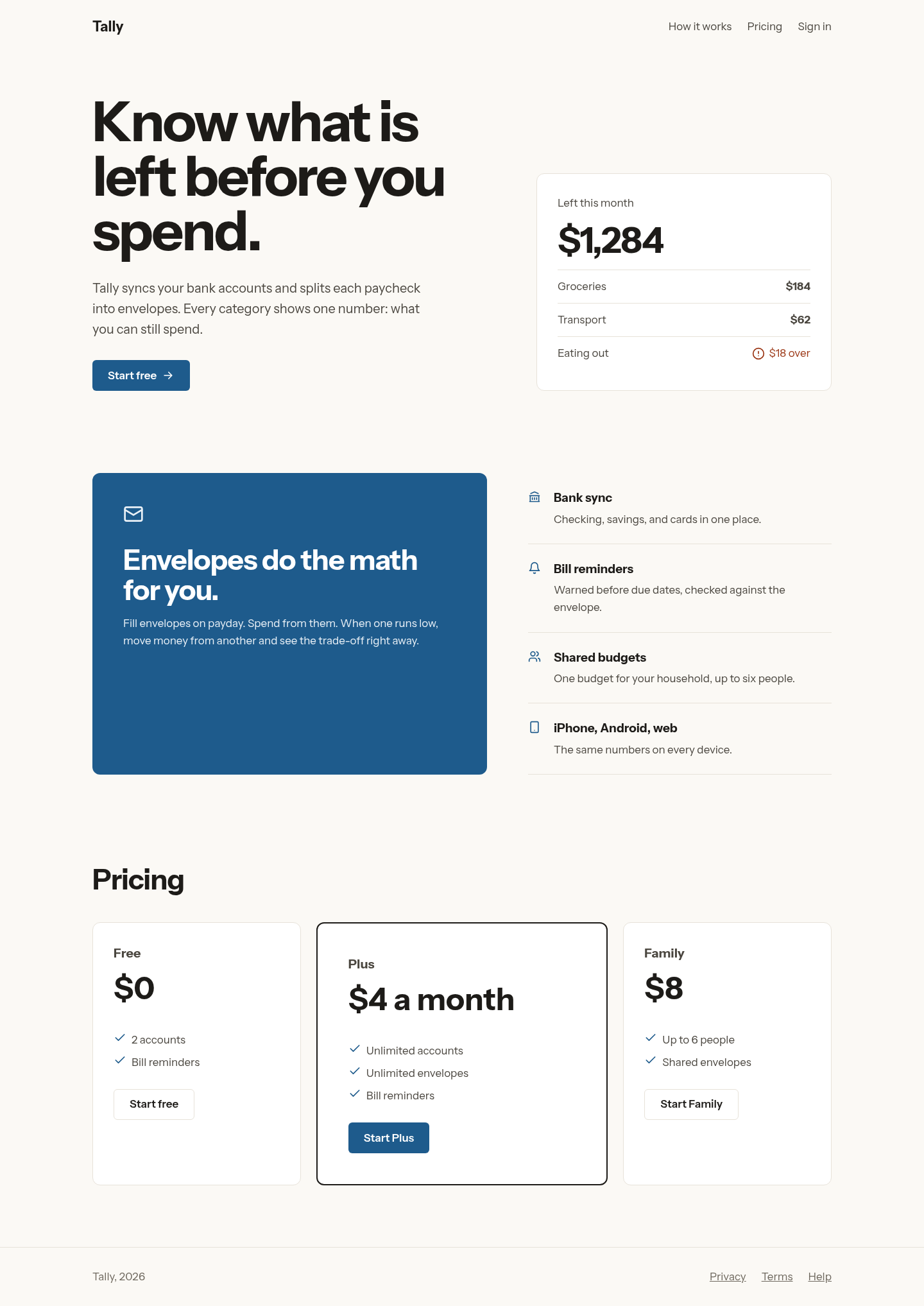
Its banned-defaults list fixed the baseline's tells directly: no emoji, one lead feature instead of an equal grid, a lead pricing plan, off-black on warm white and a big display headline. Solid and tasteful; we could not run the kit's own scripted gates because only the skill folder was available.

Tally landing page made with ux-ui-agent-skills
Open full after

Baseline with no skill · How the brief works

How to install claude-design-system-prompt

Works with Claude Code, Codex, Cursor, Gemini and more

No install command in README: paste system-prompt.md as the system prompt and copy skills/ manually.

Taken from the project README. Check the source for the latest instructions.

How to install ux-ui-agent-skills

Works with Claude Code, Codex, Cursor, Gemini and more

/plugin marketplace add plugin87/ux-ui-agent-skills
/plugin install ux-ui-agent-skills@ux-ui-agent-skills

Plugin install is Claude Code only; for other agents use Copy prompt or copy the skill folder.

Taken from the project README. Check the source for the latest instructions.