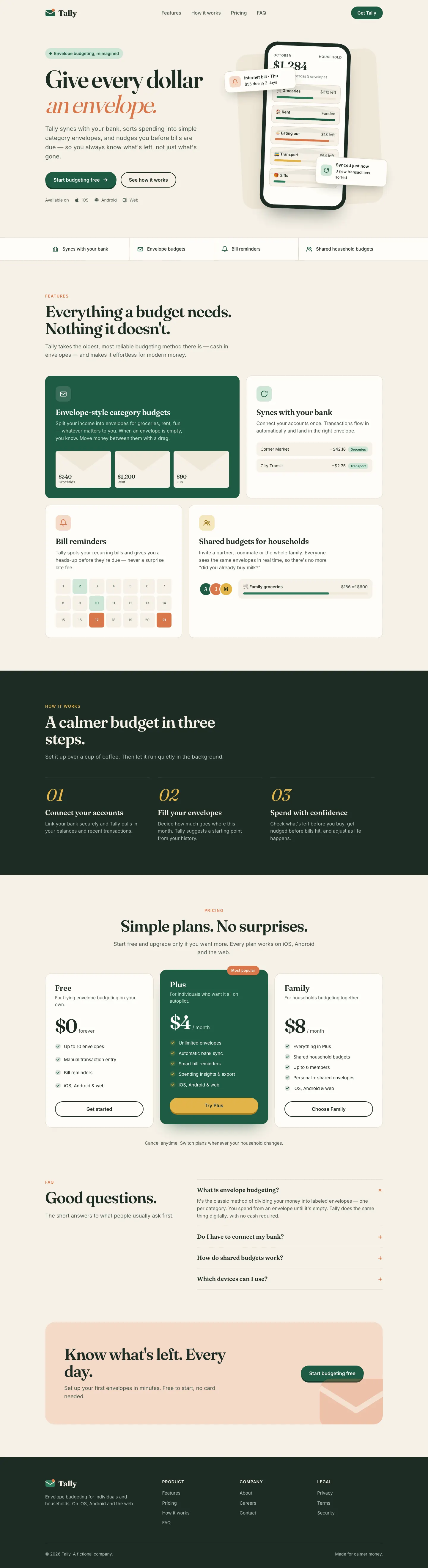
This system prompt moves Tally to a cool grey-and-ink look with Bricolage Grotesque, Geist and a lime marker, and the dashboard is clean and well organized. One contrast bug on the closing CTA keeps it from a higher score.
 Skills for Design
 Tied at 4/5 on the same brief. Pick by fit: the rows below show where each one is stronger.
Both built the Tally landing page in the same Claude Code test. Shared tasks: Visual direction.
This system prompt moves Tally to a cool grey-and-ink look with Bricolage Grotesque, Geist and a lime marker, and the dashboard is clean and well organized. One contrast bug on the closing CTA keeps it from a higher score.
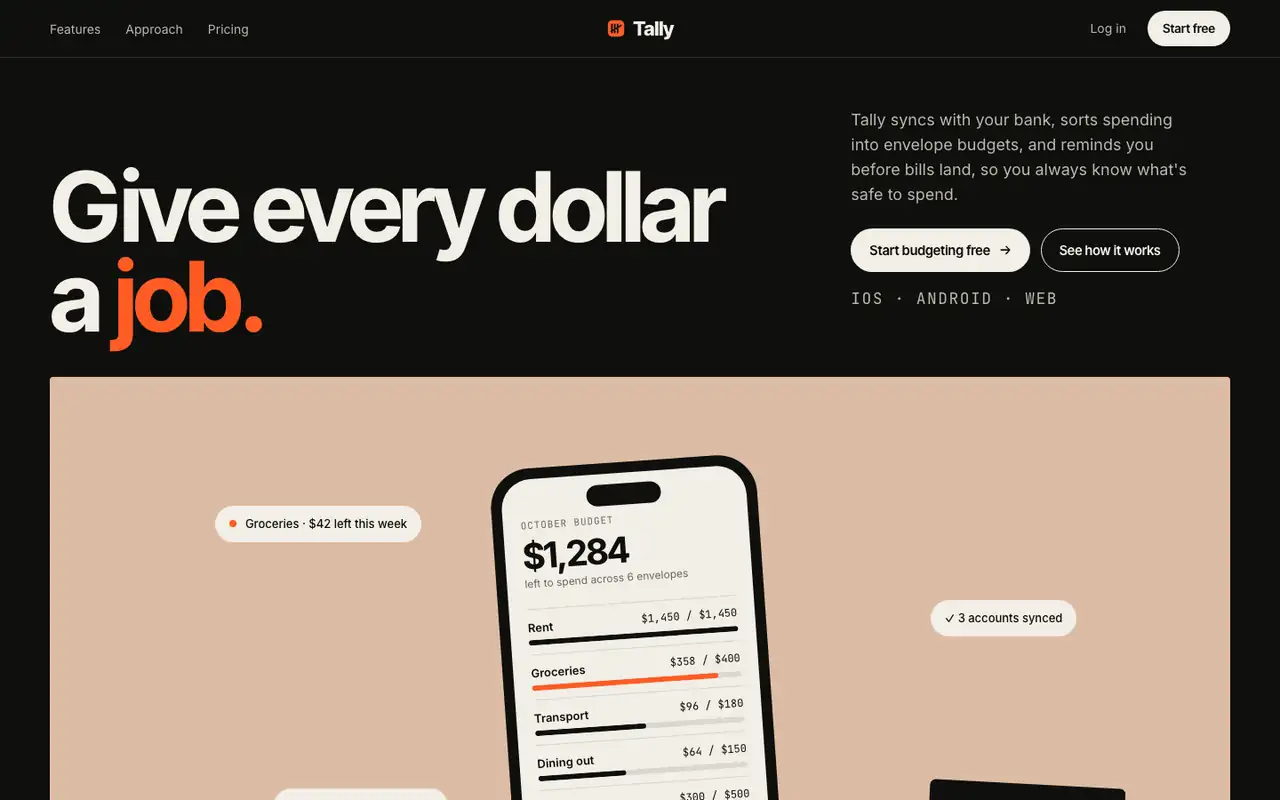
Editorial Portfolio Chapters tells the Tally story in color-blocked chapters: clay, sage, mist and ochre panels on a black page, Inter Tight headlines and a hot orange signal color. The dashboard carries the same muted chapter colors into the envelope bars and ends on a big orange call to action. Pick it if you want a confident, art-directed product that still reads cleanly.
| Field | claude-design-system-prompt | Editorial Portfolio Chapters (Meng To) |
|---|---|---|
| Fonts |
|
|
| Colors |
|
|
| Good fit for |
|
|
| Not great for |
|
|
| Flaws we saw |
|
|
The baseline with no skillHow the brief works
1 Paste a prompt into Claude Code, Codex, Cursor or Gemini
It tells your tool to install this from its source repository.
No install command in README: paste system-prompt.md as the system prompt and copy skills/ manually.
Taken from the project README. Check the source for the latest instructions.
1 Run in your terminal
npx degit MengTo/Skills/agent-skills/web-design/editorial-portfolio-chapters#main .claude/skills/editorial-portfolio-chapters2 Or paste a prompt into Claude Code, Codex, Cursor or Gemini
It tells your tool to install this from its source repository.
This install is for Claude Code only; for other agents use Copy prompt or copy the skill folder.
Copies just this skill's folder into your project's .claude/skills.
Check the source for the latest instructions.