
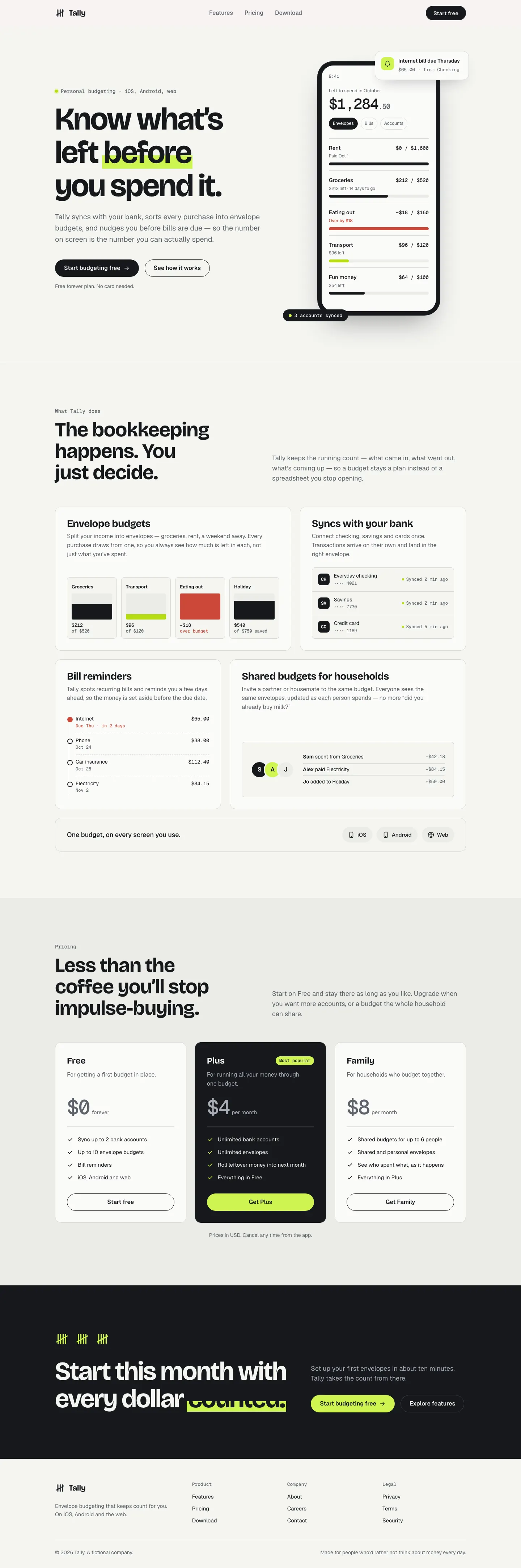
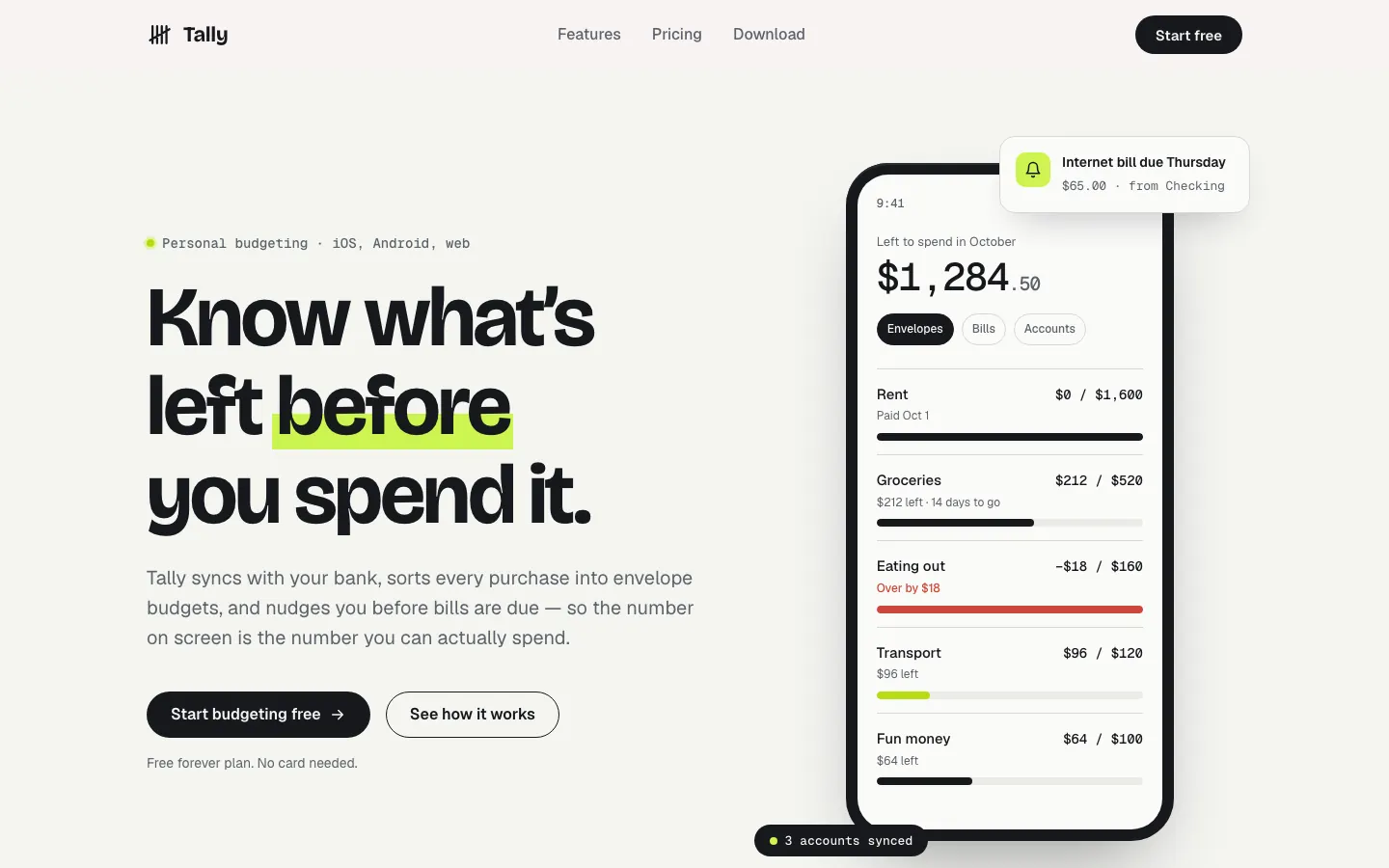
This system prompt moves Tally to a cool grey-and-ink look with Bricolage Grotesque, Geist and a lime marker, and the dashboard is clean and well organized. One contrast bug on the closing CTA keeps it from a higher score.
Claude Design System Prompt vs 3D Metal Material
Standalone skill · Meng To
Tied at 4/5 on the same brief. Pick by fit: the rows below show where each one is stronger.
Same brief, opposite looks. Claude Design System Prompt is Minimalist and 3D Metal Material is Night Shift: see how far apart two good skills can take the same page.

First screen only. Switch to side by side to read the full pages.
Scroll either page; the other follows.
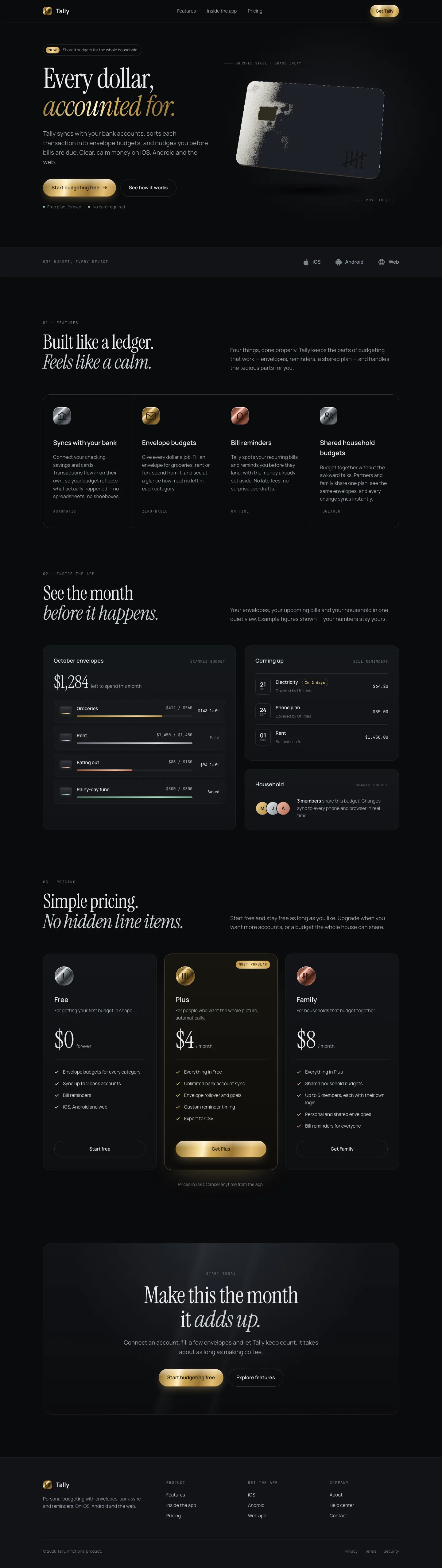
3D Metal Material gives Tally a dark studio look: Instrument Serif headlines with brass accents and a slowly tilting brushed-steel card in the hero, drawn live with WebGL. The dashboard puts the $640 on a machined steel plate and uses steel, brass and copper finishes on the bars and buttons. It feels premium and is consistent across both pages. Pick it when you want one rich 3D centerpiece on a dark product page.
Side by side
| Field | Claude Design System Prompt | 3D Metal Material (Meng To) |
|---|---|---|
| Fonts |
|
|
| Colors |
|
|
| Pick it for |
|
|
| Skip it for |
|
|
| Observations |
|
|
Install Claude Design System Prompt
1 Paste a prompt into Claude Code, Codex, Cursor or Gemini
It tells your tool to install this from its source repository.
No install command in README: paste system-prompt.md as the system prompt and copy skills/ manually.
Taken from the project README. Check the source for the latest instructions.
Install 3D Metal Material (Meng To)
1 Run in your terminal
npx degit MengTo/Skills/agent-skills/3d/3d-metal-material#main .claude/skills/3d-metal-material2 Or paste a prompt into Claude Code, Codex, Cursor or Gemini
It tells your tool to install this from its source repository.
This install is for Claude Code only; for other agents use Copy prompt or copy the skill folder.
Copies just this skill's folder into your project's .claude/skills.
Check the source for the latest instructions.