claude-design-system-prompt vs Hallmark

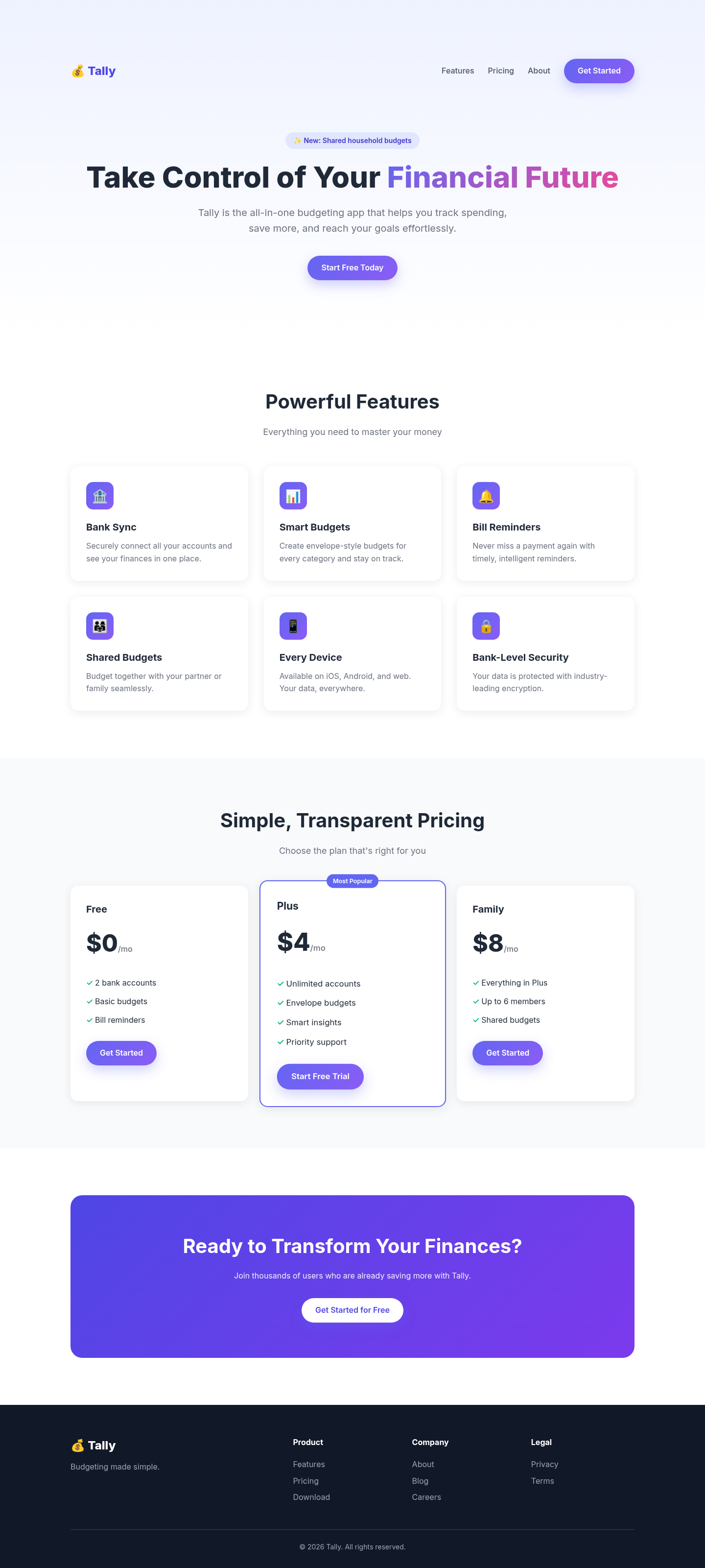
Both after shots are the Tally budgeting-app landing page, made by applying each skill's published instructions. Shared tags: Visual direction.

4 out of 5

claude-design-system-prompt

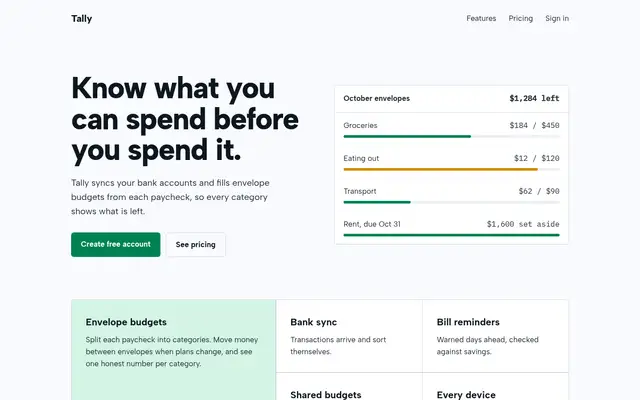
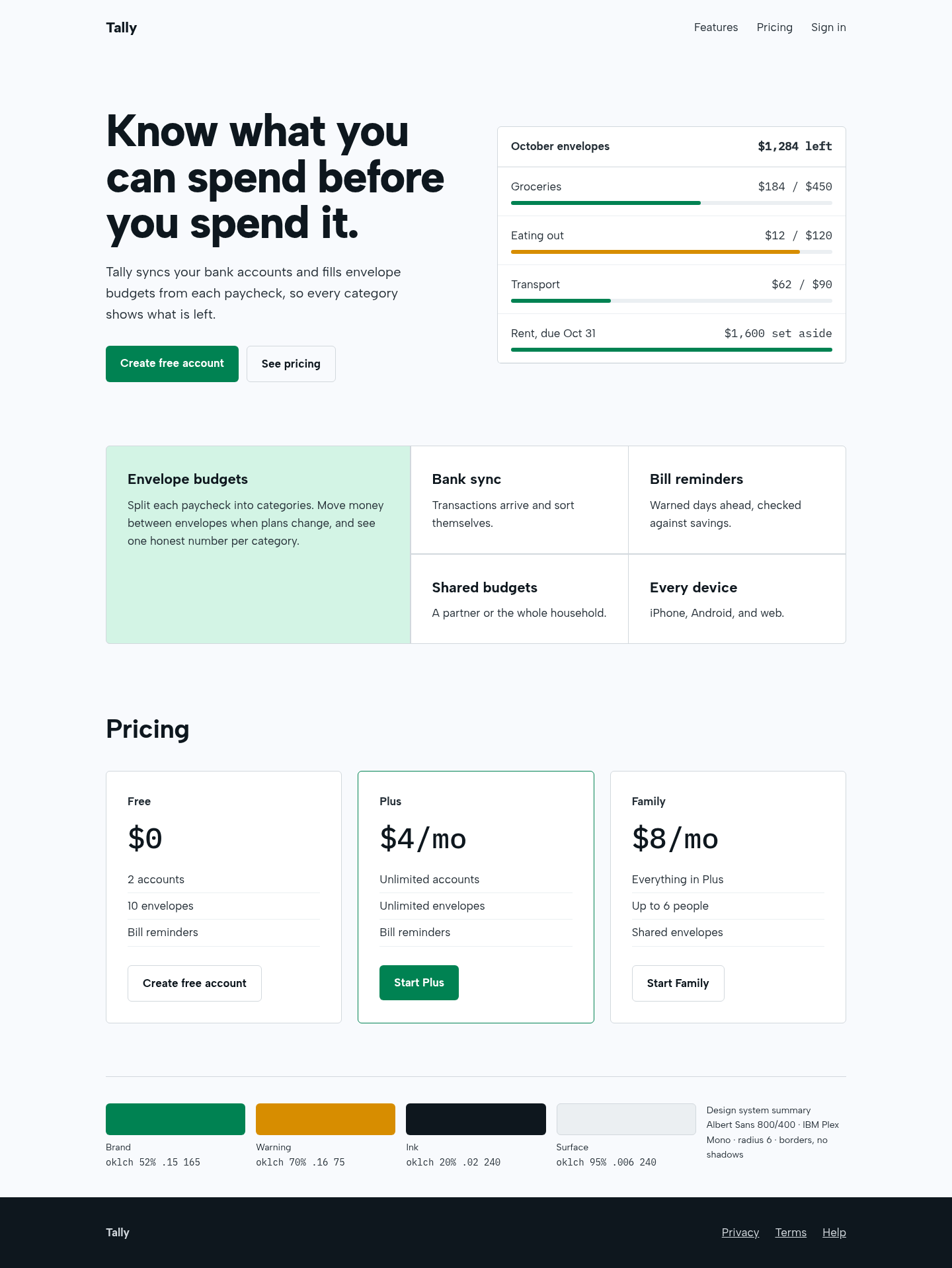
The aesthetic-direction and slop-check skills produced a calm, coherent fintech page: a real product panel in the hero, a bento feature block with one lead cell, and borders instead of shadows. It also renders a visible design-system summary, as the skill requires, which some will see as clutter.

Tally landing page made with claude-design-system-prompt
Open full after

4 out of 5

Hallmark

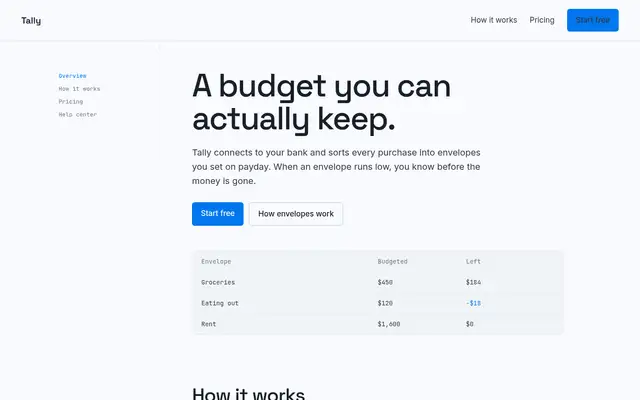
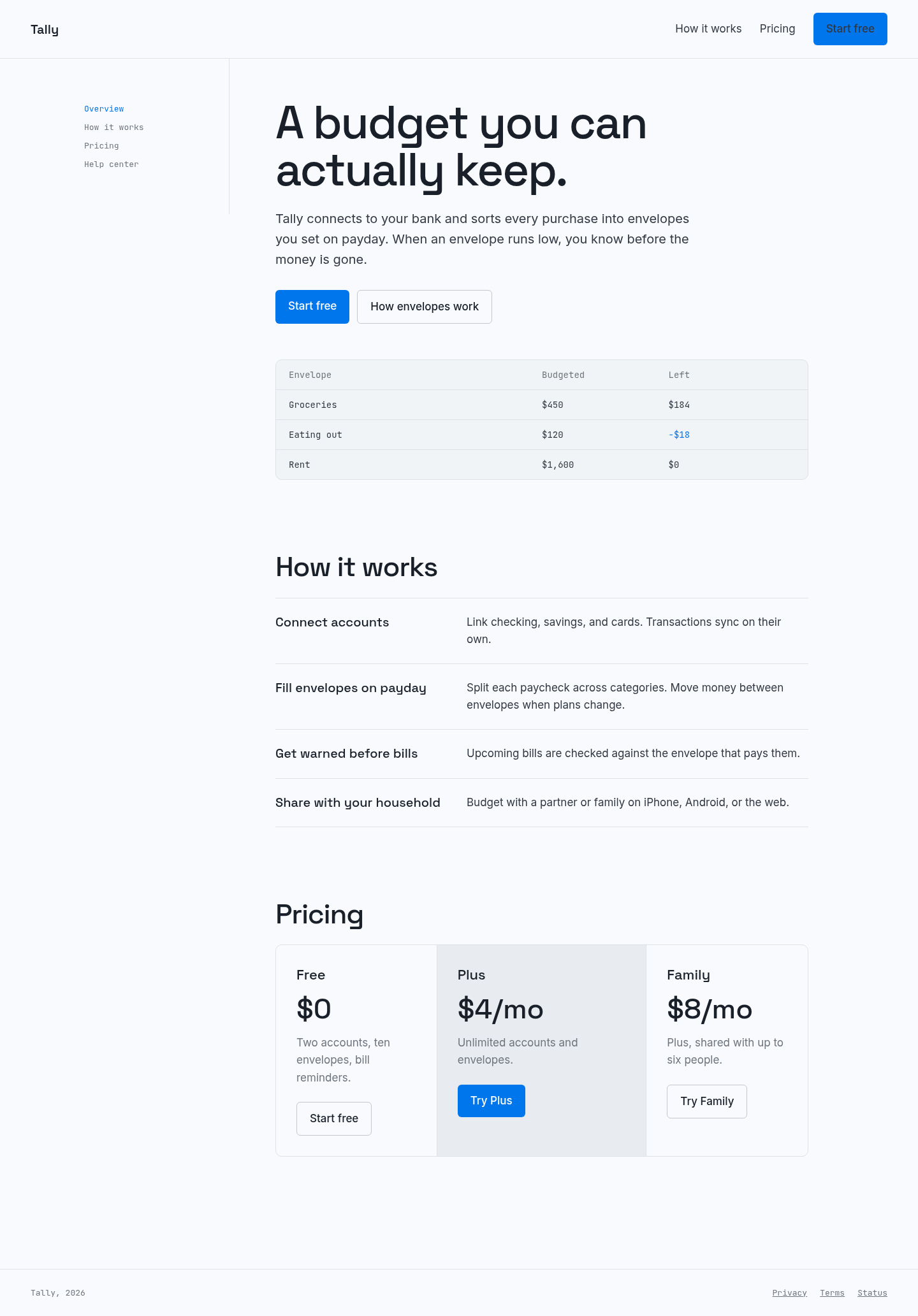
Turned the centered hero-plus-cards template into a document-style page with a side rail, a real envelope ledger and hairline rules, using its Cobalt theme tokens. Clean and credible, though the result is quieter and less memorable than the strongest entries.

Tally landing page made with Hallmark
Open full after

Baseline with no skill · How the brief works

How to install claude-design-system-prompt

Works with Claude Code, Codex, Cursor, Gemini and more

No install command in README: paste system-prompt.md as the system prompt and copy skills/ manually.

Taken from the project README. Check the source for the latest instructions.

How to install Hallmark

Works with Claude Code, Codex, Cursor, Gemini and more

npx skills add nutlope/hallmark

Taken from the project README. Check the source for the latest instructions.