
Pulse gives Tally a warm retro poster: cream and orange, 4px dark outlines with hard shadows, big Limelight headlines and circle, triangle and diamond shapes. The dashboard keeps the orange and amber blocks and springy hovers. It is bold and consistent, but the mobile landing scrolls sideways. Pick it for energetic consumer brands.
Pulse vs Frontend Design
Awesome Design Skills · Anthropic
Tied at 3/5 on the same brief. Pick by fit: the rows below show where each one is stronger.
Both built the Tally landing page in the same Claude Code test, and both design the Maximalist way: loud color, big type, more is more. Both are best for: visual direction.
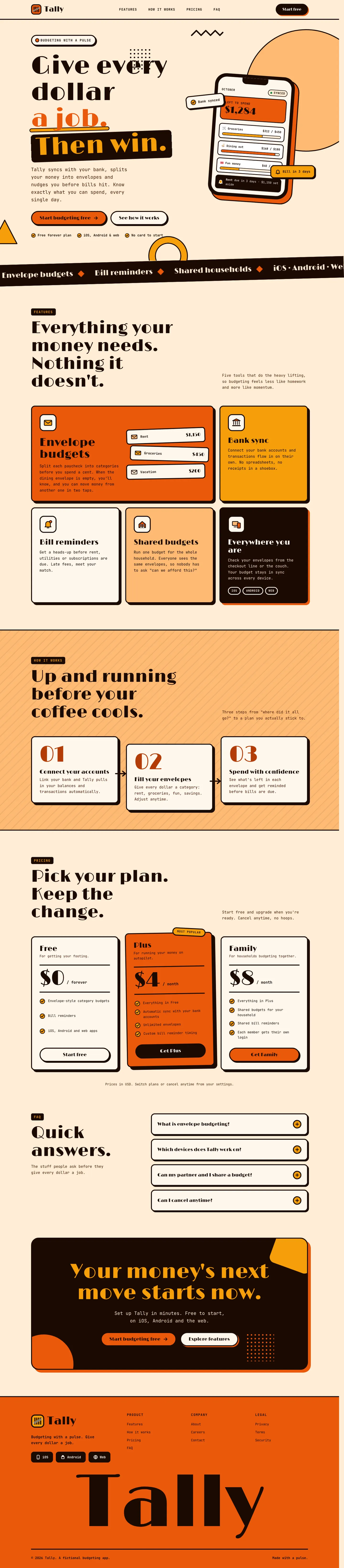
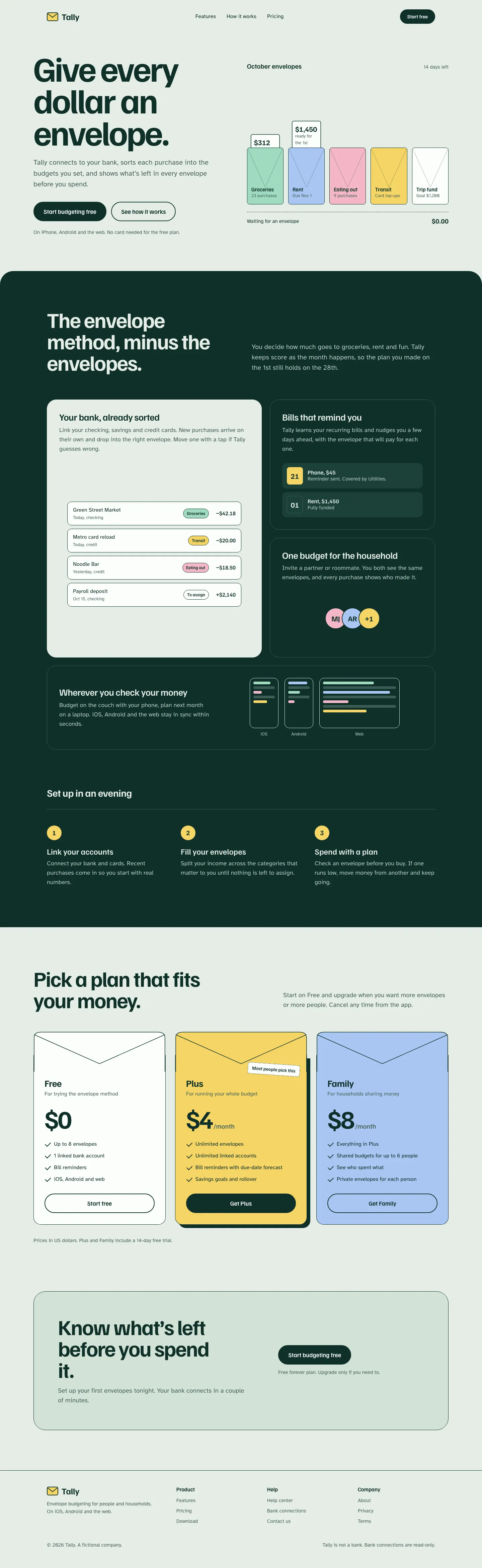
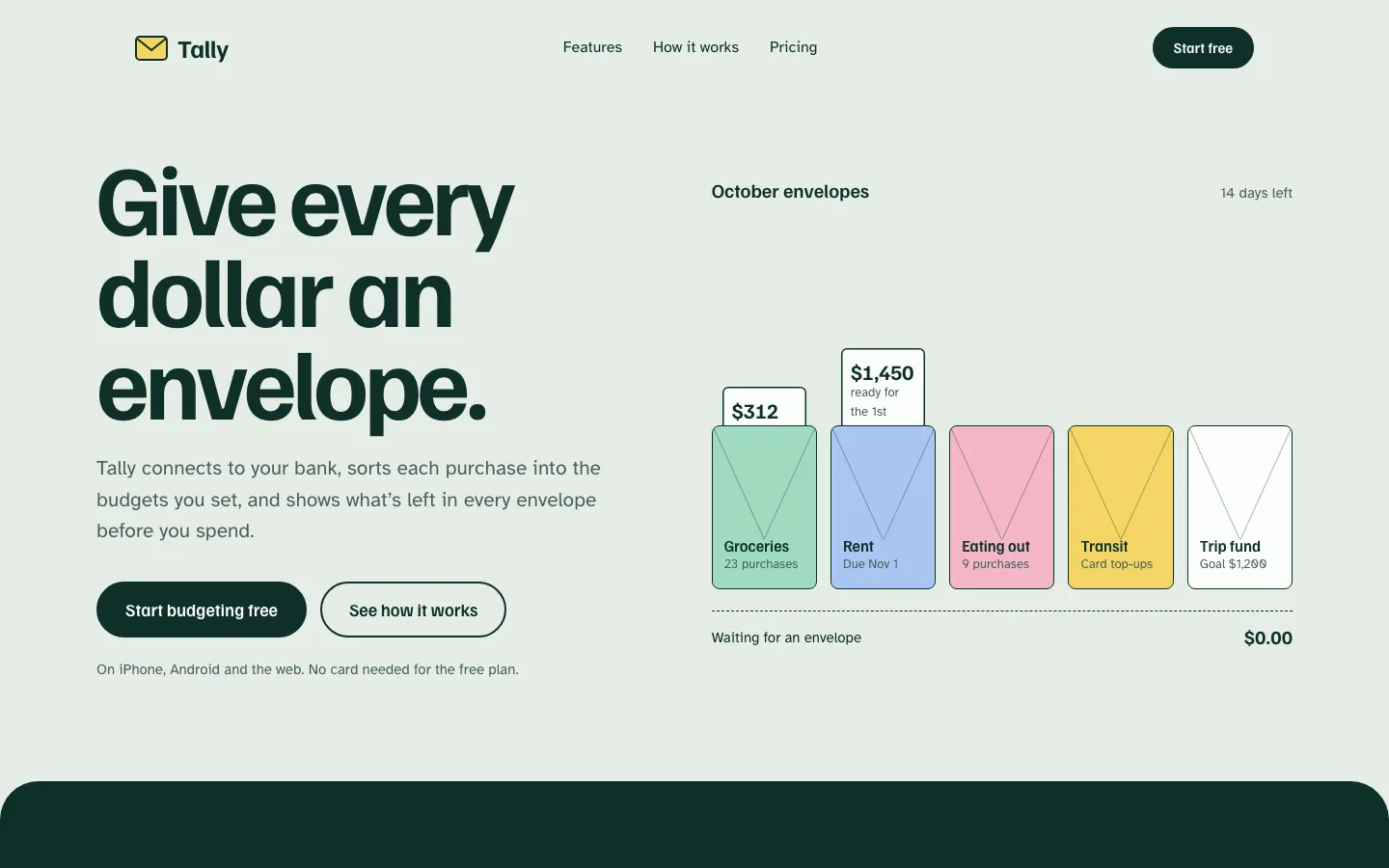
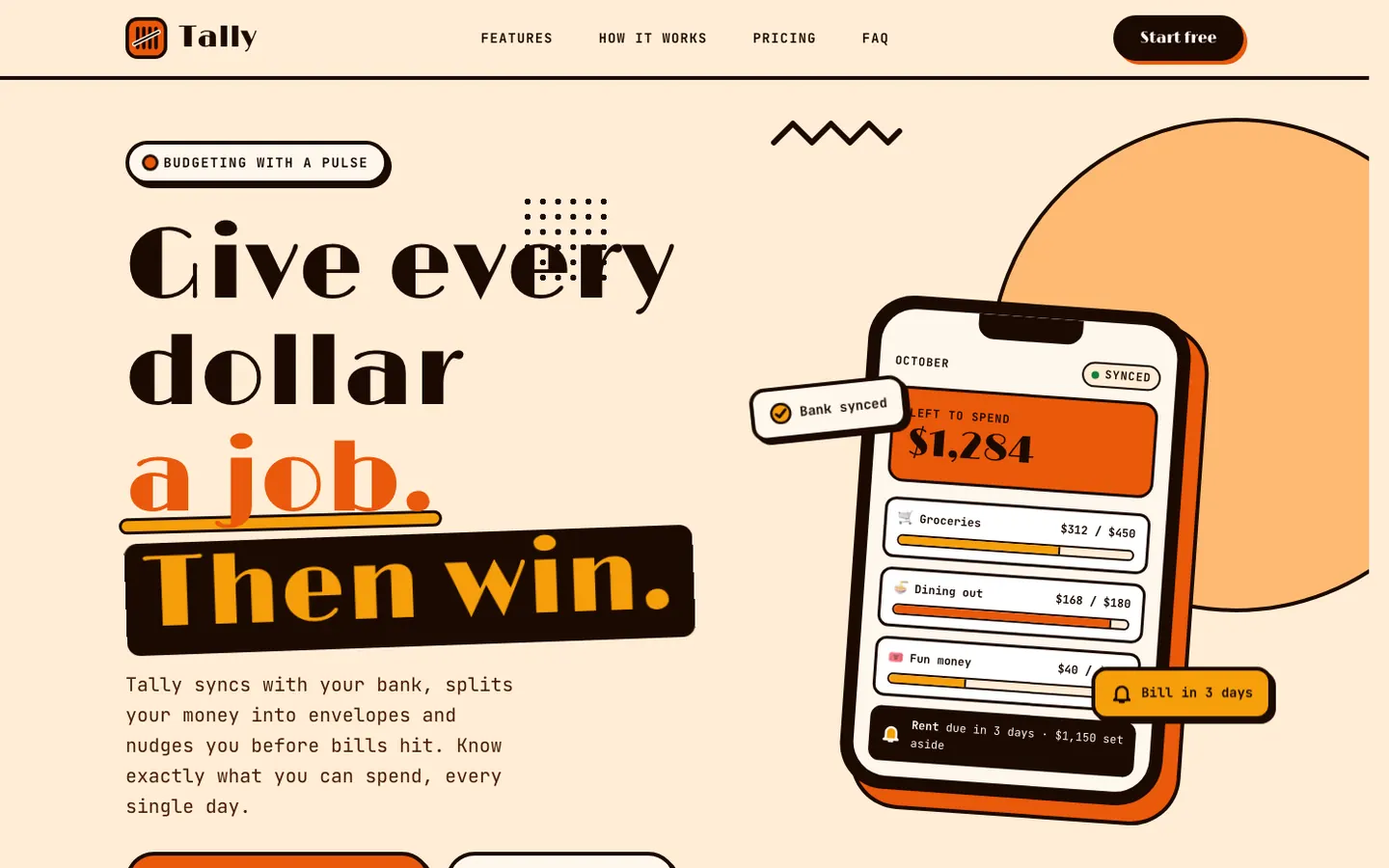
First screen only. Switch to side by side to read the full pages.
Scroll either page; the other follows.
Anthropic's frontend-design gives Tally a mint-and-pastel landing page and a navy-and-manila ledger dashboard, both clearly new. The mobile landing page is wider than the phone, which caps the score.
Side by side
| Field | Pulse (Awesome Design Skills) | Frontend Design (Anthropic) |
|---|---|---|
| Fonts |
|
|
| Colors |
|
|
| Pick it for |
|
|
| Skip it for |
|
|
| Observations |
|
|
Install Pulse (Awesome Design Skills)
1 Run in your terminal
npx degit bergside/awesome-design-skills/skills/pulse#main .claude/skills/pulse2 Or paste a prompt into Claude Code, Codex, Cursor or Gemini
It tells your tool to install this from its source repository.
This install is for Claude Code only; for other agents use Copy prompt or copy the skill folder.
Copies just this skill's folder into your project's .claude/skills.
Check the source for the latest instructions.
Install Frontend Design (Anthropic)
1 Run in your terminal
/plugin marketplace add anthropics/skills2 Or paste a prompt into Claude Code, Codex, Cursor or Gemini
It tells your tool to install this from its source repository.
Plugin install is Claude Code only; for other agents use Copy prompt or copy the skill folder.
Repo root README: registers the anthropics/skills marketplace; then pick the plugin containing frontend-design via 'Browse and install plugins'.
Taken from the project README. Check the source for the latest instructions.