
Flat gives Tally solid color blocks with no shadows or gradients: Inter type, a bright tangerine, tinted feature cards and an orange "how it works" band. The dashboard uses a dark sidebar and one tangerine tile for "Left to budget", with a bright color per envelope. It is clean and cheerful. Pick it for friendly products that want a simple, flat look.
Flat vs Riso
Awesome Design Skills · Awesome Design Skills
Tied at 3/5 on the same brief. Pick by fit: the rows below show where each one is stronger.
Both built the Tally landing page in the same Claude Code test, and both design the Maximalist way: loud color, big type, more is more. Both are best for: visual direction.
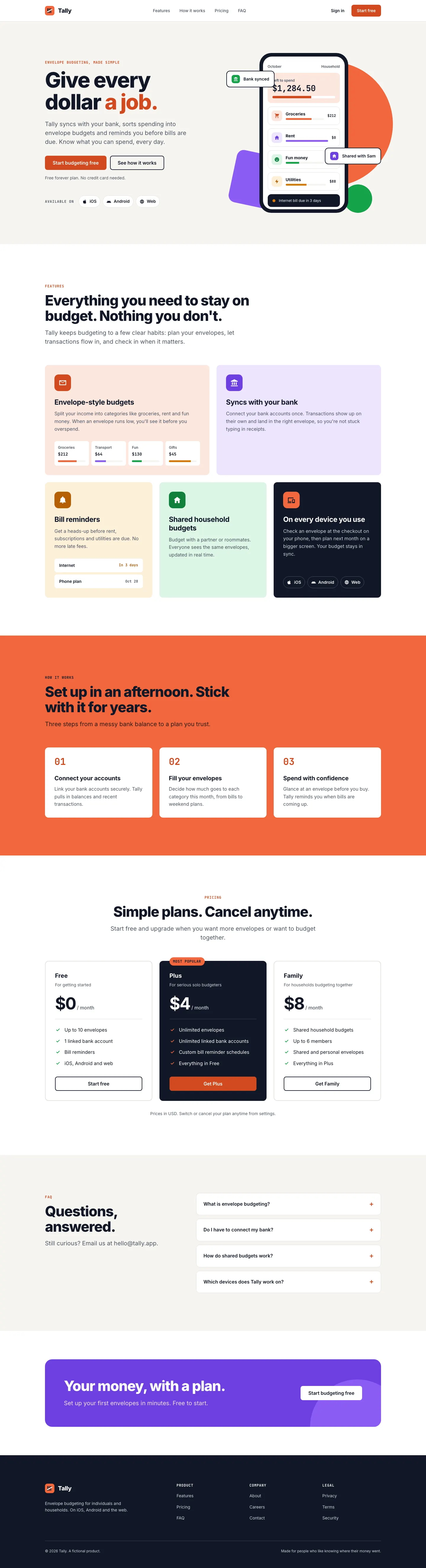
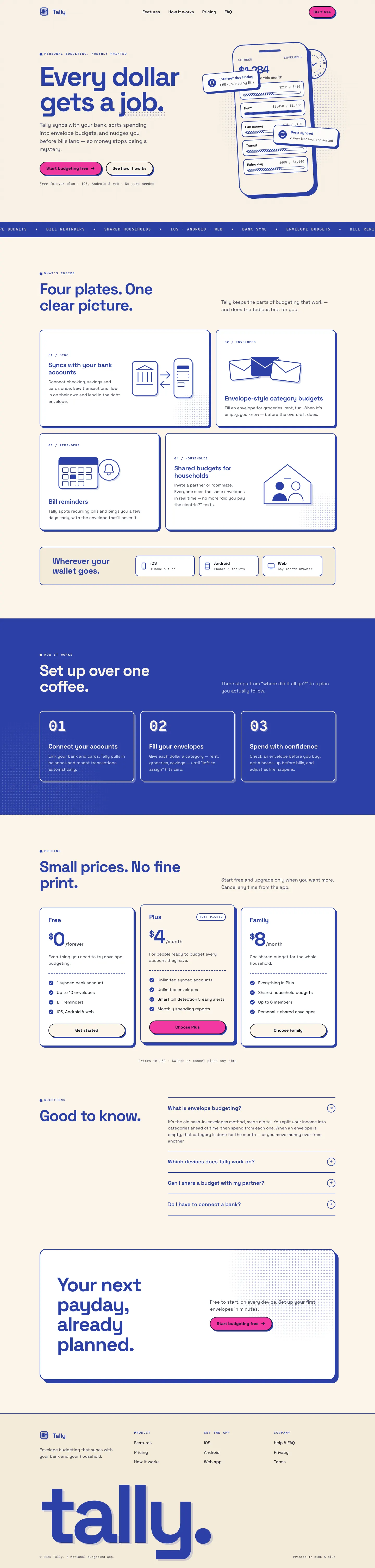
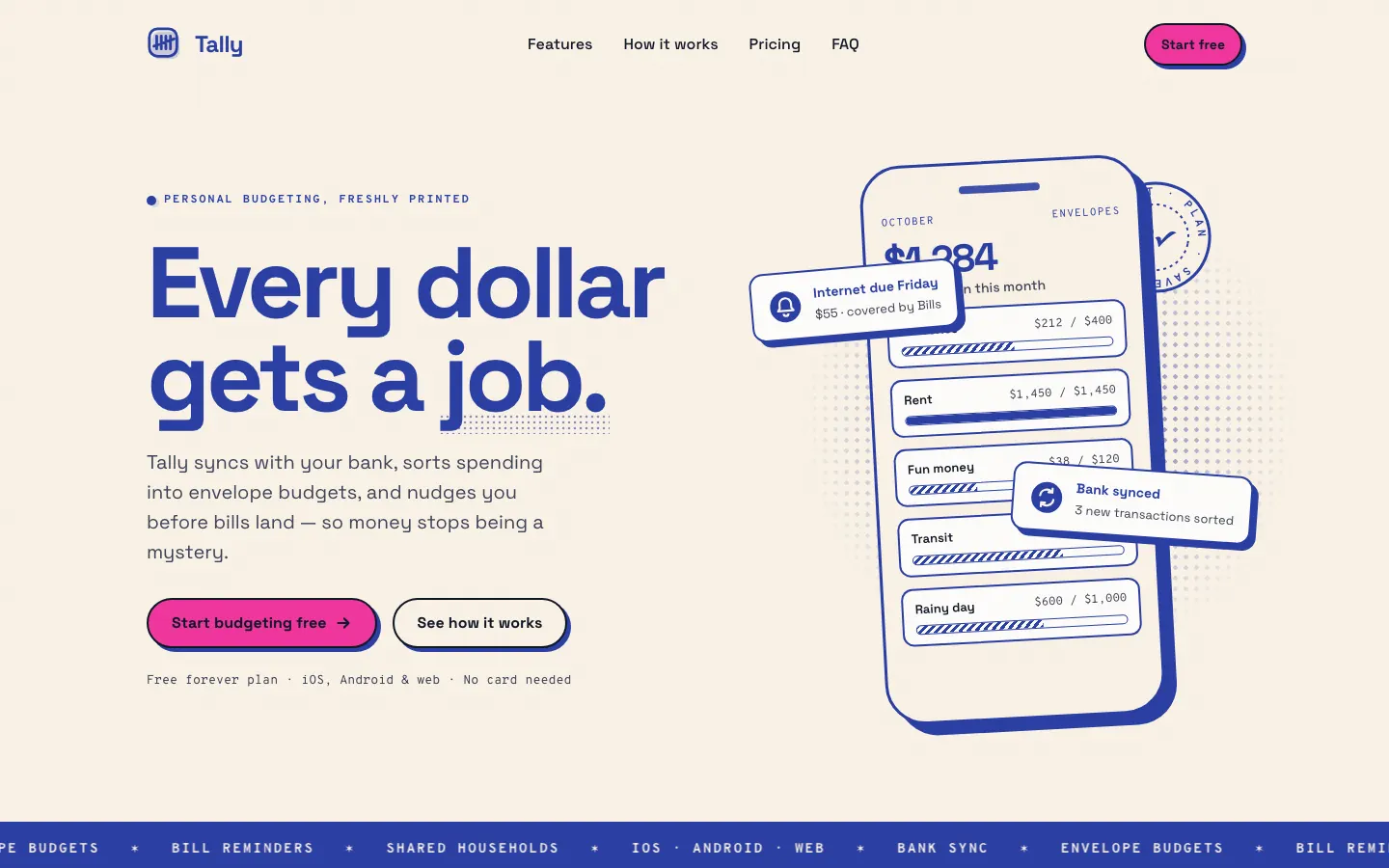

First screen only. Switch to side by side to read the full pages.
Scroll either page; the other follows.
Riso prints Tally in two inks: federal blue for headings and line art, fluorescent pink only on things you click, on warm grainy paper with halftone dots and offset print shadows. The dashboard keeps the same paper and two inks. It has a real point of view, but both mobile pages scroll sideways. Pick it for playful, print-loving brands.
Side by side
| Field | Flat (Awesome Design Skills) | Riso (Awesome Design Skills) |
|---|---|---|
| Fonts |
|
|
| Colors |
|
|
| Pick it for |
|
|
| Skip it for |
|
|
| Observations |
|
|
Install Flat (Awesome Design Skills)
1 Run in your terminal
npx degit bergside/awesome-design-skills/skills/flat#main .claude/skills/flat2 Or paste a prompt into Claude Code, Codex, Cursor or Gemini
It tells your tool to install this from its source repository.
This install is for Claude Code only; for other agents use Copy prompt or copy the skill folder.
Copies just this skill's folder into your project's .claude/skills.
Check the source for the latest instructions.
Install Riso (Awesome Design Skills)
1 Run in your terminal
npx degit bergside/awesome-design-skills/skills/riso#main .claude/skills/riso2 Or paste a prompt into Claude Code, Codex, Cursor or Gemini
It tells your tool to install this from its source repository.
This install is for Claude Code only; for other agents use Copy prompt or copy the skill folder.
Copies just this skill's folder into your project's .claude/skills.
Check the source for the latest instructions.