
Artistic sets Tally as an Art Deco poster: Limelight display type, JetBrains Mono body text, navy and white sections and solid blue and violet blocks with hard offset shadows. The dashboard keeps the dark sidebar, thick outlines and big colored summary blocks. It has a real point of view, but the mobile dashboard scrolls sideways. Pick it for expressive, poster-like brands.
Artistic vs Fantasy
Awesome Design Skills · Awesome Design Skills
Tied at 3/5 on the same brief. Pick by fit: the rows below show where each one is stronger.
Both built the Tally landing page in the same Claude Code test, and both design the Maximalist way: loud color, big type, more is more. Both are best for: visual direction.
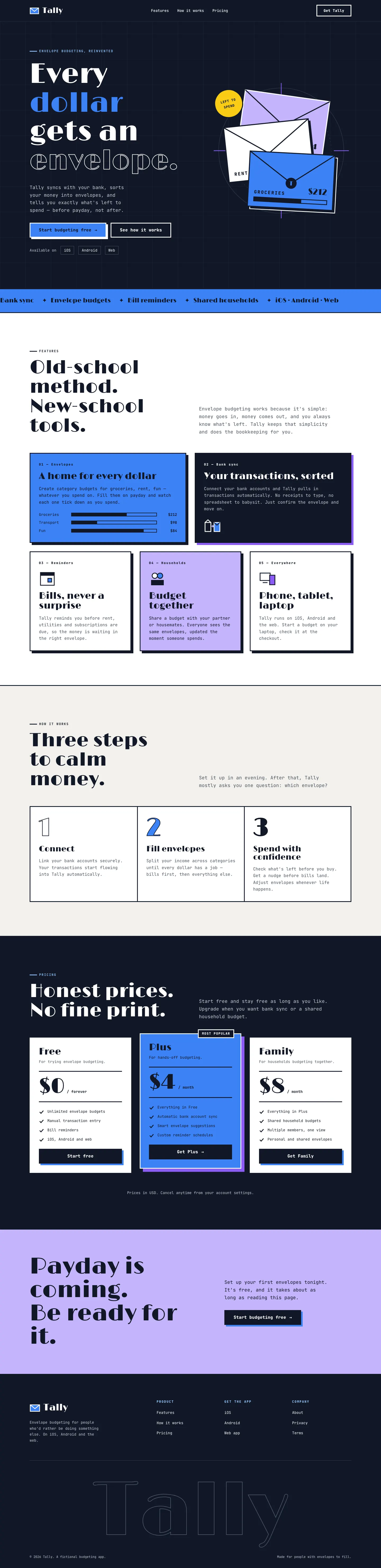
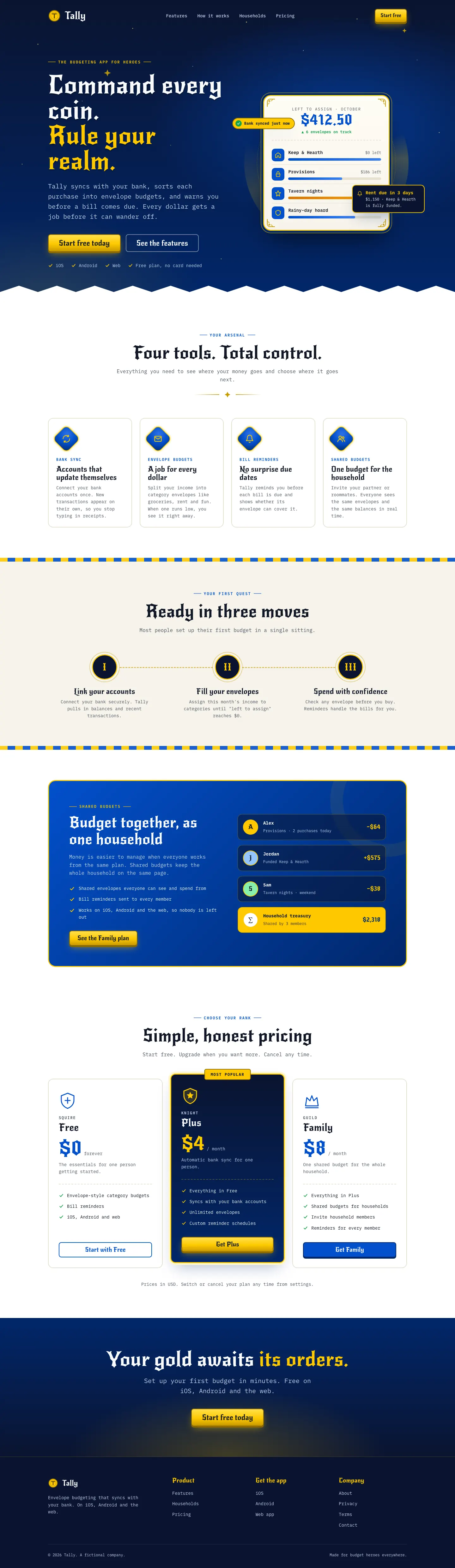

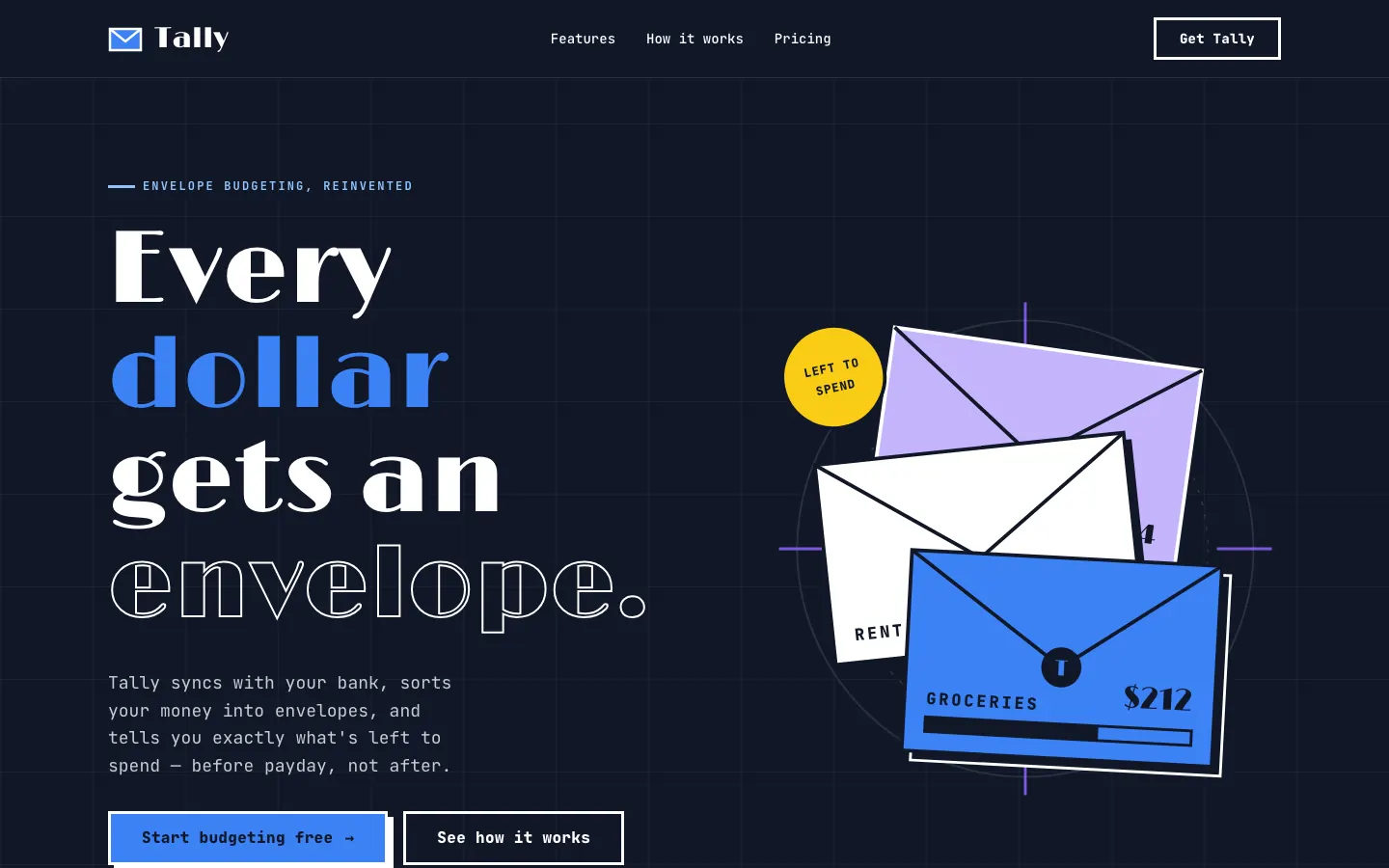
First screen only. Switch to side by side to read the full pages.
Scroll either page; the other follows.
Fantasy recasts Tally as a royal treasury: a starry navy hero, New Rocker display type, gold accents, envelopes as "coffers" and plans named Squire, Knight and Guild. The dashboard has a deep-blue sidebar with a gold crest and gold-cornered cards. The theme is fun and consistent, but the light dashboard is calmer than the landing. Pick it for gaming or playful brands.
Side by side
| Field | Artistic (Awesome Design Skills) | Fantasy (Awesome Design Skills) |
|---|---|---|
| Fonts |
|
|
| Colors |
|
|
| Pick it for |
|
|
| Skip it for |
|
|
| Observations |
|
|
Install Artistic (Awesome Design Skills)
1 Run in your terminal
npx degit bergside/awesome-design-skills/skills/artistic#main .claude/skills/artistic2 Or paste a prompt into Claude Code, Codex, Cursor or Gemini
It tells your tool to install this from its source repository.
This install is for Claude Code only; for other agents use Copy prompt or copy the skill folder.
Copies just this skill's folder into your project's .claude/skills.
Check the source for the latest instructions.
Install Fantasy (Awesome Design Skills)
1 Run in your terminal
npx degit bergside/awesome-design-skills/skills/fantasy#main .claude/skills/fantasy2 Or paste a prompt into Claude Code, Codex, Cursor or Gemini
It tells your tool to install this from its source repository.
This install is for Claude Code only; for other agents use Copy prompt or copy the skill folder.
Copies just this skill's folder into your project's .claude/skills.
Check the source for the latest instructions.